AI agent for auto mechanics
ADAS Calibration Requirement Check Agent
No job that affects driver assistance systems closes without the required calibration and its report.
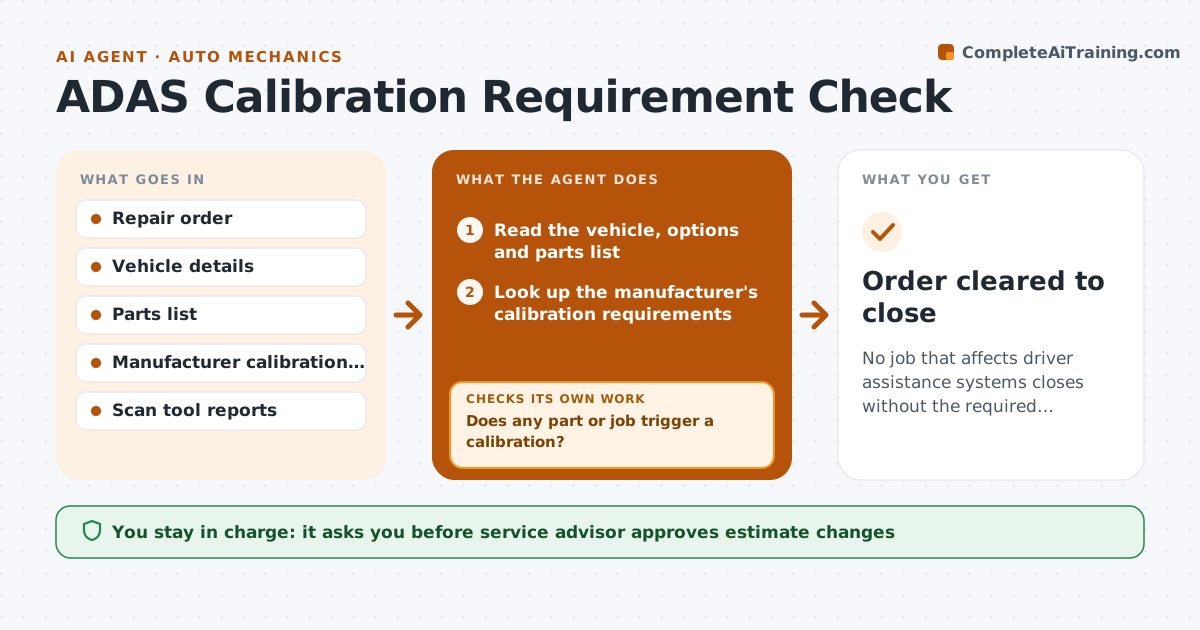
What it does
A windshield replacement can shift a camera by a few degrees, and if the shop skips calibration, the lane assist may not work. For each repair order, this agent reads the vehicle and the parts being replaced and checks them against the manufacturer's calibration rules. When a calibration is required, it adds the calibration line, the time and the price to the estimate. After the job, it checks that the calibration results are attached to the order, and blocks closing the order if they are missing. It watches for work that changes later, such as a bumper added to an alignment. The service advisor approves estimate changes. Edge case: a vehicle needs both static and dynamic calibration.
How it works
Follow the arrows from top to bottom. The orange dashed arrow is the loop: when a check fails, the agent goes back and tries again.
Read the steps as a list
- Repair order created or changed
- Read the vehicle, options and parts list
- Look up the manufacturer's calibration requirements
- Does any part or job trigger a calibration?If not: recheck the vehicle options and the sensors listed on the VIN. Back to step 2.
- Add the calibration line, time and price to the estimate draft
- Service advisor approves the estimate changeThe agent waits here for your OK.
- Track the job through to completion
- Check the order for the calibration report
- Is a passing calibration report attached?If not: hold the order from closing and alert the advisor. Back to step 8.
- Record the result in the vehicle history
- Order cleared to close
How it decides
It requires calibration when any replaced or adjusted part is listed in the manufacturer's rules for that model, and holds the order until a passing report is attached.
- Require calibration for any part on the manufacturer's trigger list.
- Hold orders from closing without a passing report.
- Check again if the parts list changes during the job.
- Note whether static, dynamic or both are required.
Make it yours
Every agent is a starting point. You choose these settings for your own situation.
- Manufacturers covered
- Calibration labor rate
- Trigger parts list
- Closing rules
What keeps you in control
It always asks you first
- Service advisor approves estimate changes
Hard limits
- Never mark a calibration done itself
- Always cite the manufacturer rule used
It stops when
- Done: calibration reported and order closed.
- Stop: no rule found for the vehicle, so the advisor checks manually.
Set it up
We guide you through the set-up, step by step
Members get the full set-up guide for this agent. No technical skills needed: you copy, paste and upload.
- One set of instructions to paste into your AI, with the clicks for ChatGPT, Claude, Microsoft 365 Copilot, Gemini and Grok
- The agent then walks you through connecting your own data, one source at a time
- A downloadable copy with the flow chart, the rules and the full guide