
Learning path
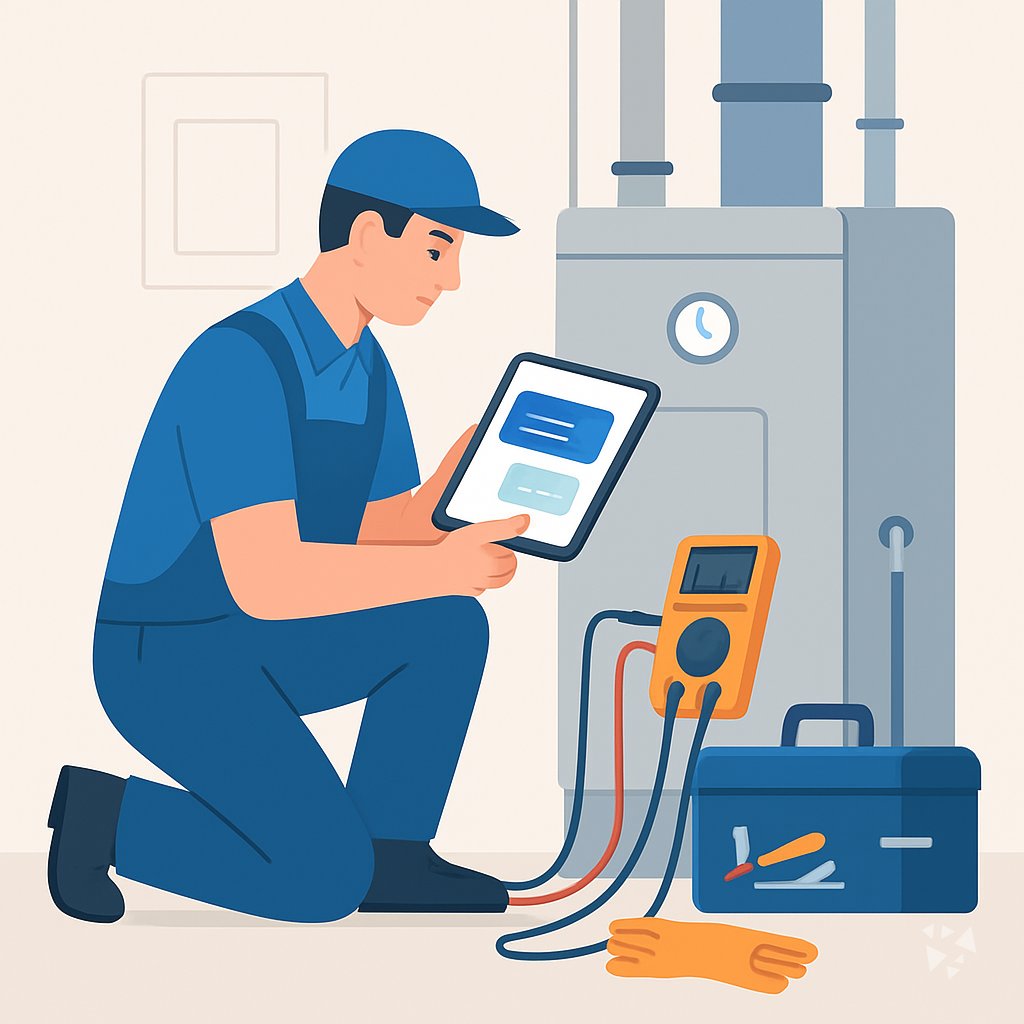
Learning AI as a Field Service Technician
Learn to use AI to explain error codes, plan service calls, and write reports without the guesswork. This path fits around your schedule and keeps your skills current.
Your path
Everything in the Field Service Technician AI kit, in the order that makes sense. Members tick off each step and see their progress.
Set up your AI
We guide you through each click.
Let skills do your everyday tasks
Connect your apps and pick your AI apps
Hand whole tasks to AI agents
Build your own tools
Keep growing
Everything for field service technicians
All the courses, certifications, AI tools, MCP servers and apps for field service technicians, most relevant first. Open any list to see more.
Take the prompt courses
A short framework course to learn how to ask, then 9 lessons with ready-to-use prompts for field service technicians.
Start with this framework: how to talk to AI
CARE fits your field service tickets because each one needs context, action, result, and example, like a pump seal replacement.
Then your prompt course for field service technicians- 1Explain Equipment & Error Codes3 prompts
- 2Prepare for Service Calls3 prompts
- 3Troubleshoot from Symptoms3 prompts
- 4Communicate with Customers3 prompts
- 5Document Service Reports3 prompts
- 6Plan Preventive Maintenance2 prompts
- 7Manage Parts & Replacements3 prompts
- 8Calibrate Instruments2 prompts
- 9Install & Commission Systems2 prompts
Watch the video courses or add them to your Favorites for later
79 video courses our AI picked for field service technicians, most useful first. Save the ones you want to watch later with the heart.
Favorites are saved to your account: sign in or get your AI kit first.
Show all 79 video courses
Get certified, or add certifications to your Favorites
Every course ends in an exam and a certificate you can add to LinkedIn. Save the certifications you are aiming for with the heart.
Favorites are saved to your account: sign in or get your AI kit first.
More certifications for field service techniciansShow all 24 certifications
Try the AI tools for field service technicians
12 AI tools our AI matched to the work of field service technicians, best fit first. Each review shows what it does, its alternatives and the jobs it suits.
Favorites are saved to your account: sign in or get your AI kit first.
Show all 12 AI tools
Connect your AI to the apps field service technicians use
MCP servers let ChatGPT, Claude or Copilot look things up and get work done in other apps, like your email, calendar or bookkeeping software. These 12 fit the work of field service technicians best, well-known apps first.

Google Maps MCP server
by cablateLets your AI look up places, routes, travel times, weather and local rankings using Google Maps.

GeoWire MCP server
by geowireLet your AI find places, give directions, and analyze neighborhoods right inside your chats.

ThinAir Geo MCP server
by ThinAirTelematicsLook up addresses, plan routes, check traffic and weather, and find places, all from your AI chat.
APINo install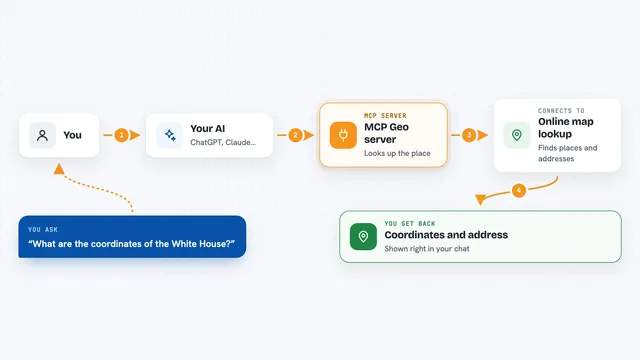
MCP Geo server
by webcoderzTurn addresses into map coordinates and back, and measure distances between places, right inside your chat.

FoundryNet Forge MCP server
by FoundryNetLets your AI read and manage data from industrial machines like CNC machines and robots in plain language.
AnalyticsNo install
ThingsBoard MCP server
by thingsboardAsk your AI about your ThingsBoard devices, alarms and sensor data in plain words.
Analytics OfficialShow all 12 MCP servers

GX Works3 PLC analysis MCP server
by purinzanAsk your AI why a coil in a Mitsubishi PLC project never turns on, without opening GX Works3.

OpenStreetMap MCP server
by ni-cAsk your AI for walking, driving and cycling routes, travel times, nearby places and meeting points using OpenStreetMap.

Stadia Maps MCP server
by stadiamapsLet your AI look up addresses, time zones, routes, and make maps for you.

Predictive Maintenance MCP server
by LGDiMaggioLet your AI read vibration signals, spot bearing faults, and write diagnostic reports with ISO-cited severity.
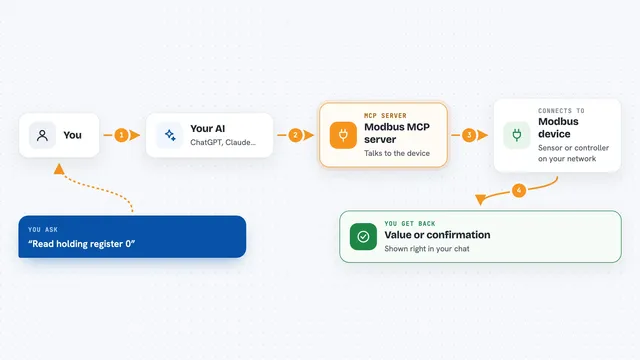
Modbus MCP server
by kukapayLets your AI read and write values on industrial Modbus devices, like sensors and controllers.
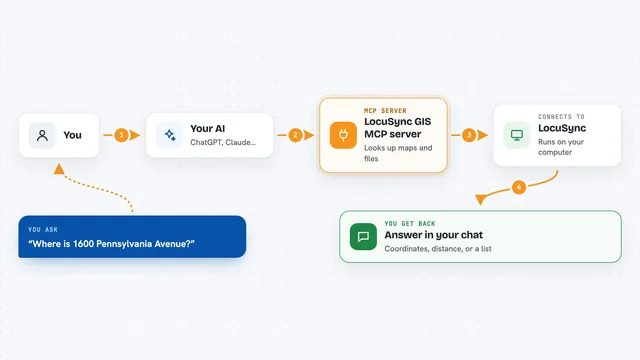
LocuSync GIS MCP server
by matbel91765Let your AI look up addresses, map routes, check elevations, and work with map files for you.
Build your own AI apps for field service technicians
Apps you build yourself with your own AI, no coding needed and no monthly fee. Our AI picked the 8 that fit the work of field service technicians.
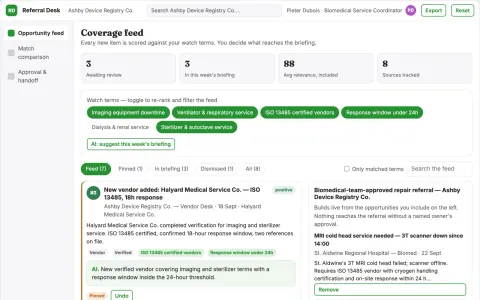
Medical equipment downtime coordination network
Shorten coordination delay before authorized maintenance.
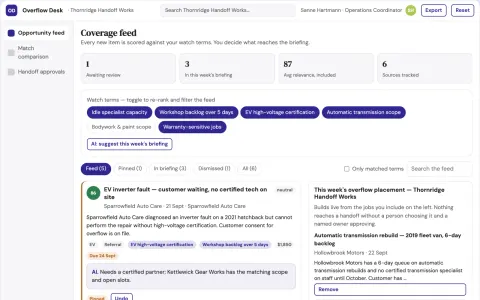
Repair network workload balancing exchange
Monetize spare capacity and shorten verified waits.
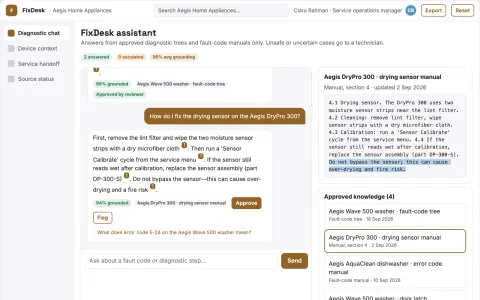
Technical troubleshooting assistant
Model-aware diagnostic sequences with explicit stopping conditions.
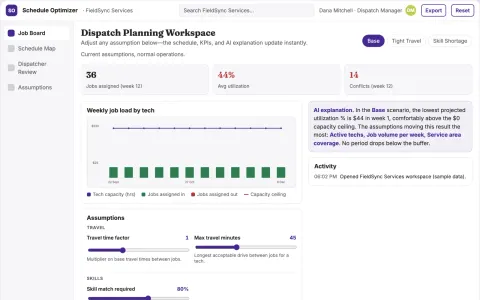
Service scheduling coordinator
Transparent job eligibility and scheduling constraints for a specific service trade.
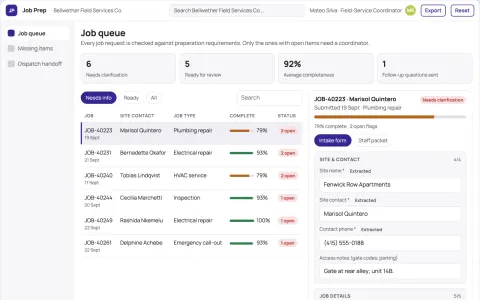
Service job preparation pack
Complete logistics before field dispatch.
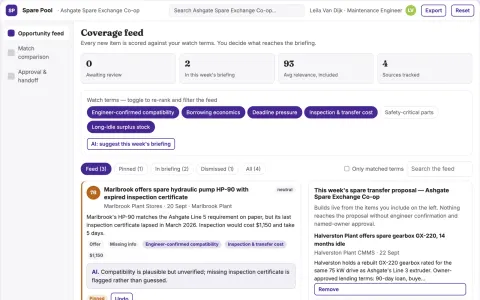
Industrial maintenance spare pooling exchange
Reduce emergency procurement delay using existing stock.
Show all 8 apps

















































































About this learning path
6 topicsAI for Field Service Technicians: A Practical Path
AI is changing how field service technicians work. It can help you find answers faster, prepare for calls, and keep customers informed without adding extra hours to your day.
This learning path shows you how to use AI tools on your phone or laptop. You will start with simple setup, connect your AI, and practice with prompts made for the job you already do.
Why AI Matters for This Job Now
Customers expect quick answers and clear explanations. Equipment is getting more complex, and paperwork takes time. AI can help you keep up without working longer hours.
Technicians who use AI well can diagnose faster, communicate better, and document their work with less effort. That makes them more valuable to their company and their customers.
What the Path Includes
You will get setup questions to choose the right AI tool, guidance on connecting it securely, and a set of skills for the job inside your AI. Then you take the prompt course with ready-to-use prompts for service calls.
The path also includes video courses picked for field service work and the certifications that come with them. Everything is designed to fit around your schedule.
How It Saves You Time
Instead of searching through spec sheets or guessing at error codes, you can ask AI and get a plain answer in seconds. You can plan a call with a tool and parts list before you drive out.
You can turn your notes into a service report without staring at a blank page. The time you save adds up, and you can use it for the next job or for yourself.
How It Protects Your Career
AI will not replace technicians who know how to use it. It will replace some of the repetitive parts of the job, like looking up information or writing reports.
By learning these skills, you show that you can adapt. You become the person who gets the tough calls because you can find answers and keep customers calm.
How to Start
Start with the setup questions and connect the AI tool you already have or can access easily. Then pick one prompt from the course and try it on your next call.
You do not need to learn everything at once. Use one prompt a day until it feels natural, then add another. The path is built to be practical from the first lesson.
Frequently asked questions
Do I need to be good with technology?
No. If you can use a smartphone and a web browser, you can use these AI tools. The course starts with the basics and builds up step by step.Will AI replace field service technicians?
No. AI helps you find information and plan work, but the hands-on repair and customer trust still come from you. It makes your expertise more valuable.Which AI tools will I use?
You will practice with common tools like ChatGPT, Claude, and Gemini. The lessons show you how to use them on a phone or laptop.How long does the path take?
You can go at your own pace. Most learners finish the prompt course in a few hours and can start using the prompts the same day.