AI agent for insurance agency managers
Agency Carrier Appointment and Appetite Tracker Agent
Send each risk to the carriers most likely to quote, and learn from every decline.
What it does
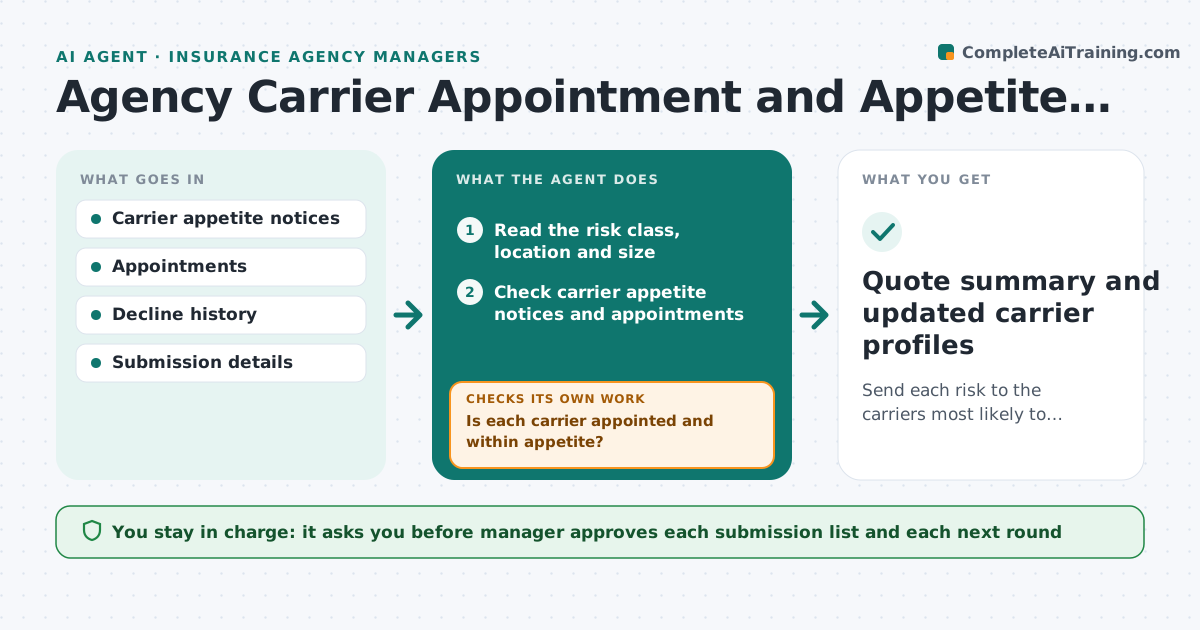
Carriers change their appetite often, and producers submit risks to carriers that will decline them, wasting days. The agent tracks each carrier's appetite notices, appointments and recent declines, matches each new submission to the best carriers, and flags poor fits. After a decline, it reads the reason and tries the next carrier. It learns from patterns, such as a carrier declining restaurants over a certain size. The manager approves the submission list. Edge case: a carrier's notice says it no longer writes frame buildings in coastal counties, so the agent removes it from the list for a coastal frame risk.
How it works
Follow the arrows from top to bottom. The orange dashed arrow is the loop: when a check fails, the agent goes back and tries again.
Read the steps as a list
- New submission received
- Read the risk class, location and size
- Check carrier appetite notices and appointments
- Rank carriers by fit and decline history
- Is each carrier appointed and within appetite?If not: Remove poor fits and rank again. Back to step 3.
- Manager approves the submission listThe agent waits here for your OK.
- Send the submission to the approved carriers
- Record the quotes and declines
- Did any carrier quote?If not: Read the decline reasons, update the profile and propose the next carriers. Back to step 3.
- Manager approves the next roundThe agent waits here for your OK.
- Quote summary and updated carrier profiles
How it decides
It ranks carriers by appointment, appetite fit and decline history. A decline reason updates the carrier's profile and moves the submission to the next carrier.
- No appointment means no submission
- A notice that excludes the class removes the carrier
- Two similar declines mark a pattern
- Send to at most 4 carriers per round
Make it yours
Every agent is a starting point. You choose these settings for your own situation.
- Carriers in scope
- Carriers per round (default 4)
- Decline patterns to track
- Appetite notice sources
What keeps you in control
It always asks you first
- Manager approves each submission list and each next round
Hard limits
- Never submits to a carrier without approval
- Never submits to a carrier without an appointment
It stops when
- Done: quotes received and recorded
- Stop: no carrier is left, so the manager decides
Set it up
We guide you through the set-up, step by step
Members get the full set-up guide for this agent. No technical skills needed: you copy, paste and upload.
- One set of instructions to paste into your AI, with the clicks for ChatGPT, Claude, Microsoft 365 Copilot, Gemini and Grok
- The agent then walks you through connecting your own data, one source at a time
- A downloadable copy with the flow chart, the rules and the full guide