AI agent for students
Bar Exam Study Schedule Agent
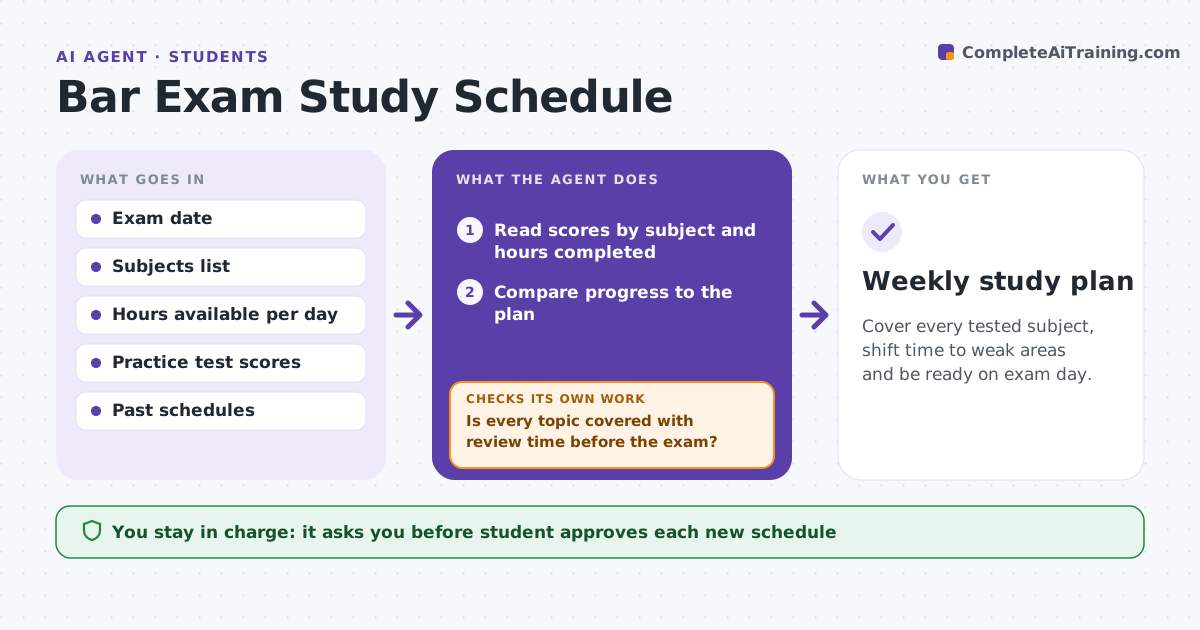
Cover every tested subject, shift time to weak areas and be ready on exam day.
What it does
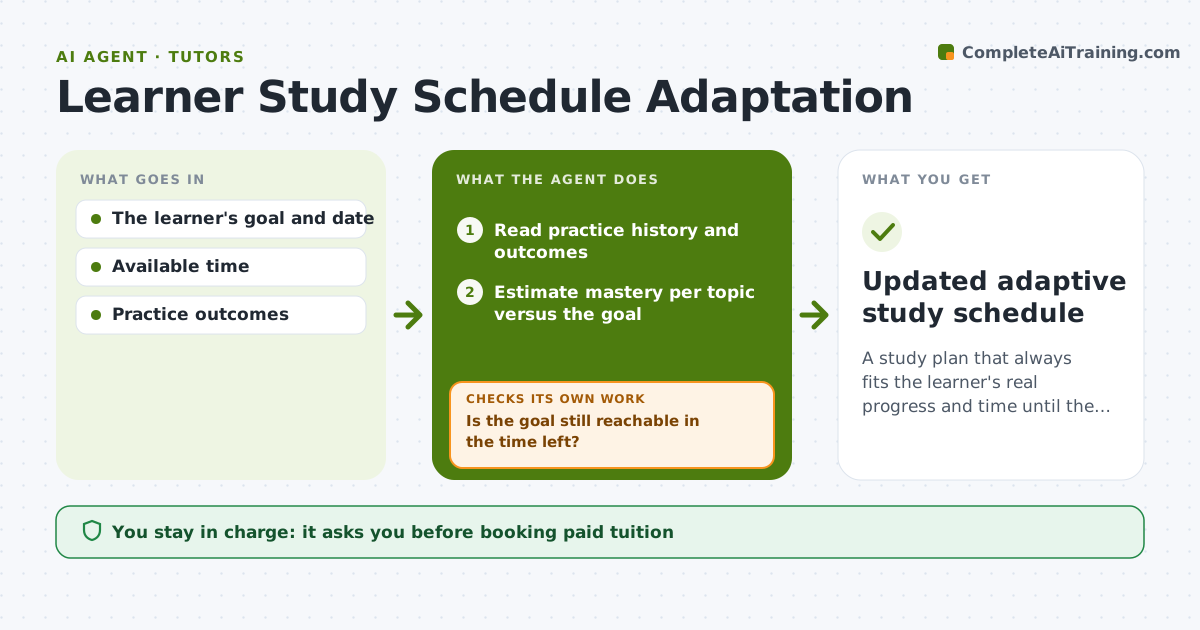
Bar study plans fall apart after three weeks when the student falls behind or one subject feels worse than the plan says. This agent builds a schedule from the exam date and subjects, reads practice scores each week and shifts study time toward weak areas. It rebuilds the plan weekly, and before each rebuild it checks that every topic is covered before the exam with enough review. If coverage falls short, it moves time or trims low-value items and tells the student. The student approves each new plan. Edge case: a student misses three days because of illness, so the agent compresses the plan and drops optional review instead of cutting a heavy subject.
How it works
Follow the arrows from top to bottom. The orange dashed arrow is the loop: when a check fails, the agent goes back and tries again.
Read the steps as a list
- Week begins and practice scores are entered
- Read scores by subject and hours completed
- Compare progress to the plan
- Rebuild the next week's schedule by weakness and weight
- Check topic coverage between now and the exam
- Is every topic covered with review time before the exam?If not: move time, trim optional review and rebuild. Back to step 4.
- Write the schedule and a short rationale
- Student approves the new planThe agent waits here for your OK.
- Weekly study plan
How it decides
It allocates time by subject weight and recent practice score. It adds time to any subject under 60% and drops optional review first when time is short.
- Add time to any subject scoring under 60%
- Reserve the last week for mixed review
- Drop optional items before core topics
- Cap a day's study at the hours the student set
Make it yours
Every agent is a starting point. You choose these settings for your own situation.
- Exam date
- Study hours per day
- Weak threshold (default 60%)
- Subject weights
- Rest days
What keeps you in control
It always asks you first
- Student approves each new schedule
Hard limits
- Never claim a score predicts passing
- Never schedule more hours than the student set
It stops when
- Done: the plan covers all subjects before the exam
- Stop: remaining time cannot cover all topics
Set it up
We guide you through the set-up, step by step
Members get the full set-up guide for this agent. No technical skills needed: you copy, paste and upload.
- One set of instructions to paste into your AI, with the clicks for ChatGPT, Claude, Microsoft 365 Copilot, Gemini and Grok
- The agent then walks you through connecting your own data, one source at a time
- A downloadable copy with the flow chart, the rules and the full guide