AI agent for chemical engineers
Batch Yield Loss Investigation Agent
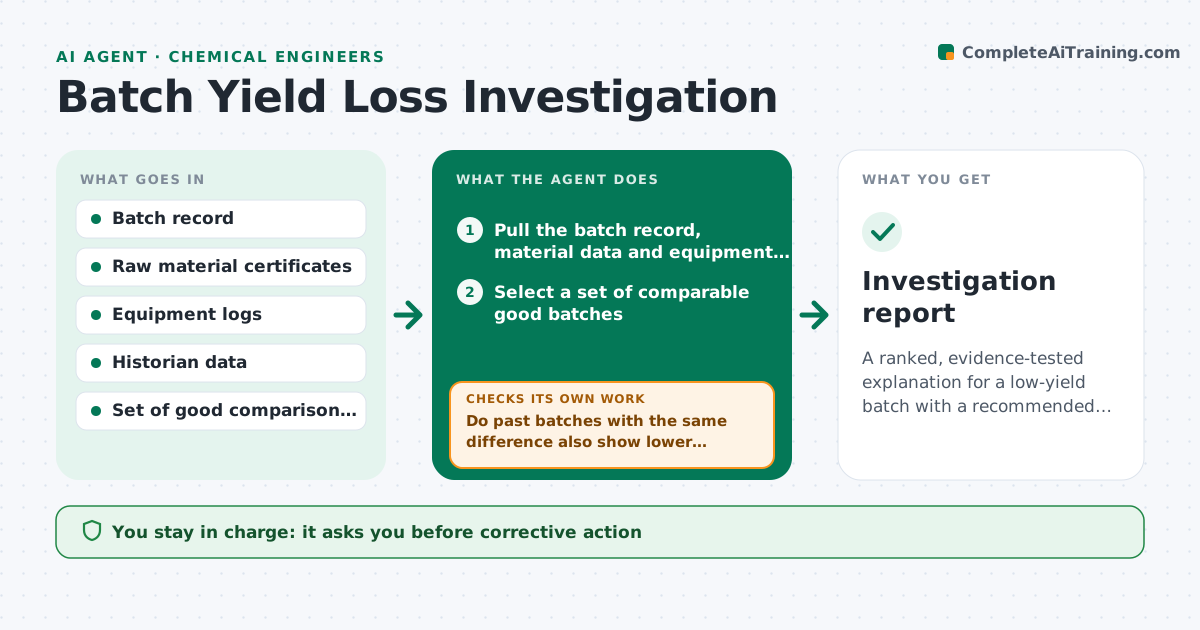
A ranked, evidence-tested explanation for a low-yield batch with a recommended corrective action
What it does
After a low-yield batch, explanations are often a quick guess and the real cause stays hidden. This agent starts from the batch record and compares it to a set of good batches. It lines up raw material lots, equipment logs, hold times, temperatures and operator notes, and ranks the differences. It then tests the top suspect against past data: did other batches with the same difference also lose yield? If not, it moves to the next suspect and retests. It reports the best supported cause with the evidence and a confidence level. The engineer approves any corrective action. Edge case: the top suspect is a raw material lot, but two good batches used the same lot, so the agent drops it and moves on.
How it works
Follow the arrows from top to bottom. The orange dashed arrow is the loop: when a check fails, the agent goes back and tries again.
Read the steps as a list
- Batch yield falls below threshold
- Pull the batch record, material data and equipment logs
- Select a set of comparable good batches
- Compare parameters and rank differences by effect size
- Pick the top suspect
- Do past batches with the same difference also show lower yield?If not: drop the suspect and take the next one. Back to step 4.
- Estimate the yield effect of the supported cause
- Does the cause explain most of the yield gap?If not: look for a second contributing difference. Back to step 4.
- Draft the investigation summary with confidence and next steps
- Engineer approves the corrective actionThe agent waits here for your OK.
- Investigation report
How it decides
A difference is a cause candidate only if batches sharing it also show lower yield. Suspects are tested in order of effect size.
- Use at least 10 comparison batches when available
- Reject a suspect shared by good batches
- Report confidence as low when fewer than 3 matching batches exist
- Treat a combined cause when one explains under 70% of the gap
Make it yours
Every agent is a starting point. You choose these settings for your own situation.
- Yield threshold that opens an investigation
- Number of comparison batches (default 10)
- Parameters to compare
- Confidence labels
What keeps you in control
It always asks you first
- Corrective action
- Any change to batch specifications
Hard limits
- Never alters batch records
- Never states a root cause as certain when data is thin
It stops when
- Done: cause supported and action approved
- Stop: too few comparable batches to test
Set it up
We guide you through the set-up, step by step
Members get the full set-up guide for this agent. No technical skills needed: you copy, paste and upload.
- One set of instructions to paste into your AI, with the clicks for ChatGPT, Claude, Microsoft 365 Copilot, Gemini and Grok
- The agent then walks you through connecting your own data, one source at a time
- A downloadable copy with the flow chart, the rules and the full guide