
Learning path
Learning AI as a Chemist
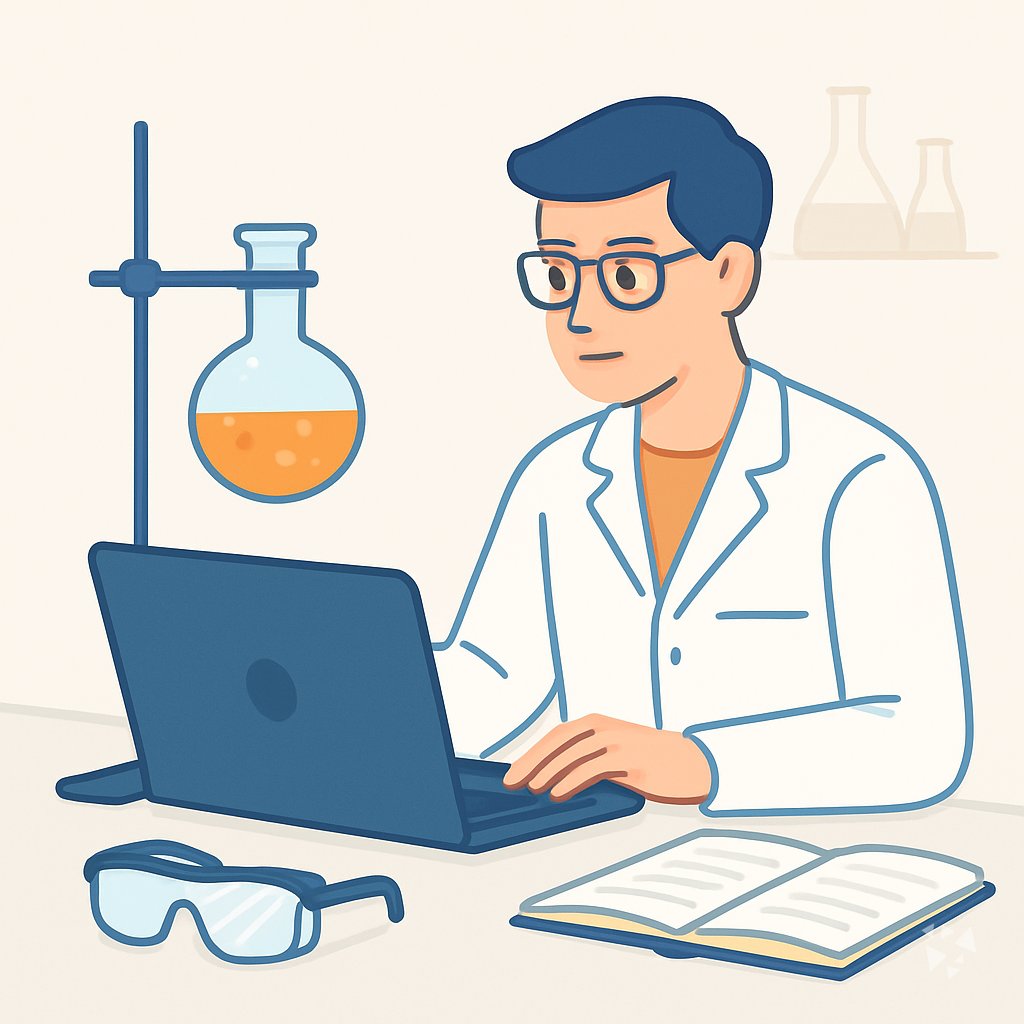
This path helps chemists use AI for lab planning, safety paperwork, data review, and clear documentation. You start with setup, connect your AI, then practice prompts built for chemistry work.
Your path
Everything in the Chemist AI kit, in the order that makes sense. Members tick off each step and see their progress.
Set up your AI
We guide you through each click.
Let skills do your everyday tasks
Connect your apps and pick your AI apps
Hand whole tasks to AI agents
Build your own tools
Keep growing
Everything for chemists
All the courses, certifications, AI tools, MCP servers and apps for chemists, most relevant first. Open any list to see more.
Take the prompt courses
A short framework course to learn how to ask, then 8 lessons with ready-to-use prompts for chemists.
Start with this framework: how to talk to AI
As a chemist, RACE fits because defining role, action, context, and expected quality clarifies HPLC purity analysis for batch release.
Then your prompt course for chemistsWatch the video courses or add them to your Favorites for later
75 video courses our AI picked for chemists, most useful first. Save the ones you want to watch later with the heart.
Favorites are saved to your account: sign in or get your AI kit first.
Show all 75 video courses
Get certified, or add certifications to your Favorites
Every course ends in an exam and a certificate you can add to LinkedIn. Save the certifications you are aiming for with the heart.
Favorites are saved to your account: sign in or get your AI kit first.
More certifications for chemistsShow all 24 certifications
Try the AI tools for chemists
14 AI tools our AI matched to the work of chemists, best fit first. Each review shows what it does, its alternatives and the jobs it suits.
Favorites are saved to your account: sign in or get your AI kit first.
Show all 14 AI tools
Connect your AI to the apps chemists use
MCP servers let ChatGPT, Claude or Copilot look things up and get work done in other apps, like your email, calendar or bookkeeping software. These 12 fit the work of chemists best, well-known apps first.

Molecules MCP server
by laszlopereYour AI can compute molar masses, isotope patterns and look up compounds using trusted NIST chemistry data.

OpenReadout MCP server
by openreadoutLets your AI open raw lab instrument files and pull out images, spectra, and numbers for you.

Mendeley MCP server
by pallaprolusLets your AI search your Mendeley library, read your papers, and organize your folders for you.

Scholar MCP server
by Liyux3Your AI can search academic papers, read them, map citations, and save them into a personal library.
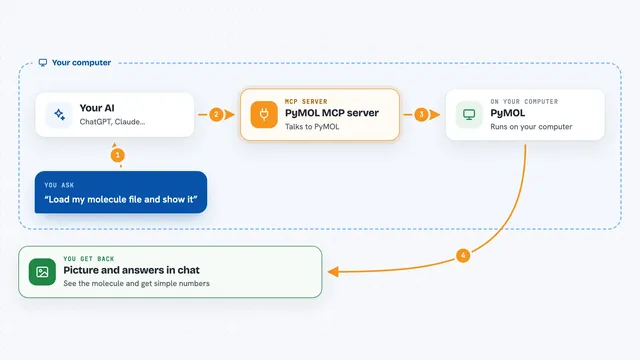
PyMOL MCP server
by wjgoarxivLet your AI load molecules, render pictures, and analyze water cages and hydrogen bonds for you.

arXiv MCP server
by andybrandtLets your AI search arXiv for research papers and pull up their details and full text.
ResearchNo installShow all 12 MCP servers

GNU Units MCP server
by laszlopereLets your AI convert between thousands of units and check unit math, all offline.

Wolfram Alpha MCP server
by ricocfLets your AI look up facts, do math, and answer science and data questions through Wolfram Alpha.

Semantic Scholar MCP server
by smanichesSearch 200M+ academic papers, follow citations, and get author details right inside your AI chat.

Google Scholar MCP server
by HasDataLets your AI search Google Scholar and pull ready-made citations for papers you find.
ResearchNo install
Research Hub MCP server
by WenyuChiouLets your AI search for papers, save them to Zotero, and write notes into your Obsidian vault for you.

Zotero MCP server (Zoteus)
by oscardvsLets your AI search your Zotero library, pull PDF passages with page numbers, and format citations.
ResearchNo installBuild your own AI apps for chemists
Apps you build yourself with your own AI, no coding needed and no monthly fee. Our AI picked the 4 that fit the work of chemists.
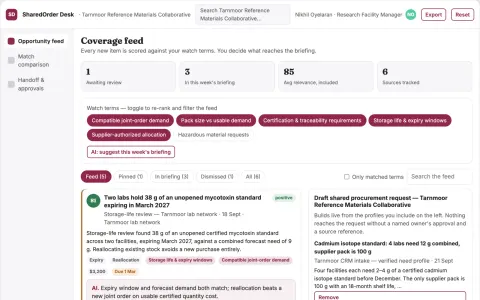
Reference material shared-order coordinator
Reduce waste from oversized reference-material purchases.
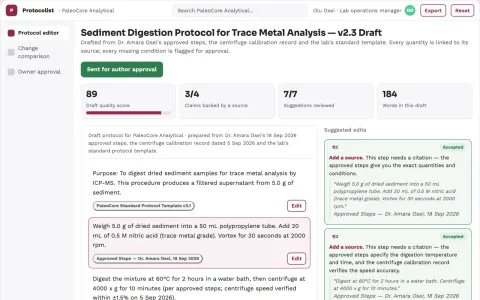
Protocol documentation assistant
Completeness checks and version history without inventing experimental parameters.
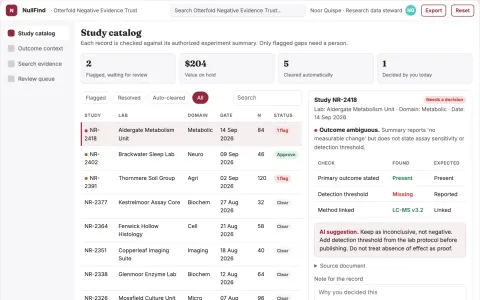
Negative-result study archive
Recover what was tried and why it was inconclusive.
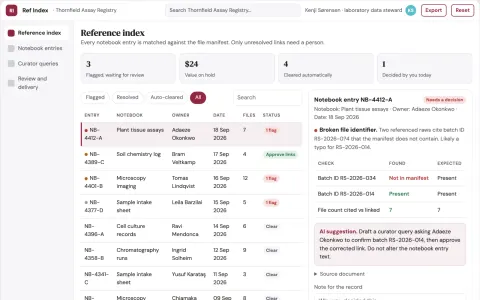
Research notebook reference index
Find supporting records without changing observations.











































































About this learning path
7 topicsAI for Chemists: Plan, Document, and Decide Better
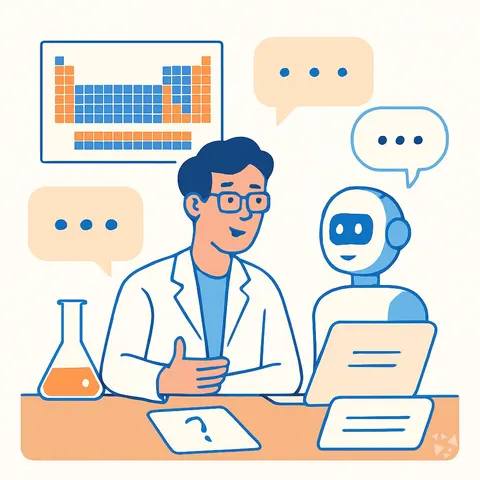
Chemists juggle experiments, safety rules, data, and documentation. AI can help with the writing and checking around the science, so you spend more time at the bench and less on paperwork.
This learning path starts with simple setup questions, shows how to connect your AI tool, adds job skills inside your AI, then walks through a prompt course made for chemistry work. You also get video courses chosen for chemists and the certifications that come with them.
Why AI matters for chemists now
Chemists already use software for instruments, records, and calculations. AI adds a writing and thinking partner for the parts that eat time: drafting protocols, summarizing data, checking math, and turning notes into clear reports. The science still needs your judgment, but the paperwork can move faster.
What this path includes
You begin with setup questions and a short guide to connecting your AI tool. Then you build job skills inside your AI, such as saving prompt templates for safety reviews and data summaries. The center of the path is a prompt course made for chemists, followed by video courses chosen for your role and the certifications that come with them.
How the path saves time
The prompts help you start from a strong draft instead of a blank page. You can check dilution math, outline an experiment, pull key points from a safety sheet, and summarize results before you leave the lab. Small time savings add up across a week.
How it protects your career
AI will not replace a careful chemist. It changes which tasks are valued. Chemists who can use AI to plan, document, and communicate well become the people teams rely on. This path helps you stay in charge of the science while using AI for the support work.
Video courses chosen for chemists
The path includes video courses picked for laboratory and chemistry roles, not general AI talks. Each course comes with a certification you can add to your profile or resume. You will see how other chemists use AI for protocols, safety, data, and reporting.
How to start this week
Pick one task you do often, such as preparing a solution or writing a safety note. Try the matching prompt in your AI tool and compare the draft with your usual work. Then add one new prompt each week and keep the ones that save you real time.
Frequently asked questions
Do I need coding skills to use this path?
No. The path is built for chemists who use everyday lab software and want plain language prompts. If you can write a lab note, you can learn to guide an AI tool.Is it safe to share lab information with AI?
You should follow your employer's rules and never paste confidential formulas, client data, or unpublished results into a public AI tool. The course shows how to work with dummy data, general descriptions, and approved systems.Will AI make chemists less important?
No. AI can draft and summarize, but it cannot run an experiment, judge safety, or take responsibility for a result. The value of a chemist who can direct AI and check its work goes up.How long does the learning path take?
You can move through the setup and prompt course at your own pace, a little at a time. Most people start with one lesson, try it at work, and return for the next when they have a real task.