AI agent for customer service representatives
Beneficiary and Contact Update Verification Agent
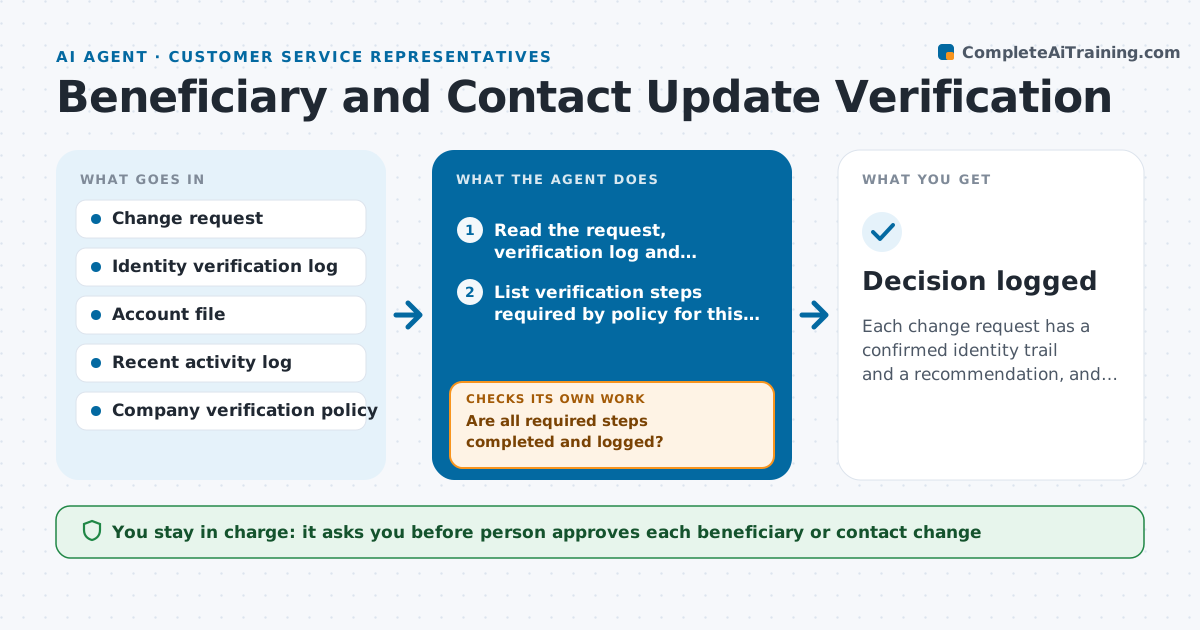
Each change request has a confirmed identity trail and a recommendation, and nothing is changed without a person approving.
What it does
Requests to change a beneficiary or contact details are a common route for identity fraud, and reps must make sure each identity step was done. The agent reads the change request and finds which verification steps were completed, such as a callback, a code or an ID check. It compares the new details against the file and flags unusual signs: a change right after a password reset, a new address in another country, or a beneficiary who is not a relative. If a step is missing or odd, it requests extra verification from the customer and rechecks once the reply arrives. It never makes the change itself. A person approves each one. Edge case: a customer who legitimately moved abroad but cannot pass the usual callback.
How it works
Follow the arrows from top to bottom. The orange dashed arrow is the loop: when a check fails, the agent goes back and tries again.
Read the steps as a list
- Change request received
- Read the request, verification log and account file
- List verification steps required by policy for this request type
- Are all required steps completed and logged?If not: Request the missing step from the customer and wait for it. Back to step 3.
- Compare new details with the file and recent activity
- Flag unusual signals such as recent resets or new countries
- Do the flags clear after the extra verification?If not: Raise the verification level, request a second proof and recheck. Back to step 5.
- Draft a recommendation with the evidence
- Person approves or rejects the changeThe agent waits here for your OK.
- Record the decision in the case notes
- Decision logged
How it decides
It requires every step in the policy to be logged for the request type, and counts each unusual signal as a reason to escalate the level of verification.
- Any change within 7 days of a credentials reset needs a second proof
- A new beneficiary outside the family tree needs a signed form
- Never accept a verification step that is not in the log
- Two or more unusual signals go to a supervisor
Make it yours
Every agent is a starting point. You choose these settings for your own situation.
- List of required verification steps per request type
- Days since a reset that trigger a second proof (default 7)
- Which unusual signals count
- Who receives escalations
What keeps you in control
It always asks you first
- Person approves each beneficiary or contact change
- Person approves any request for extra verification sent to the customer
Hard limits
- Never change account data
- Never ask the customer for full ID numbers in plain email
It stops when
- Done: the request is approved or rejected with a logged trail
- Stop: identity cannot be verified and the case goes to fraud review
Set it up
We guide you through the set-up, step by step
Members get the full set-up guide for this agent. No technical skills needed: you copy, paste and upload.
- One set of instructions to paste into your AI, with the clicks for ChatGPT, Claude, Microsoft 365 Copilot, Gemini and Grok
- The agent then walks you through connecting your own data, one source at a time
- A downloadable copy with the flow chart, the rules and the full guide