AI agent for financial advisors
Beneficiary Designation Review Agent
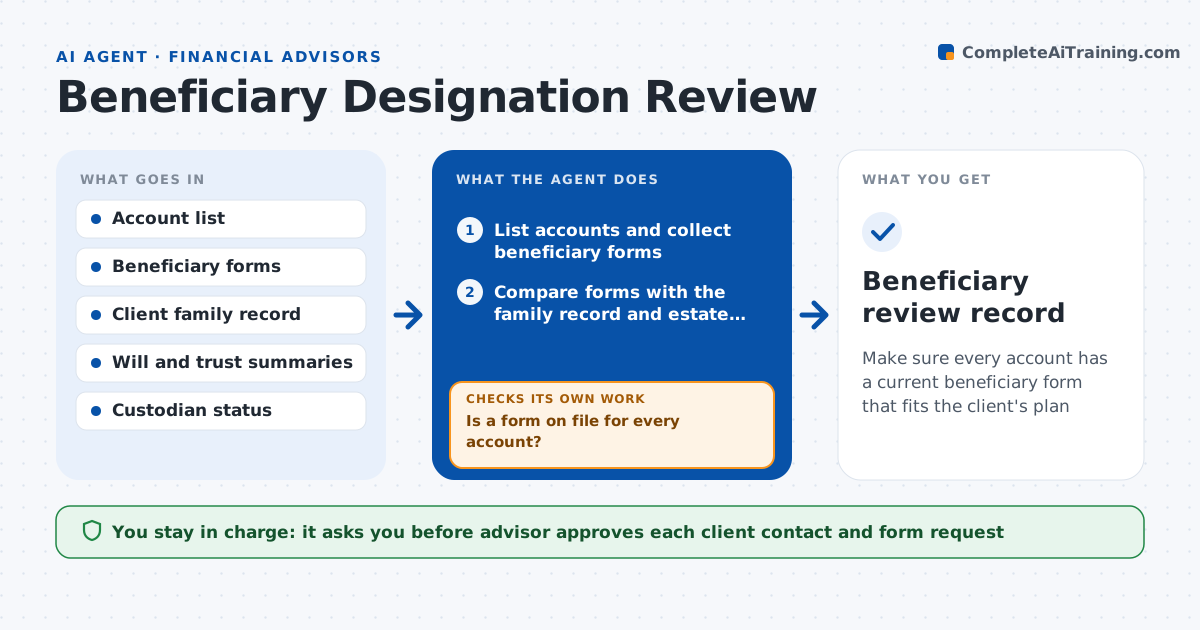
Make sure every account has a current beneficiary form that fits the client's plan
What it does
A client's IRA still names an ex-spouse and the will leaves everything to the children. This agent lists each client's accounts, collects the beneficiary forms and checks them against family changes, such as marriage, divorce, births or deaths, and the estate plan. It flags conflicts, missing contingent beneficiaries, minors named directly and accounts with no form on file. For each issue it drafts an update request with the form and the reason. It rechecks after each form is returned, to confirm the custodian has recorded the change. It keeps a list of open items by client and age. The advisor approves any client contact. Edge case: a trust named as beneficiary is checked for the trust's date and terms before the match is called good.
How it works
Follow the arrows from top to bottom. The orange dashed arrow is the loop: when a check fails, the agent goes back and tries again.
Read the steps as a list
- Annual review or family event noted
- List accounts and collect beneficiary forms
- Is a form on file for every account?If not: Request the form from the custodian. Back to step 2.
- Compare forms with the family record and estate plan
- Flag conflicts, gaps and minors named directly
- Draft update requests with reasons
- Advisor approves client contactThe agent waits here for your OK.
- Send forms and track their return
- Has the custodian recorded the new designation?If not: Follow up with the client and custodian and recheck. Back to step 8.
- Beneficiary review record
How it decides
It flags a form with a missing primary or contingent, a named person who has died or divorced, or a conflict with the estate plan.
- Flag any account with no contingent beneficiary
- Flag a named beneficiary who is deceased or an ex-spouse
- Flag a minor named directly
- Check trust terms before treating a trust as a match
Make it yours
Every agent is a starting point. You choose these settings for your own situation.
- Review frequency (default annually)
- Family events that trigger review (default marriage, divorce, birth, death)
- Follow-up interval (default 14 days)
- Custodians covered (default all in use)
What keeps you in control
It always asks you first
- Advisor approves each client contact and form request
Hard limits
- Never change a designation on its own
- Never give legal advice
- Keep client family data private
It stops when
- Done: Every account has a confirmed current designation
- Stop: Legal question arises, so hand to the advisor and an estate attorney
Set it up
We guide you through the set-up, step by step
Members get the full set-up guide for this agent. No technical skills needed: you copy, paste and upload.
- One set of instructions to paste into your AI, with the clicks for ChatGPT, Claude, Microsoft 365 Copilot, Gemini and Grok
- The agent then walks you through connecting your own data, one source at a time
- A downloadable copy with the flow chart, the rules and the full guide