AI agent for ecologists
Biodiversity Index Time Series Agent
A biodiversity trend that is comparable across years because effort differences are tested and standardized.
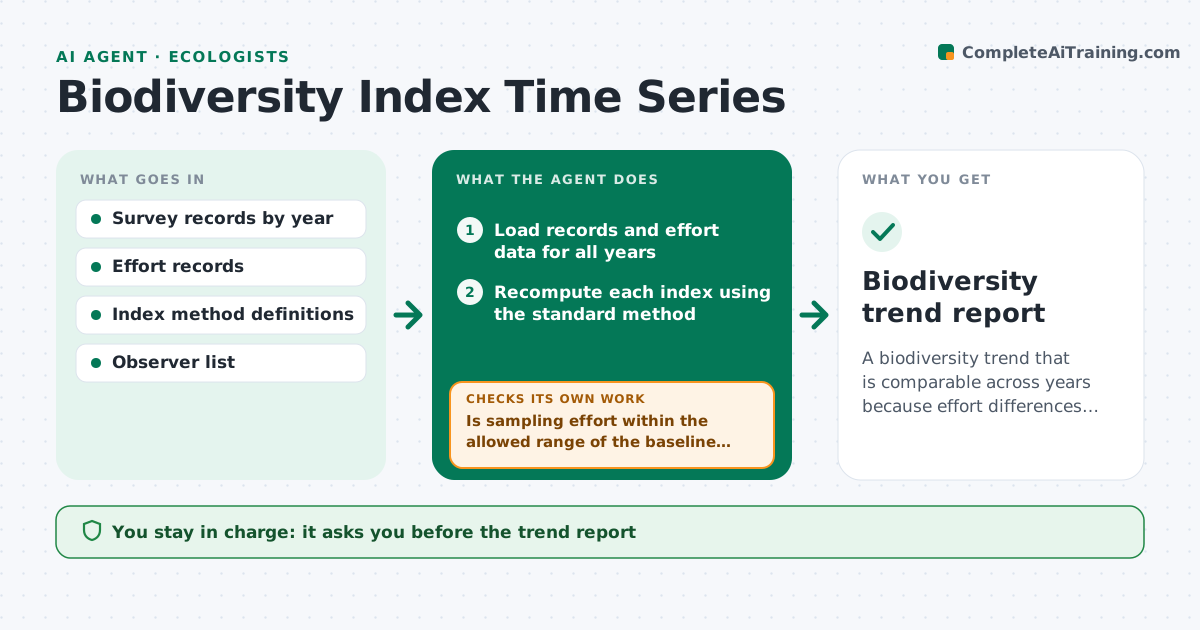
What it does
A species richness figure goes up after a survey year, and nobody is sure whether the site improved or the team just spent more hours there. This agent recomputes each index every period from the raw records using the same method. It checks the sampling effort, such as plots, hours or trap nights, and flags years where effort differs from the baseline. It flags suspicious jumps. For each, it reruns the index with standardized effort, for example by rarefaction, and compares. It then writes the trend with the effect of effort shown. You approve the report. Edge case: a change of observer is noted, since it can shift detection even with equal effort.
How it works
Follow the arrows from top to bottom. The orange dashed arrow is the loop: when a check fails, the agent goes back and tries again.
Read the steps as a list
- Survey period data complete
- Load records and effort data for all years
- Recompute each index using the standard method
- Is sampling effort within the allowed range of the baseline for every year?If not: mark the years with different effort for standardization. Back to step 3.
- Rerun the index with standardized effort
- Does any jump disappear after standardizing?If not: keep the change but test with a second method and note the confidence. Back to step 5.
- Check for observer or method changes in flagged years
- Write the trend report with raw and standardized lines
- Ecologist approves the reportThe agent waits here for your OK.
- Biodiversity trend report
How it decides
It accepts an index change as real when it holds after effort standardization. Otherwise the change is reported as likely effort driven.
- Effort differs by more than 25 percent from baseline: standardize
- Index jump over 30 percent between years: flag
- Observer change in the same year: add a note and a caveat
- Standardized and raw trends disagree in direction: report both and explain
Make it yours
Every agent is a starting point. You choose these settings for your own situation.
- Indices computed
- Effort tolerance (default 25 percent)
- Standardization method
- Jump threshold
- Report format
What keeps you in control
It always asks you first
- The trend report
Hard limits
- Never alter raw records
- Never report a rise without showing the effort effect
It stops when
- Done: report approved
- Stop: effort data missing for a year
Set it up
We guide you through the set-up, step by step
Members get the full set-up guide for this agent. No technical skills needed: you copy, paste and upload.
- One set of instructions to paste into your AI, with the clicks for ChatGPT, Claude, Microsoft 365 Copilot, Gemini and Grok
- The agent then walks you through connecting your own data, one source at a time
- A downloadable copy with the flow chart, the rules and the full guide