AI agent for ecologists
Camera Trap Image Review Agent
A verified detection dataset for every camera check, ready for analysis
What it does
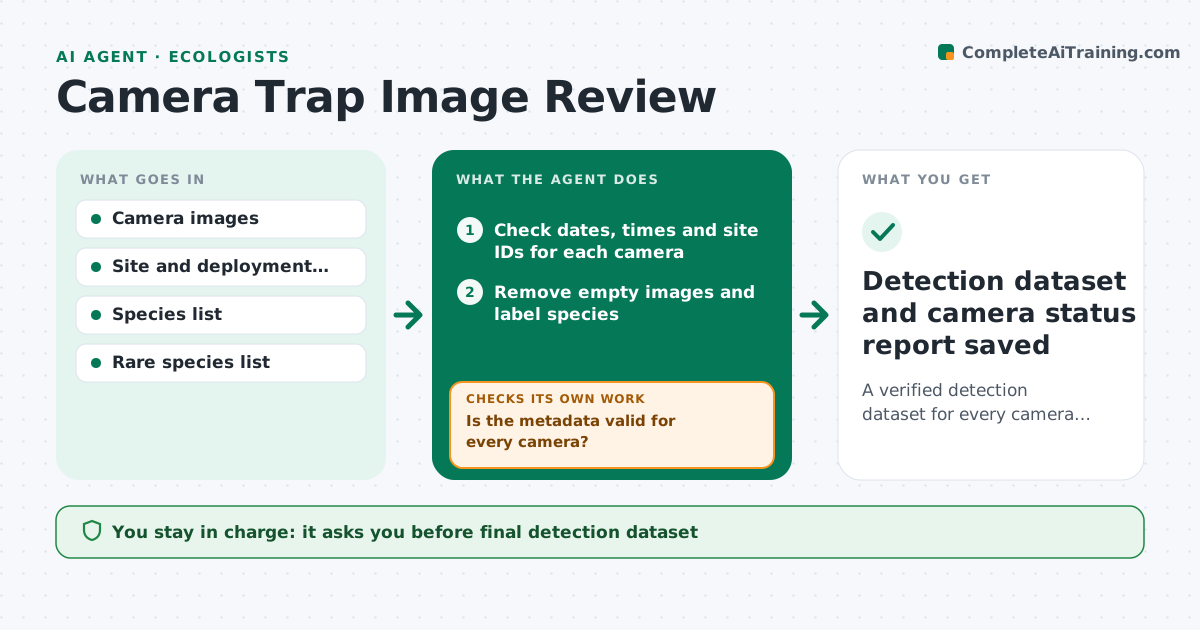
Camera traps produce huge numbers of images, and most are empty frames triggered by wind or grass. When a batch of cards is uploaded, this agent first checks each camera's metadata: dates, times and site IDs, because a wrong clock ruins activity analysis. Clock errors are corrected from known timestamps or sent to the field team. It then removes empty images, labels animals with an image model and groups images into independent detection events using your time rule. Labels below the confidence threshold, and every rare or protected species detection, go to a review queue. After review, it tallies detections per site and flags cameras with mostly blocked or empty frames. The ecologist reviews the queue and approves the final dataset. Edge case: a camera whose clock reset to the factory date has times corrected from the card's known timestamps, with a note.
How it works
Follow the arrows from top to bottom. The orange dashed arrow is the loop: when a check fails, the agent goes back and tries again.
Read the steps as a list
- Camera cards uploaded
- Check dates, times and site IDs for each camera
- Is the metadata valid for every camera?If not: correct clock errors from known timestamps or ask the field team. Back to step 2.
- Remove empty images and label species
- Group images into independent detection events
- Send low-confidence and rare species to review
- Ecologist reviews queue and approves datasetThe agent waits here for your OK.
- Detection dataset and camera status report saved
How it decides
It accepts labels above the confidence threshold for common species and sends all low-confidence and rare species images to human review.
- Send every rare or protected species detection to review
- Count detections as independent after the set gap
- Flag cameras with mostly blocked or empty frames
Make it yours
Every agent is a starting point. You choose these settings for your own situation.
- Confidence threshold (default 0.85)
- Rare and protected species list
- Independence gap between events (default 30 minutes)
- Review queue format
What keeps you in control
It always asks you first
- Final detection dataset
- Sharing rare species locations
Hard limits
- Never deletes original images
- Never publishes rare species locations
It stops when
- Done: dataset approved
- Stop: site metadata missing; ask the field team
Set it up
We guide you through the set-up, step by step
Members get the full set-up guide for this agent. No technical skills needed: you copy, paste and upload.
- One set of instructions to paste into your AI, with the clicks for ChatGPT, Claude, Microsoft 365 Copilot, Gemini and Grok
- The agent then walks you through connecting your own data, one source at a time
- A downloadable copy with the flow chart, the rules and the full guide