AI agent for customs brokers
Client Compliance Records Agent
Every active client has current, matching compliance documents
What it does
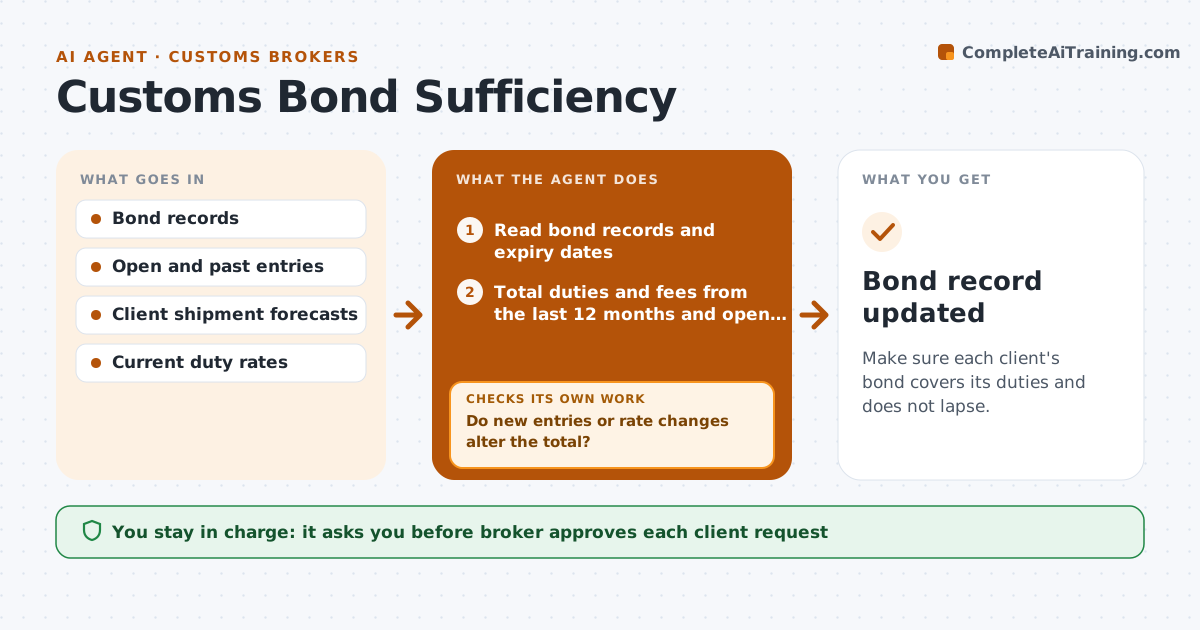
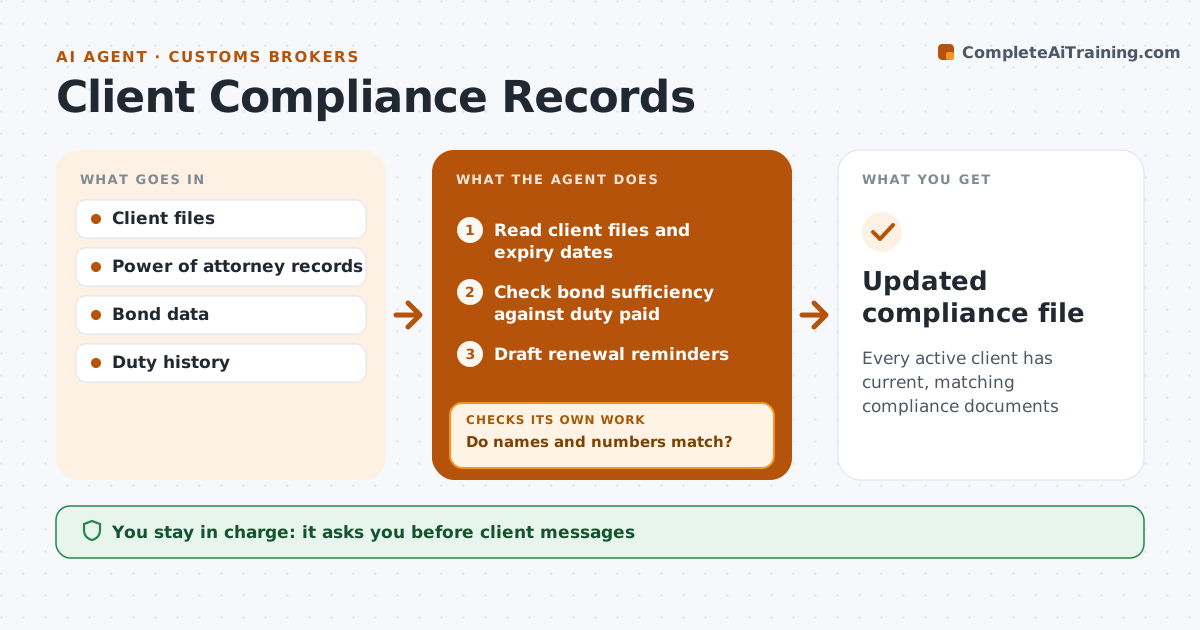
A brokerage must keep a current power of attorney, customs bond, importer number and know-your-customer checks for each client, and an expired document can stop filings without warning. Each month this agent reads client files and lists each document's expiry date. It checks whether each bond is large enough, flagging any bond under 10 percent of last year's duty. Documents expiring within 60 days get renewal reminders. The compliance lead approves every client message and any decision to stop filing for a client. When a document comes back, the agent verifies that names and numbers match the client record. If something does not match, it asks for a corrected document and checks again. A client that changed its legal name needs new documents, not a renewal. Edge case: a merged client is treated as a new client for know-your-customer checks.
How it works
Follow the arrows from top to bottom. The orange dashed arrow is the loop: when a check fails, the agent goes back and tries again.
Read the steps as a list
- Monthly review
- Read client files and expiry dates
- Check bond sufficiency against duty paid
- Draft renewal reminders
- Compliance lead approves client messagesThe agent waits here for your OK.
- Verify returned documents against client records
- Do names and numbers match?If not: ask for a corrected document. Back to step 4.
- Updated compliance file
How it decides
Documents expiring within 60 days get reminders; a bond under 10 percent of last year's duty is flagged as too low.
- 60-day renewal window
- Bond sufficiency checked yearly
- Name changes require new documents
Make it yours
Every agent is a starting point. You choose these settings for your own situation.
- Reminder window (default 60 days)
- Bond sufficiency rule
- Required documents list
- Review schedule
What keeps you in control
It always asks you first
- Client messages
- Stopping filings for a client
Hard limits
- Never stops filing on its own
- Never alters client documents
It stops when
- Done: all files current
- Stop: client unresponsive near expiry, alert the compliance lead
Set it up
We guide you through the set-up, step by step
Members get the full set-up guide for this agent. No technical skills needed: you copy, paste and upload.
- One set of instructions to paste into your AI, with the clicks for ChatGPT, Claude, Microsoft 365 Copilot, Gemini and Grok
- The agent then walks you through connecting your own data, one source at a time
- A downloadable copy with the flow chart, the rules and the full guide