AI agent for insurance brokers
Client Coverage Gap Review Agent
Annual coverage reviews that find gaps before claims do
What it does
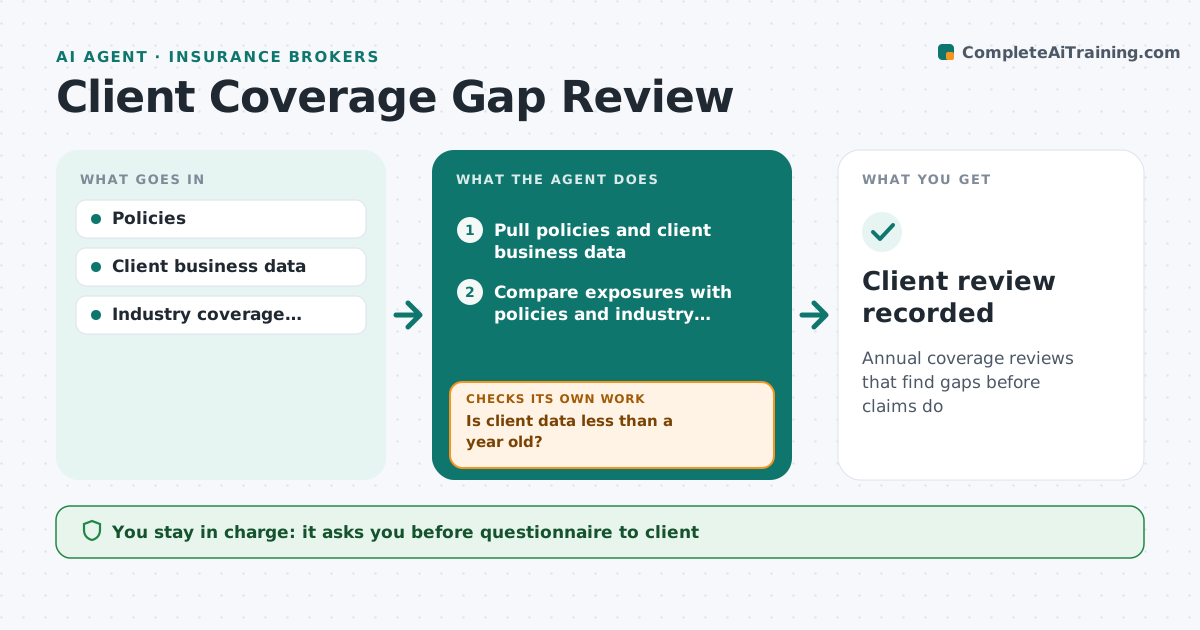
A business client's risks change as it grows, hires or adds locations, but policies often stay the same until a claim exposes the gap. When a client review is due, this agent pulls their current policies and latest business information, such as revenue, payroll, vehicles and locations. It first checks that the data is less than a year old; if not, it drafts a short questionnaire for the account manager to send and waits for answers. It then compares exposures with policy terms and an industry coverage checklist, and flags missing coverages and limits below industry levels. It checks every flagged gap against the policy wording to avoid false alarms. It prepares a review summary with options. The account manager reviews and presents recommendations; the agent gives no advice directly to clients. Edge case: a client started shipping to Canada, so the agent flags the territory limits.
How it works
Follow the arrows from top to bottom. The orange dashed arrow is the loop: when a check fails, the agent goes back and tries again.
Read the steps as a list
- Client review due
- Pull policies and client business data
- Is client data less than a year old?If not: draft a questionnaire for the client and wait for answers. Back to step 2.
- Compare exposures with policies and industry checklist
- Flag missing coverages and low limits
- Is each flagged gap confirmed by the policy wording?If not: remove gaps already covered by endorsements and recheck. Back to step 5.
- Draft review summary with options
- Account manager approves before presentingThe agent waits here for your OK.
- Client review recorded
How it decides
It compares exposures with policy terms and checklists and flags gaps or limits below set levels.
- Missing checklist coverages flagged
- Limits below industry levels flagged
- Old data must be refreshed
Make it yours
Every agent is a starting point. You choose these settings for your own situation.
- Industry checklists
- Data freshness rule
- Review timing
- Summary format
What keeps you in control
It always asks you first
- Questionnaire to client
- Recommendations to client
Hard limits
- No advice given directly to clients
- Follows licensing rules
It stops when
- Done: review complete
- Stop: client declines review
Set it up
We guide you through the set-up, step by step
Members get the full set-up guide for this agent. No technical skills needed: you copy, paste and upload.
- One set of instructions to paste into your AI, with the clicks for ChatGPT, Claude, Microsoft 365 Copilot, Gemini and Grok
- The agent then walks you through connecting your own data, one source at a time
- A downloadable copy with the flow chart, the rules and the full guide