AI agent for financial advisors
Client Review Meeting Prep Agent
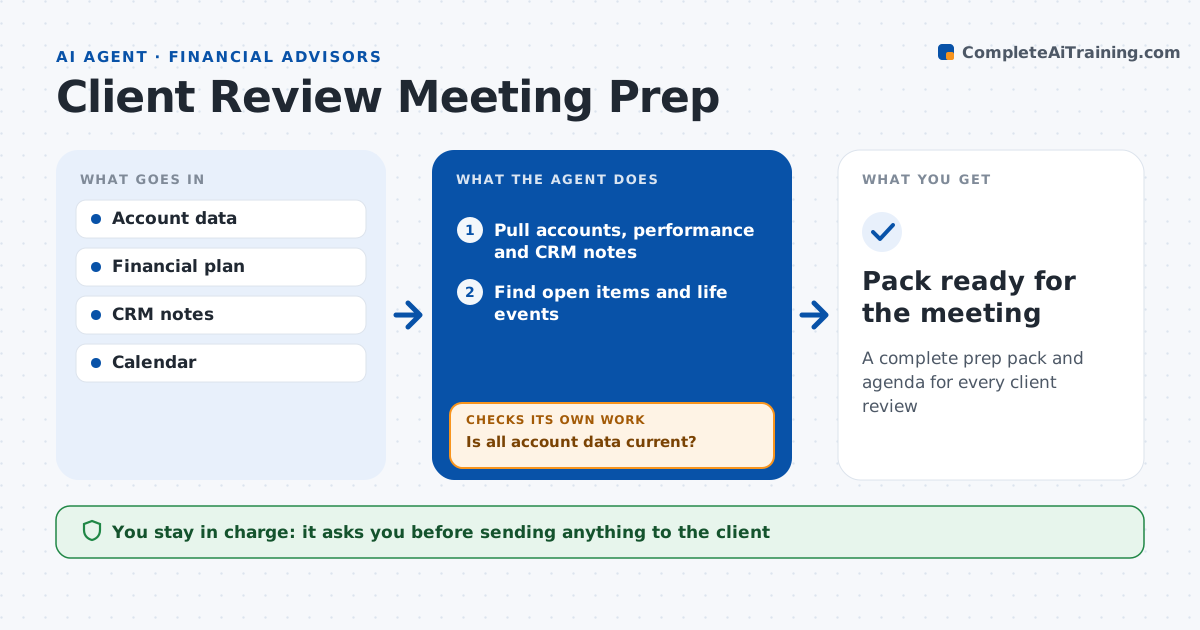
A complete prep pack and agenda for every client review
What it does
Advisors walk into client reviews with stale balances and forgotten to-dos, which looks careless and risks missed deadlines. Five days before each review, this agent gathers what the advisor needs. It pulls account values, performance, allocation versus target, recent transactions, cash needs and notes from the last meeting. It looks for open items such as unsigned forms, required minimum distributions, beneficiary updates and goals with near deadlines. It compares the plan's assumptions to current figures and flags drift over 5 points. If data from a held-away account is stale, it requests an update and rechecks. It drafts an agenda and a one-page summary. The advisor reviews the pack and leads the meeting. Edge case: the client turned 73 this year, so the agent adds required distributions to the agenda.
How it works
Follow the arrows from top to bottom. The orange dashed arrow is the loop: when a check fails, the agent goes back and tries again.
Read the steps as a list
- Review is five days away
- Pull accounts, performance and CRM notes
- Find open items and life events
- Compare plan assumptions to current figures
- Is all account data current?If not: request held-away updates and refresh. Back to step 2.
- Draft agenda and summary
- Advisor reviews the packThe agent waits here for your OK.
- Pack ready for the meeting
How it decides
It lists open items and plan drift beyond set limits and puts them in agenda order by urgency.
- Allocation off target by over 5 points: agenda item
- Required distribution not taken: top item
- Goal date within 12 months: review funding
Make it yours
Every agent is a starting point. You choose these settings for your own situation.
- Days before meeting
- Drift threshold
- Agenda template
- Data sources
What keeps you in control
It always asks you first
- Sending anything to the client
Hard limits
- Never gives advice to clients directly
- Never sends documents without approval
It stops when
- Done: pack ready
- Stop: account access missing
Set it up
We guide you through the set-up, step by step
Members get the full set-up guide for this agent. No technical skills needed: you copy, paste and upload.
- One set of instructions to paste into your AI, with the clicks for ChatGPT, Claude, Microsoft 365 Copilot, Gemini and Grok
- The agent then walks you through connecting your own data, one source at a time
- A downloadable copy with the flow chart, the rules and the full guide