AI agent for quality control inspectors
Cold Chain Temperature Excursion Response Agent
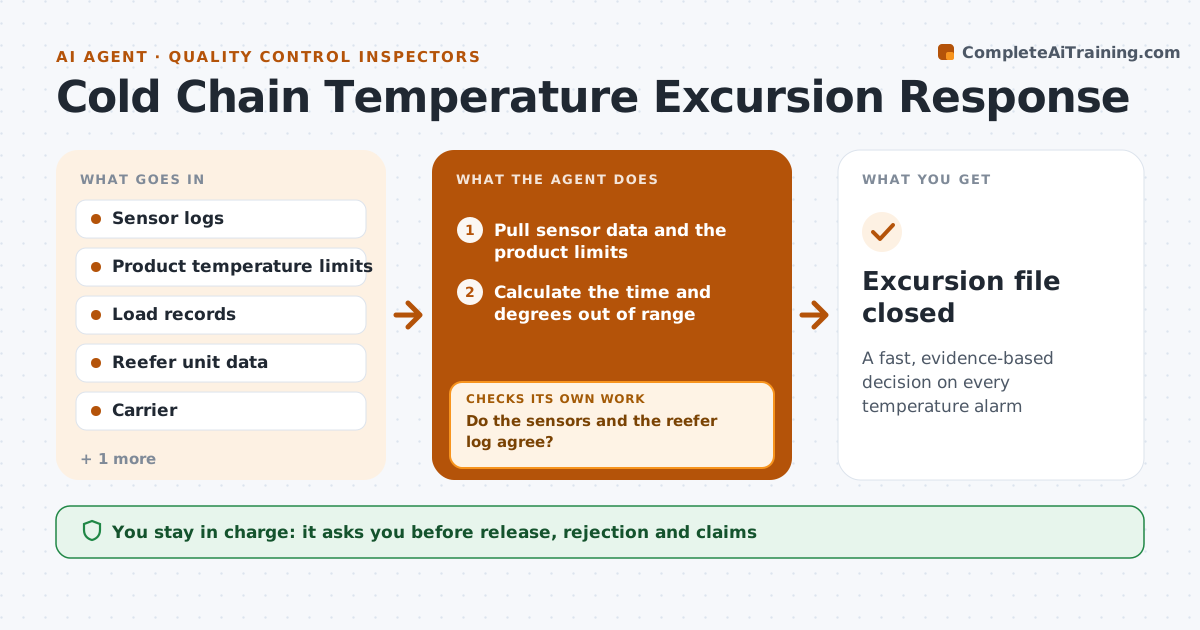
A fast, evidence-based decision on every temperature alarm
What it does
A temperature alarm goes off and nobody quickly works out whether the product is still good. On an alarm, this agent pulls the sensor data, the product limits and the time out of range. It estimates the exposure and checks whether the load is safe, needs testing or must be quarantined. If sensors disagree, it rechecks with a second source, such as the reefer unit log or a nearby logger. It prepares the evidence pack and the recommended action. The quality lead approves release, rejection or claims. Edge case: a door open event caused a short spike, but the product core temperature did not exceed its limit, so the agent recommends release with a note.
How it works
Follow the arrows from top to bottom. The orange dashed arrow is the loop: when a check fails, the agent goes back and tries again.
Read the steps as a list
- Temperature alarm is raised
- Pull sensor data and the product limits
- Calculate the time and degrees out of range
- Do the sensors and the reefer log agree?If not: fetch another source and rerun the exposure calculation. Back to step 2.
- Classify the load as safe, test or quarantine
- Prepare the evidence pack with times and readings
- Quality lead approves release, rejection or a claimThe agent waits here for your OK.
- Record the decision and notify the shipper and the carrier
- Are all records complete for the claim and audit?If not: fill the missing records or note that they are unavailable. Back to step 6.
- Excursion file closed
How it decides
A load is safe when time out of range stays inside the product's allowed excursion. Sensors that disagree by a set margin trigger a second source check.
- Quarantine when time out of range exceeds the product limit
- Test when the excursion is within 20 percent of the limit
- Use the product core temperature when available
- Never release a load without quality approval
Make it yours
Every agent is a starting point. You choose these settings for your own situation.
- Excursion limits by product
- Sensor disagreement margin
- Notification list
- Claim documents
What keeps you in control
It always asks you first
- Release, rejection and claims
Hard limits
- Never release product
- Never alter sensor data
It stops when
- Done: decision approved and file complete
- Stop: sensor data is missing
Set it up
We guide you through the set-up, step by step
Members get the full set-up guide for this agent. No technical skills needed: you copy, paste and upload.
- One set of instructions to paste into your AI, with the clicks for ChatGPT, Claude, Microsoft 365 Copilot, Gemini and Grok
- The agent then walks you through connecting your own data, one source at a time
- A downloadable copy with the flow chart, the rules and the full guide