AI agent for construction project managers
Construction Draw Request Review Agent
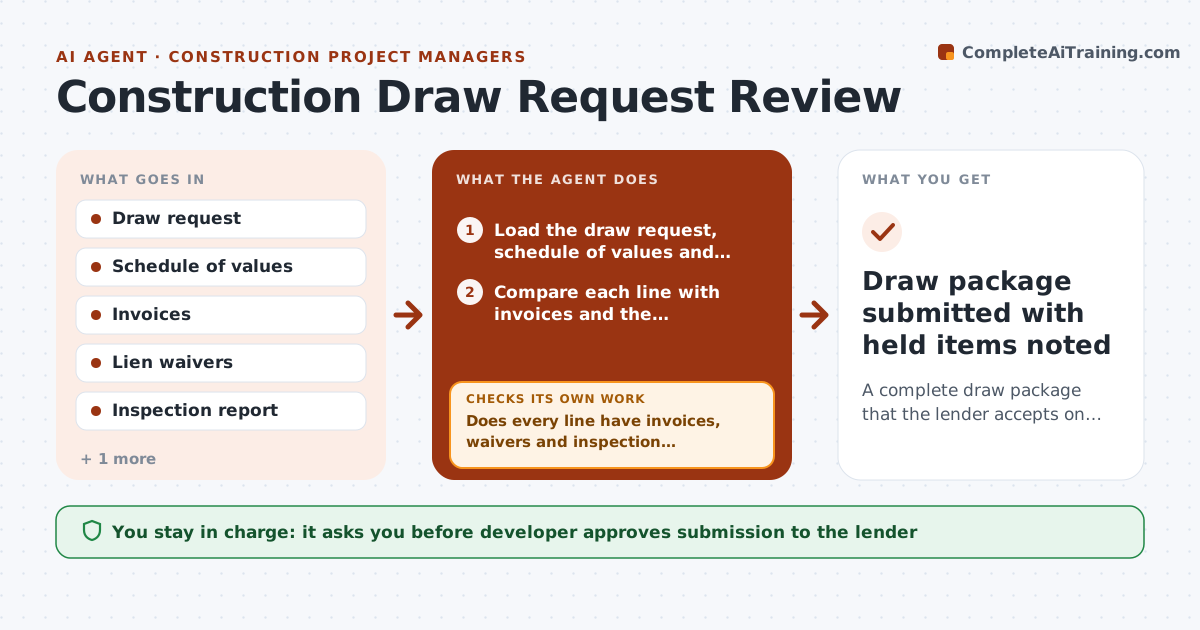
A complete draw package that the lender accepts on the first review
What it does
A lender draw request can sit for weeks because one lien waiver is missing or an invoice does not match the schedule of values. This agent reviews the request before it is sent. It compares each line with the schedule of values, the invoices, the lien waivers from each contractor and the inspector's percent complete. It flags lines where billed percent is higher than inspected progress, invoices that do not match amounts, waivers that are missing or do not cover the right period, and retainage errors. It writes a request to each contractor for what is missing and rechecks the package when documents come back. The developer approves submission to the lender. Edge case: a subcontractor waiver covers the wrong draw period, so the line is held back.
How it works
Follow the arrows from top to bottom. The orange dashed arrow is the loop: when a check fails, the agent goes back and tries again.
Read the steps as a list
- Draw request received
- Load the draw request, schedule of values and lender requirements
- Compare each line with invoices and the inspector's percent complete
- Match lien waivers to each contractor, period and amount
- Does every line have invoices, waivers and inspection support?If not: request the missing item from the contractor and mark the line as held. Back to step 3.
- Recalculate retainage and totals
- Do totals tie to the schedule of values and the loan balance?If not: correct the line or ask the contractor for a revised request. Back to step 3.
- Build the draw package and a list of held lines
- Developer approves submission to the lenderThe agent waits here for your OK.
- Draw package submitted with held items noted
How it decides
A line is ready only when billing, support and inspection agree within tolerance and a matching waiver is on file. Anything else is held or requested.
- Hold a line when billed progress is more than 5 percent above inspected progress
- Hold a line without a waiver covering the right period
- Recalculate retainage on each line, not only the total
- Submit only when the package meets the lender checklist
Make it yours
Every agent is a starting point. You choose these settings for your own situation.
- Tolerance between billed and inspected progress (default 5%)
- Lender checklist items
- Contractor reminder wording
- Days before the lender deadline to start review
What keeps you in control
It always asks you first
- Developer approves submission to the lender
- Developer approves paying held lines after fixes
Hard limits
- Never submit to the lender without approval
- Do not alter contractor amounts, only flag them
- Keep a record of every change
It stops when
- Done: package submitted and accepted
- Stop: a dispute over scope needs the developer to decide
Set it up
We guide you through the set-up, step by step
Members get the full set-up guide for this agent. No technical skills needed: you copy, paste and upload.
- One set of instructions to paste into your AI, with the clicks for ChatGPT, Claude, Microsoft 365 Copilot, Gemini and Grok
- The agent then walks you through connecting your own data, one source at a time
- A downloadable copy with the flow chart, the rules and the full guide