
Learning path
Learning AI as a Real Estate Developer
A guided path for real estate developers who want AI to help with feasibility, budgets, permits, and investor updates. It starts with setup and ends with job focused video courses and their certifications.

Your path
Everything in the Real Estate Developer AI kit, in the order that makes sense. Members tick off each step and see their progress.
Set up your AI
We guide you through each click.
Let skills do your everyday tasks
Connect your apps and pick your AI apps
Hand whole tasks to AI agents
Build your own tools
Keep growing
Everything for real estate developers
All the courses, certifications, AI tools, MCP servers and apps for real estate developers, most relevant first. Open any list to see more.
Take the prompt courses
A short framework course to learn how to ask, then 9 lessons with ready-to-use prompts for real estate developers.
Start with this framework: how to talk to AI
For real estate developers, RISEN structures a rezoning application plan with clear roles, inputs, steps, expectations, and constraints.
Then your prompt course for real estate developers- 1Site Feasibility Basics3 prompts
- 2Land Acquisition Outreach3 prompts
- 3Development Budget Drafting3 prompts
- 4Financing Preparation3 prompts
- 5Architect Coordination3 prompts
- 6Construction Timeline Planning3 prompts
- 7Permit and Compliance Support2 prompts
- 8Contractor Negotiation2 prompts
- 9Investor and Buyer Communication2 prompts
Watch the video courses or add them to your Favorites for later
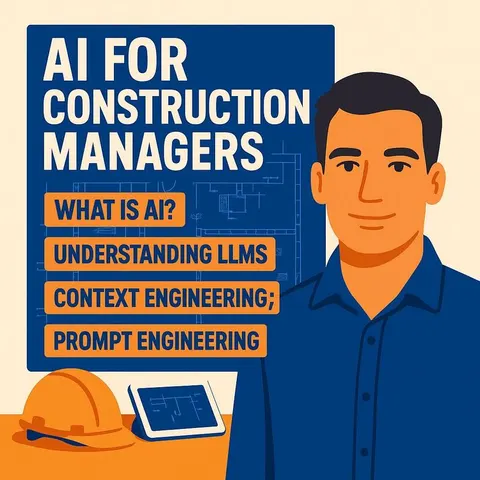
116 video courses our AI picked for real estate developers, most useful first. Save the ones you want to watch later with the heart.
Favorites are saved to your account: sign in or get your AI kit first.
Show all 116 video courses
Get certified, or add certifications to your Favorites
Every course ends in an exam and a certificate you can add to LinkedIn. Save the certifications you are aiming for with the heart.
Favorites are saved to your account: sign in or get your AI kit first.
More certifications for real estate developersShow all 24 certifications
Try the AI tools for real estate developers
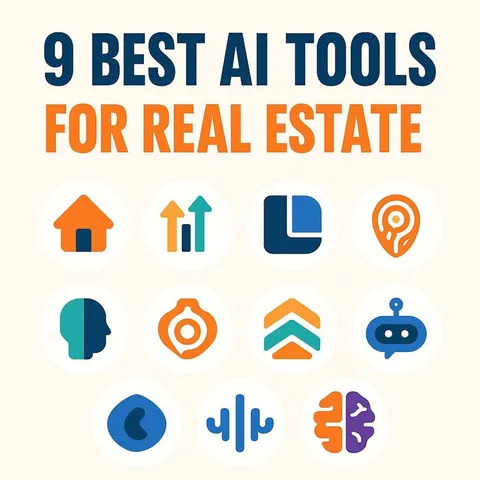
24 AI tools our AI matched to the work of real estate developers, best fit first. Each review shows what it does, its alternatives and the jobs it suits.
Favorites are saved to your account: sign in or get your AI kit first.
Show all 24 AI tools
Connect your AI to the apps real estate developers use
MCP servers let ChatGPT, Claude or Copilot look things up and get work done in other apps, like your email, calendar or bookkeeping software. These 12 fit the work of real estate developers best, well-known apps first.

AddressIntel MCP server
by RantumBitsLook up SF Peninsula building permits, SB 9 lot-split eligibility and ADU or redevelopment leads right in your chat.
Research Official
PermisAPI MCP server
by Evan-CrxLets your AI look up French building permits, nearby sale prices, zoning and risks in plain language.
AnalyticsNo install
Box MCP server
by boxLet your AI search your Box files, answer questions about them, and pull out details for you.
Productivity Official
GeoWire MCP server
by geowireLet your AI find places, give directions, and analyze neighborhoods right inside your chats.

UK Property Finance MCP server
by fdcommercialLets your AI work out UK bridging loan costs, development profit, buy-to-let stress tests and stamp duty.
Finance and cryptoNo install
US Government Open Data MCP server
by malonestarAsk your AI about US government data on land, flood risk, banks, licenses and more, and get answers from official sources.
Show all 12 MCP servers

Google Search MCP server (AceDataCloud)
by AceDataCloudLets your AI run Google searches for web, images, news, videos, places and maps, and hand you the results.
ResearchNo install
PlanWire MCP server
by beshogunSearch UK planning applications by council, postcode, keyword, status or date, and get details back in chat.

floodwise MCP server
by qinisolabsLook up the official long-term flood-risk band for any England postcode, straight from your AI chat.

Bing Search MCP server
by leehanchungLets your AI search the web, news, and images through Microsoft Bing while you chat.

LogiSheets MCP server
by logiskyLet your AI build and edit real Excel spreadsheets with live formulas, then save a .xlsx file you can open.
Productivity Official
SignWell MCP server
by BidsketchSend documents for e-signature, track who signed, and download the signed PDFs, all from your AI chat.
Productivity OfficialBuild your own AI apps for real estate developers
Apps you build yourself with your own AI, no coding needed and no monthly fee. Our AI picked the 12 that fit the work of real estate developers.
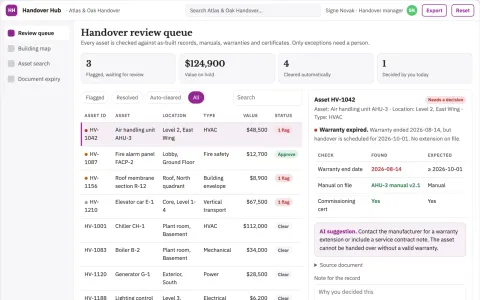
Building handover library
Asset-specific retrieval with evidence of handover completeness.
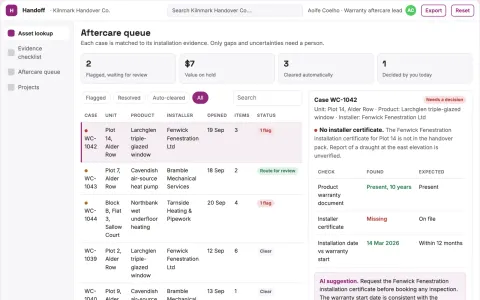
Building warranty evidence handoff
Connect aftercare inquiries to the original installation evidence.
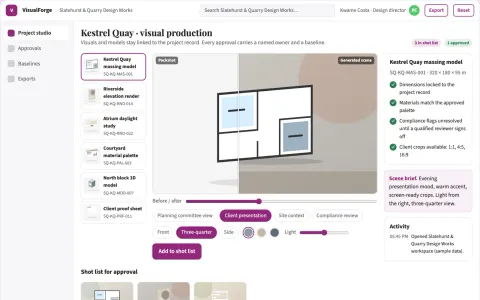
Design visual production and review platform
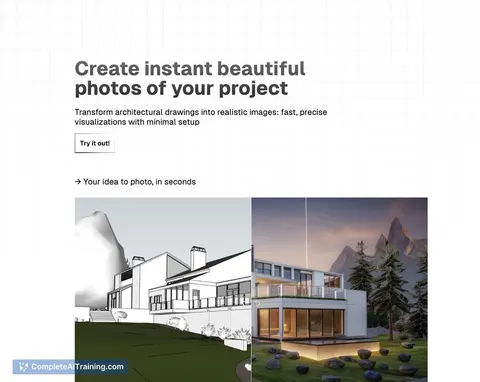
Replace several rented visual tools with one owned workspace that turns project inputs into reviewed, client-ready visuals and models.
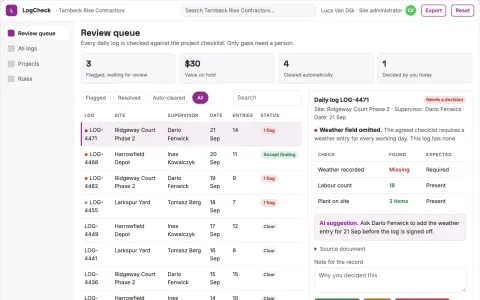
Construction daily-log completeness
Record quality without inferring site safety.
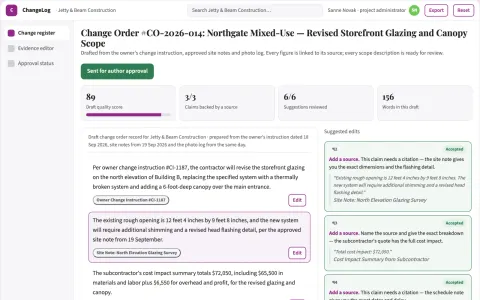
Change order documentation
A traceable change narrative tied to instructions and supporting records.
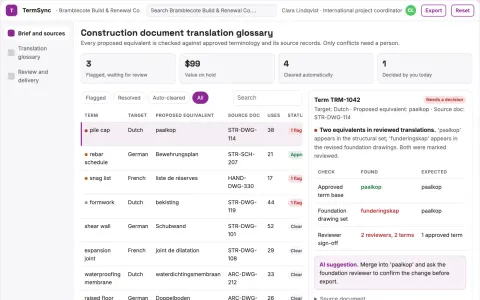
Construction document translation glossary
Project-specific terminology with source evidence.
Show all 12 apps
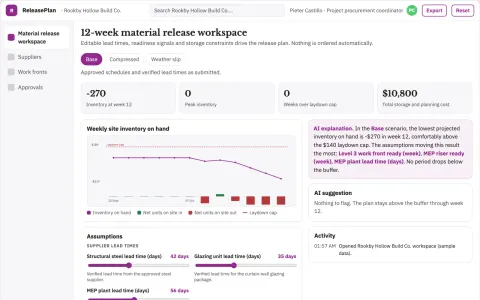
Construction material order synchronization
Reduce storage handling and delay costs from mistimed supply.
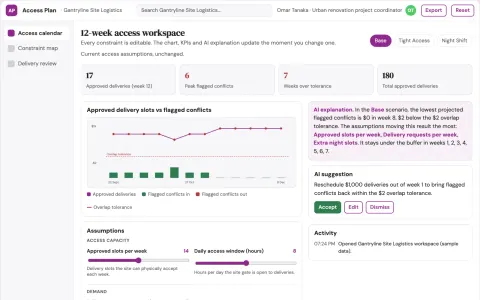
Construction access logistics planner
Plan delivery access using explicit site constraints.
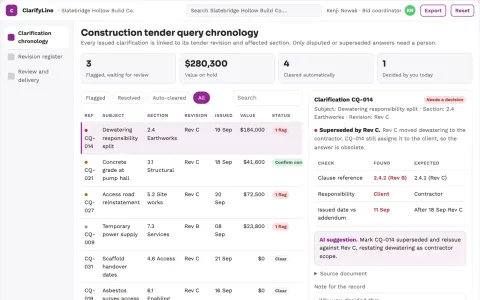
Construction tender query chronology
Current tender context with revision lineage.
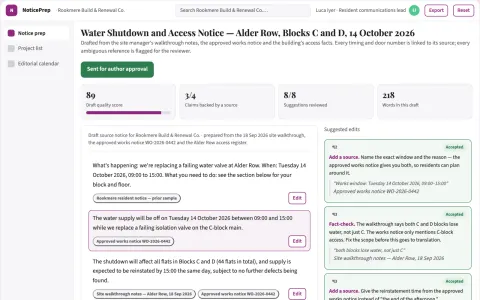
Construction access-notice translation prep
Clear source instructions before translation.
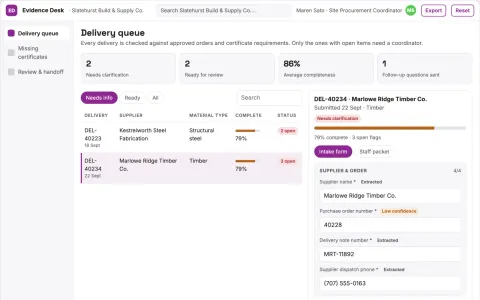
Construction material delivery evidence desk
Complete material records before acceptance decisions.
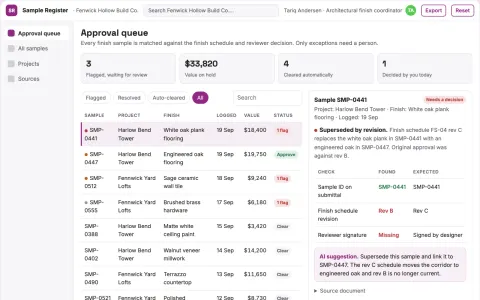
Construction sample approval register
Trace finishes to exact approved samples.

















































































































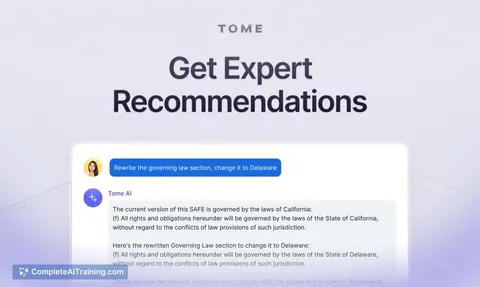
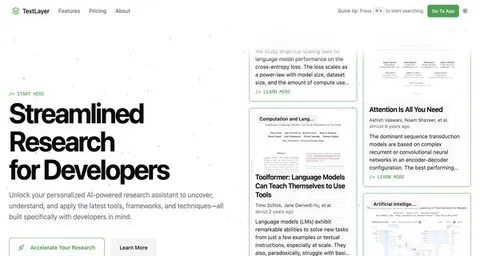
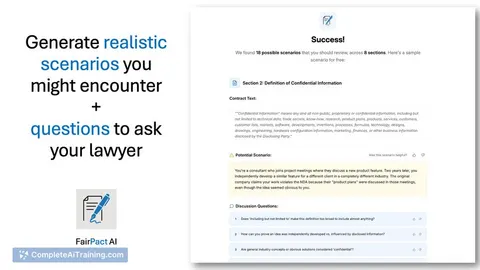
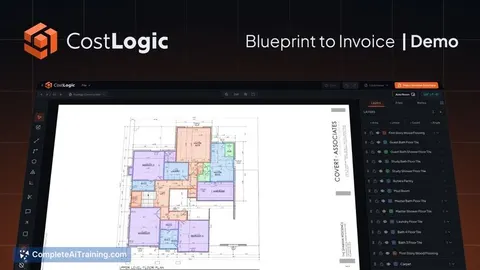
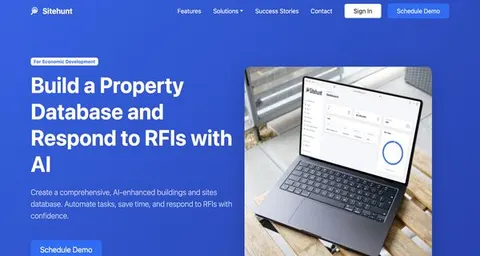
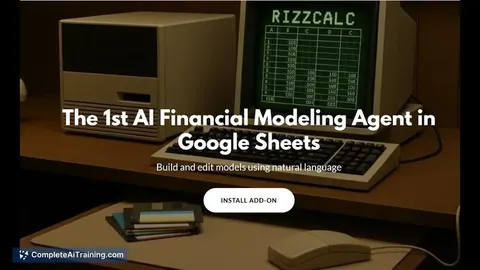
About this learning path
6 topicsAI Skills for Real Estate Developers
Real estate development asks you to hold land, budgets, design, permits, and people in your head at once. This path shows you where AI can carry the first draft and where your judgment still leads.
You do not need to be technical. You will set up your AI, learn a few job specific skills inside it, take the prompt course, and watch video courses chosen for development work.
Why AI matters now
Development work has many moving parts. Land notes, lender questions, city comments, and buyer concerns often arrive in different formats and at different times.
AI can help you turn that mix into clear summaries, checklists, and first drafts. It does not replace your experience or your relationships. It gives you a faster starting point.
What the path includes
You begin with setup questions and simple steps to connect your AI tool. Then you learn job skills inside your AI, such as how to ask for a feasibility view or a budget comparison.
The prompt course walks through each stage of a development project. You also get video courses picked for real estate development, with the certifications each course offers.
How it saves time
You can ask AI to organize zoning notes, draft landowner letters, shape budget explanations, and prepare permit replies. It can also help you compare contractor bids and write investor updates.
You still read every word and confirm every fact. The time saved comes from starting with a useful draft instead of a blank page.
How it protects your career
Your reputation rests on sound decisions and honest communication. AI works best as a careful assistant that helps you prepare, question, and document your thinking.
Keep private land prices, lender terms, and personal details out of public tools unless your company approves them. You stay responsible for what you send.
How to start
Set aside a short block of time. Answer the setup questions, connect your AI, and take the first prompt lesson.
Then choose one live task from your week and use the prompt on it. Review the result, adjust it, and save what worked. Move through the rest of the path at your own pace.
Frequently asked questions
Do I need technical skills to use this path?
No. The path is written for working professionals who use email, documents, and spreadsheets. You will learn simple steps to set up and talk to your AI tool.Can I use AI with real project information?
Only if your company allows it and the tool is approved for that kind of data. When in doubt, remove names, prices, and private terms before you ask for help.Will AI make decisions for me?
No. AI can draft, compare, and explain, but you decide what is true, what is fair, and what moves forward. Treat every output as a starting point for your review.How long does the path take?
The path is self paced, so you can move through it around your projects. Many people start with one lesson and one live task, then return for the next.