AI agent for it auditors
Control Evidence Collection Agent
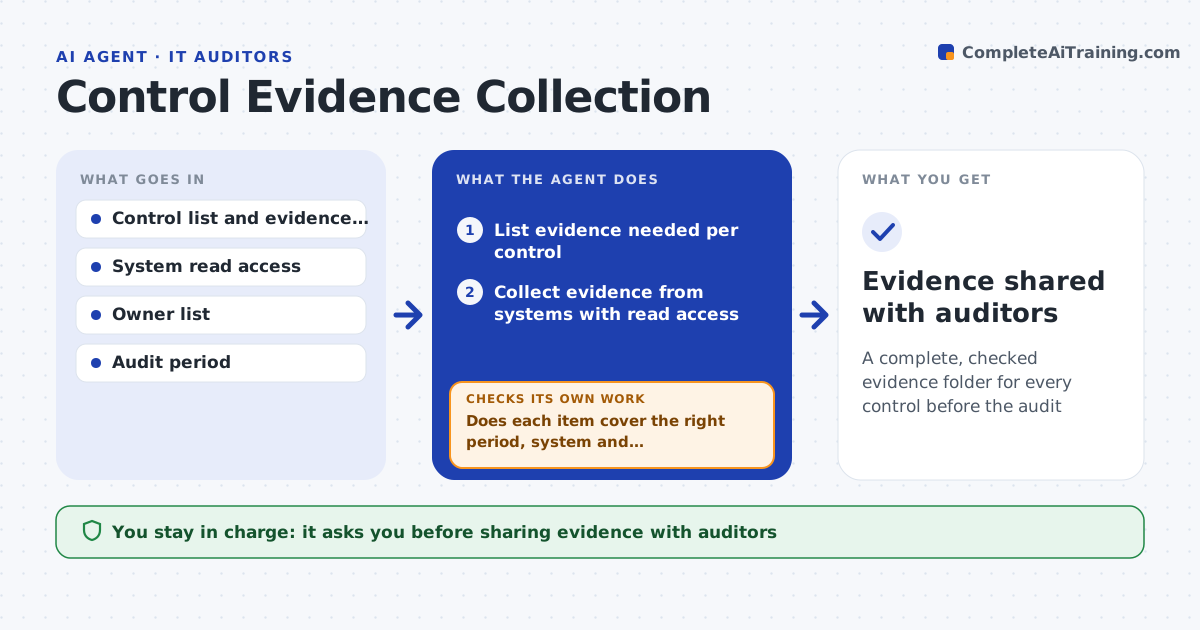
A complete, checked evidence folder for every control before the audit
What it does
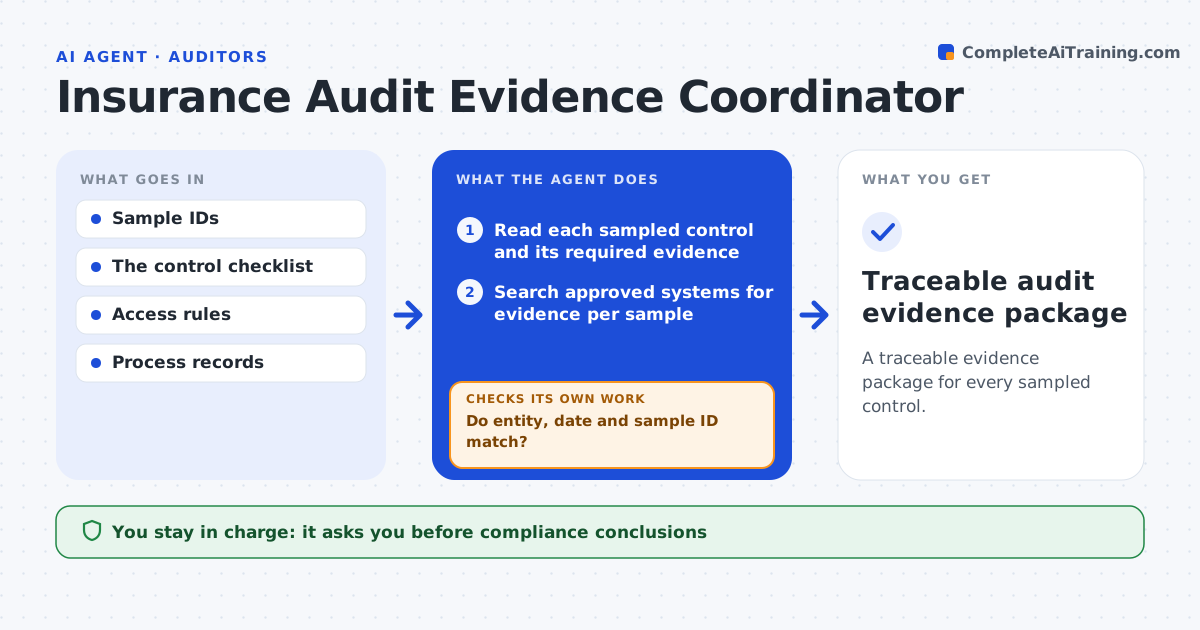
Before an audit, the team must show evidence that each security control works, and prep means weeks of chasing screenshots from busy owners. This agent reads the control list, knows what evidence each control needs, and collects it directly from systems where it has read access, such as access review records or encryption settings. For the rest it sends requests to owners with clear instructions and a due date. It checks each item as it arrives: right period, right system, readable. If evidence is wrong or incomplete, it asks again and says exactly what is missing. It builds the evidence folder and a status tracker. You approve the folder before it goes to auditors. Edge case: evidence from outside the audit period is rejected even if it shows the control working.
How it works
Follow the arrows from top to bottom. The orange dashed arrow is the loop: when a check fails, the agent goes back and tries again.
Read the steps as a list
- Audit is eight weeks away
- List evidence needed per control
- Collect evidence from systems with read access
- Send requests to owners for the rest
- Does each item cover the right period, system and requirement?If not: ask the owner again with exactly what is missing. Back to step 4.
- Build the evidence folder and tracker
- Compliance lead approves the folderThe agent waits here for your OK.
- Evidence shared with auditors
How it decides
Each item is accepted only if it covers the audit period, the right system and the control's requirement.
- Reject evidence outside the audit period
- Escalate items still missing two weeks before the audit
- Reuse evidence only when the control has not changed
Make it yours
Every agent is a starting point. You choose these settings for your own situation.
- Framework and control list
- Evidence rules per control
- Reminder schedule
- Folder structure for auditors
What keeps you in control
It always asks you first
- Sharing evidence with auditors
- Escalating to owners' managers
Hard limits
- Read-only system access
- Never shares evidence externally without approval
It stops when
- Done: all controls have accepted evidence
- Stop: audit scope not confirmed
Set it up
We guide you through the set-up, step by step
Members get the full set-up guide for this agent. No technical skills needed: you copy, paste and upload.
- One set of instructions to paste into your AI, with the clicks for ChatGPT, Claude, Microsoft 365 Copilot, Gemini and Grok
- The agent then walks you through connecting your own data, one source at a time
- A downloadable copy with the flow chart, the rules and the full guide