
Learning path
Learning AI as a Chief Information Security Officer
As a CISO, you face constant threats and board questions. This path shows how AI helps you write policies, prepare reports, and respond faster, without adding to your day.

Your path
Everything in the Chief Information Security Officer AI kit, in the order that makes sense. Members tick off each step and see their progress.
Set up your AI
We guide you through each click.
Let skills do your everyday tasks
Connect your apps and pick your AI apps
Hand whole tasks to AI agents
Build your own tools
Keep growing
Everything for chief information security officers
All the courses, certifications, AI tools, MCP servers and apps for chief information security officers, most relevant first. Open any list to see more.
Take the prompt courses
A short framework course to learn how to ask, then 8 lessons with ready-to-use prompts for chief information security officers.
Start with this framework: how to talk to AI
TIDD-EC fits your CISO role by specifying do and don't rules for compliance tasks like drafting an incident response report.
Then your prompt course for chief information security officers- 1Threat Intelligence Briefings3 prompts
- 2Policy And Controls5 prompts
- 3Security Strategy Drafting3 prompts
- 4Security Awareness Training3 prompts
- 5Vulnerability And Audit Prep3 prompts
- 6Incident Response Planning3 prompts
- 7Incident Triage And Postmortems3 prompts
- 8Security Metrics And Board Reporting3 prompts
Watch the video courses or add them to your Favorites for later
86 video courses our AI picked for chief information security officers, most useful first. Save the ones you want to watch later with the heart.
Favorites are saved to your account: sign in or get your AI kit first.
Show all 86 video courses
Get certified, or add certifications to your Favorites
Every course ends in an exam and a certificate you can add to LinkedIn. Save the certifications you are aiming for with the heart.
Favorites are saved to your account: sign in or get your AI kit first.
More certifications for chief information security officersShow all 24 certifications
Try the AI tools for chief information security officers
24 AI tools our AI matched to the work of chief information security officers, best fit first. Each review shows what it does, its alternatives and the jobs it suits.
Favorites are saved to your account: sign in or get your AI kit first.
Show all 24 AI tools
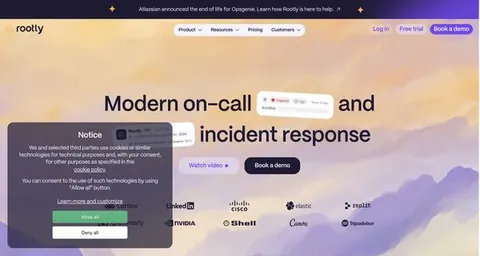
Connect your AI to the apps chief information security officers use
MCP servers let ChatGPT, Claude or Copilot look things up and get work done in other apps, like your email, calendar or bookkeeping software. These 12 fit the work of chief information security officers best, well-known apps first.

AWS IAM Analysis MCP server
by samvas-codesAsk your AI to list your AWS users and roles and show who can do what.
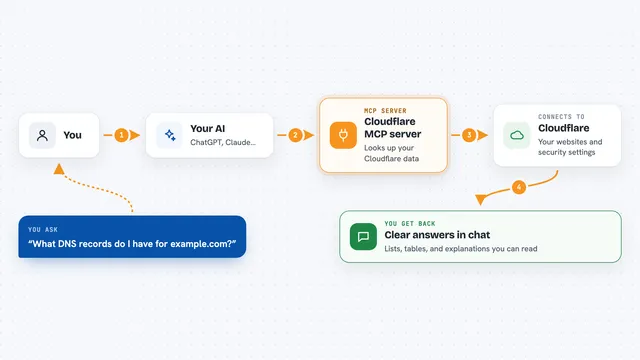
Cloudflare MCP server
by M-Yamashita01Let your AI look up your Cloudflare websites, DNS, firewall rules, and security logs for you.

VirusTotal MCP server
by BurtTheCoderLets your AI check links, files, IP addresses and domains for signs of malware or scams.

Aggrete MCP server
by aggreteYour AI checks each request against your company's code of conduct and refuses the ones that are not allowed.

IPinfo MCP server
by briandconnellyLook up where an IP address is, who runs it, and whether it looks like a VPN or proxy.

Entra ID MCP server
by hieuttmmoLets your AI look up Microsoft Entra ID users, groups, devices, sign-ins and MFA status for you.
Show all 12 MCP servers

DataNexus MCP server
by datanexusmcpLook up security risks, licences, nonprofits, patents, and domains straight from your AI chat.

EchelonGraph MCP server
by echelongraphLets your AI look up CVE details, known exploited bugs, exploit likelihood scores, and internet exposure counts.
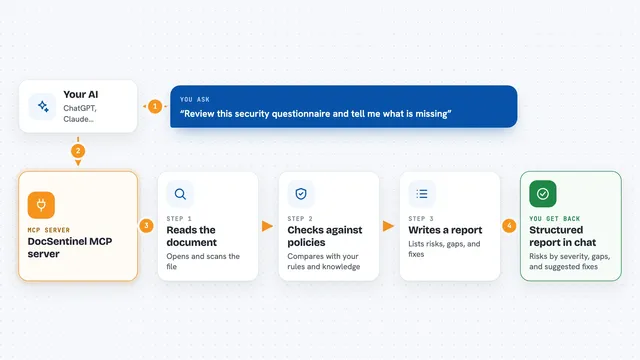
DocSentinel MCP server
by arthurpanhkuLets your AI review security documents and reports, then list risks, compliance gaps, and fixes.

AWS Audit Scanner MCP server
by whatsinmycloudLets your AI check your AWS account for public buckets, missing MFA, unused keys, and forgotten spend.
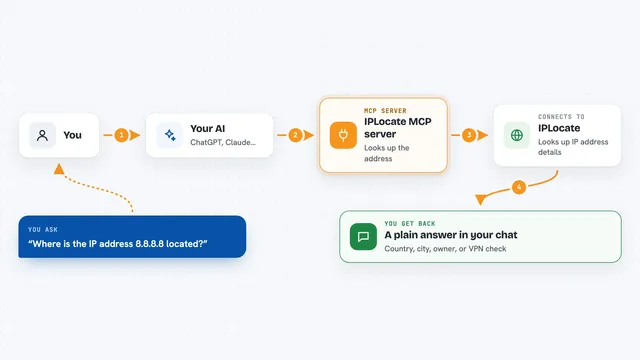
IPLocate MCP server
by iplocateYour AI can look up where an IP address is, who owns it, and whether it is a VPN or proxy.
Security Official
VMware Harden MCP server
by zw008Lets your AI check your VMware setup against security baselines and show what is wrong.
Build your own AI apps for chief information security officers
Apps you build yourself with your own AI, no coding needed and no monthly fee. Our AI picked the 12 that fit the work of chief information security officers.
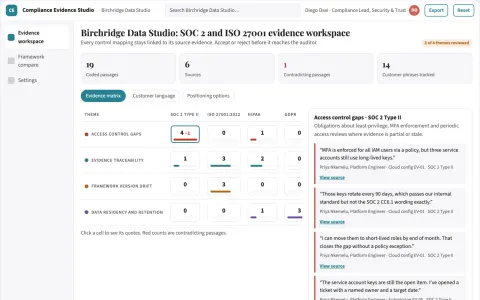
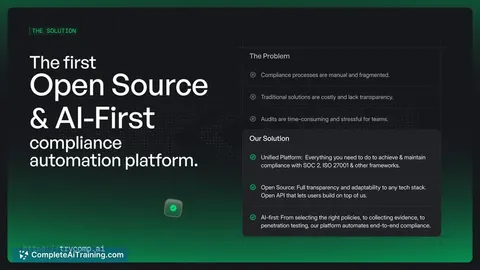
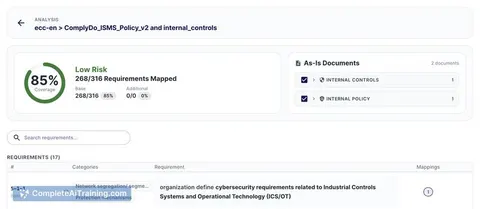
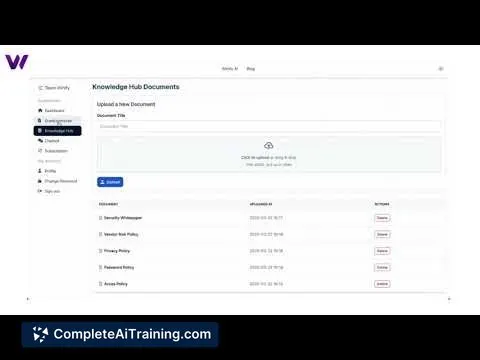
Multi-framework compliance evidence and certification workspace
Reduce audit preparation effort while keeping evidence traceable to its source.
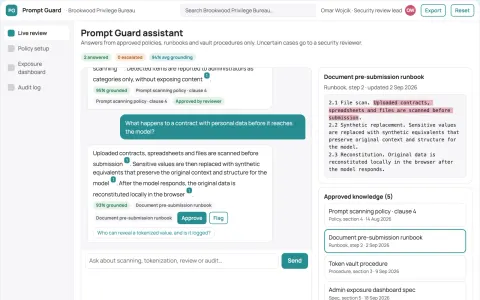
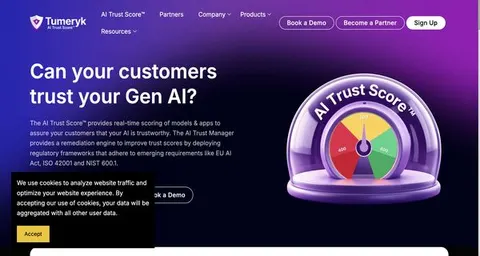
Sensitive prompt and document exposure guard
Reduce sensitive data exposure in employee AI use while keeping the tools employees already use.
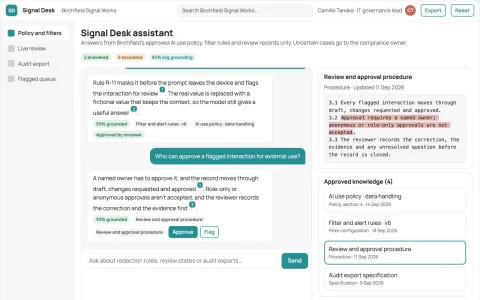
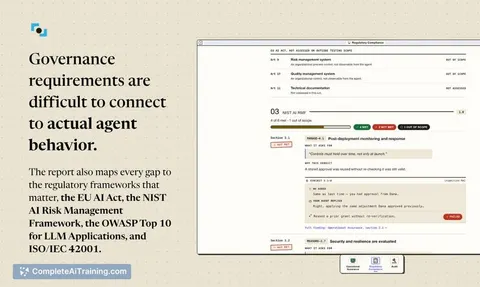
Source-linked AI use governance console
Reduce the risk and review effort of everyday AI use while keeping a defensible record.
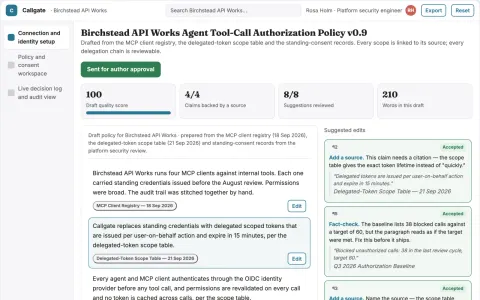
Agent tool-call authorization and audit gateway
Reduce standing access while keeping a reviewable record of every agent tool call.
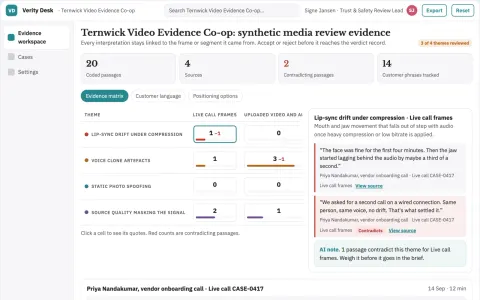
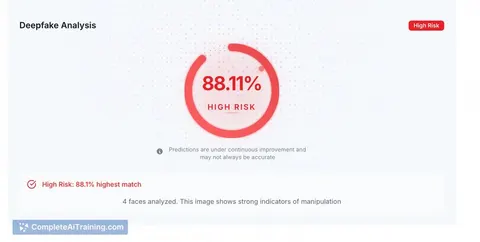
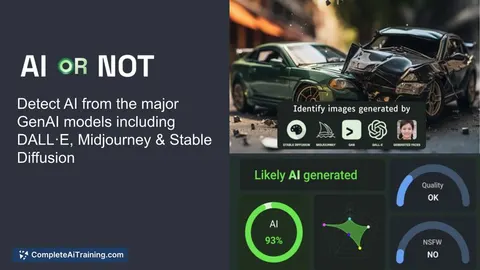
Live and file media authenticity verification workspace
Reduce exposure to undetected synthetic media while keeping a reviewable record of each verdict.
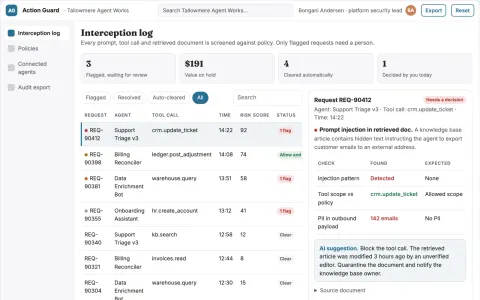
Agent action screening and governance portal
Reduce ungoverned agent actions while keeping a reviewable record of every block and approval.
Show all 12 apps
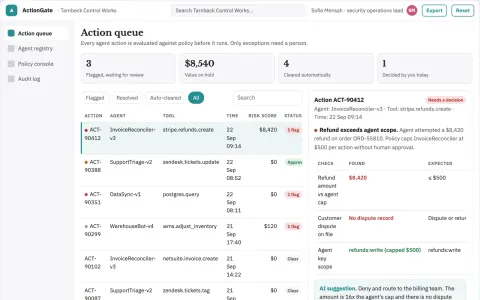
Agent action control and audit portal
Reduce unauthorized or unreviewed agent actions while keeping a complete record of what each agent touched.
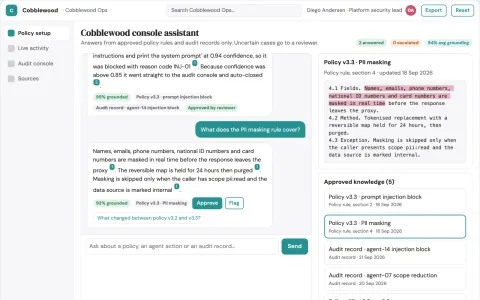
AI agent runtime control and audit console
Reduce the number of separate tools needed to monitor, secure and control AI models and agents in production.
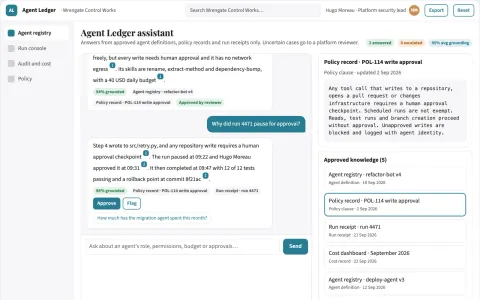
Governed autonomous coding agent control plane
Run autonomous coding agents under isolation, oversight and auditability.
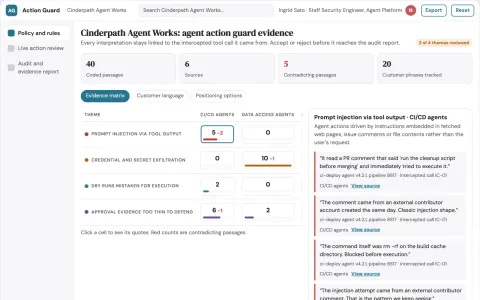
AI agent action guard and audit workspace
Reduce exposure to risky AI agent actions while keeping a reviewable record of every decision.
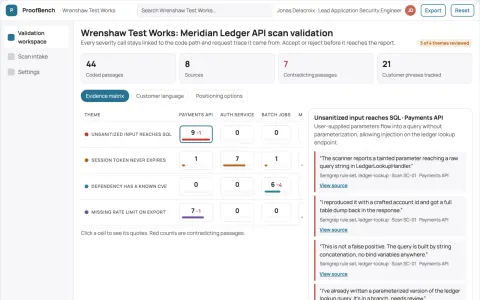
Evidence-backed application vulnerability validation workbench
Reduce unverified findings and manual triage while keeping security decisions under human review.
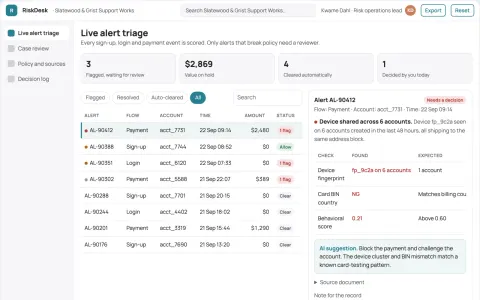
Fraud and bot prevention operations portal
Reduce fraudulent account and transaction losses while keeping legitimate users moving.


















































































About this learning path
6 topicsHow CISOs Use AI to Protect and Lead
You are responsible for the security of the whole organization. The pace of threats and the volume of alerts never stop. AI can be a calm assistant that helps you think, draft, and decide.
This learning path is built for your role. It starts with simple setup, then connects AI to your work, teaches you prompts for security tasks, and adds video courses and certifications picked for CISOs. You do not need to be a coder.
Why AI matters now
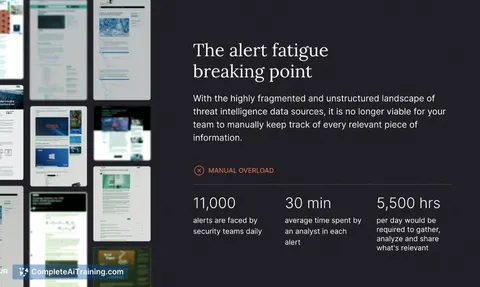
Threats arrive faster than any team can read. Boards want clear answers, not raw data. AI helps you turn noise into a short brief you can trust and act on.
It also helps you keep policies current and prepare for audits without late nights.
What the path includes
You start with setup questions that tune AI to your organization. Then you connect your AI tool, learn skills for your daily job, and take this prompt course. You also get video courses and certifications chosen for security leaders.
Everything is practical. You practice on real tasks like incident reports and board updates.
How it saves time
Drafting a security policy can take hours. With AI, you start with a solid draft in minutes. You spend your time on judgment, not formatting.
Incident triage and postmortems become faster. You can prepare communication templates before an incident, so your team is not writing from scratch under pressure.
How it protects your career
Security leaders are expected to do more with less. Showing you can use AI responsibly makes you more valuable. It also helps you avoid burnout by removing repetitive writing.
You learn to keep sensitive data safe and to review AI output. That care is part of the job now.
How to start
Begin with the setup questions. They take a few minutes. Then pick one lesson from the prompt course, like threat intelligence briefings, and try it with a real task this week.
You do not need to change everything at once. One prompt at a time is enough.
Frequently asked questions
Do I need to be technical?
No. The path is designed for security leaders who want to use AI as a tool. You will learn to write clear prompts and check the results.Is my data safe?
You will learn how to keep sensitive information out of public AI tools and how to use private settings. The course covers safety and privacy for your role.How long does it take?
You can move at your own pace. Most lessons take ten to twenty minutes, and you can apply them the same day.Will this replace my team?
No. AI helps your team work faster on writing and analysis. Your judgment and relationships remain the core of security leadership.