AI agent for art directors
Creative Brief Completeness Agent
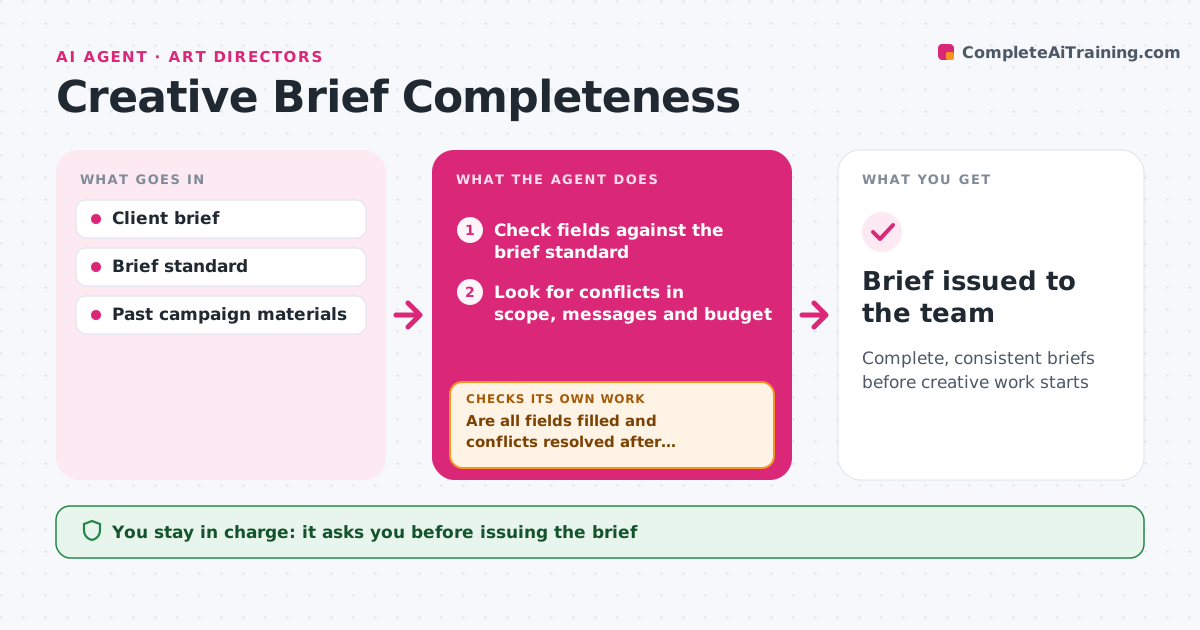
Complete, consistent briefs before creative work starts
What it does
A vague or contradictory brief leads to wasted creative rounds and frustrated clients. When a brief comes in, this agent checks it against the agency's brief standard: objective, audience, single-minded message, proof points, tone, mandatories, deliverables, budget, timeline and approvers. It also looks for conflicts, like a 15-second video that must carry eight messages. Missing or conflicting items become a short list of questions for the account or client lead. When answers come back, it updates the brief and checks again until it is complete and consistent. It then drafts a one-page creative brief for the team. The creative lead approves before work starts. Edge case: a brief with two different objectives is sent back to choose one.
How it works
Follow the arrows from top to bottom. The orange dashed arrow is the loop: when a check fails, the agent goes back and tries again.
Read the steps as a list
- Brief received
- Check fields against the brief standard
- Look for conflicts in scope, messages and budget
- Draft questions for the account lead
- Are all fields filled and conflicts resolved after answers?If not: send follow-up questions. Back to step 2.
- Draft one-page creative brief
- Creative lead approves before work startsThe agent waits here for your OK.
- Brief issued to the team
How it decides
It requires every standard field and flags conflicts between deliverables, messages and budget.
- One objective per brief
- Too many messages for the format is a conflict
- No work before approvers are named
Make it yours
Every agent is a starting point. You choose these settings for your own situation.
- Brief standard fields
- Conflict rules
- Question format
- Who approves
What keeps you in control
It always asks you first
- Issuing the brief
Hard limits
- Never contacts clients directly
- Never changes the client's objectives
It stops when
- Done: brief issued
- Stop: client withdraws project
Set it up
We guide you through the set-up, step by step
Members get the full set-up guide for this agent. No technical skills needed: you copy, paste and upload.
- One set of instructions to paste into your AI, with the clicks for ChatGPT, Claude, Microsoft 365 Copilot, Gemini and Grok
- The agent then walks you through connecting your own data, one source at a time
- A downloadable copy with the flow chart, the rules and the full guide