
Learning path
Learning AI as a Creative Director
A guided route for creative directors who want AI to take the grind out of briefs, feedback, and presentations. Set up, connect, and practice with prompts made for the job.
Your path
Everything in the Creative Director AI kit, in the order that makes sense. Members tick off each step and see their progress.
Set up your AI
We guide you through each click.
Let skills do your everyday tasks
Connect your apps and pick your AI apps
Hand whole tasks to AI agents
Build your own tools
Keep growing
Everything for creative directors
All the courses, certifications, AI tools, MCP servers and apps for creative directors, most relevant first. Open any list to see more.
Take the prompt courses
A short framework course to learn how to ask, then 9 lessons with ready-to-use prompts for creative directors.
Start with this framework: how to talk to AI
SCQA helps you turn a campaign concept into a crisp executive brief, like framing a rebrand pitch for the CEO's approval.
Then your prompt course for creative directors- 1Draft Creative Briefs3 prompts
- 2Generate Campaign Concepts5 prompts
- 3Review And Critique Work3 prompts
- 4Pitch And Present To Clients3 prompts
- 5Plan Photo And Video Shoots3 prompts
- 6Keep Brand Consistency4 prompts
- 7Manage Budgets And Timelines3 prompts
- 8Lead And Develop Your Team3 prompts
- 9Write Case Studies And Learn2 prompts
Watch the video courses or add them to your Favorites for later
139 video courses our AI picked for creative directors, most useful first. Save the ones you want to watch later with the heart.
Favorites are saved to your account: sign in or get your AI kit first.
Show all 139 video courses
Get certified, or add certifications to your Favorites
Every course ends in an exam and a certificate you can add to LinkedIn. Save the certifications you are aiming for with the heart.
Favorites are saved to your account: sign in or get your AI kit first.
More certifications for creative directorsShow all 24 certifications
Try the AI tools for creative directors
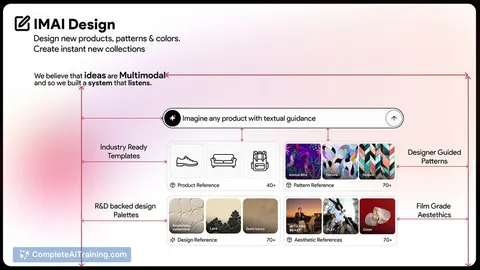
24 AI tools our AI matched to the work of creative directors, best fit first. Each review shows what it does, its alternatives and the jobs it suits.
Favorites are saved to your account: sign in or get your AI kit first.
Show all 24 AI tools
Connect your AI to the apps creative directors use
MCP servers let ChatGPT, Claude or Copilot look things up and get work done in other apps, like your email, calendar or bookkeeping software. These 12 fit the work of creative directors best, well-known apps first.
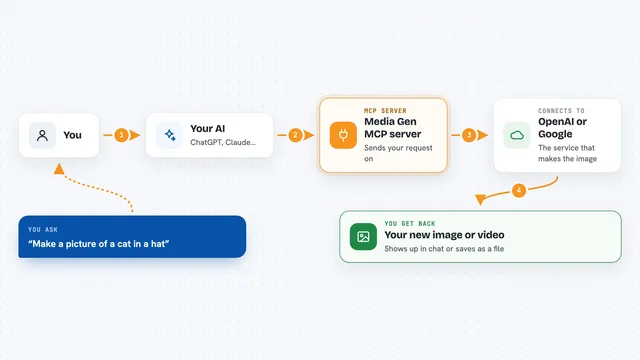
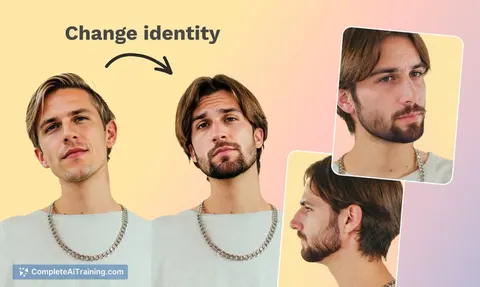
Media Gen MCP server
by strato-spaceCreate and edit images and videos with OpenAI and Google tools, right from your AI chat.

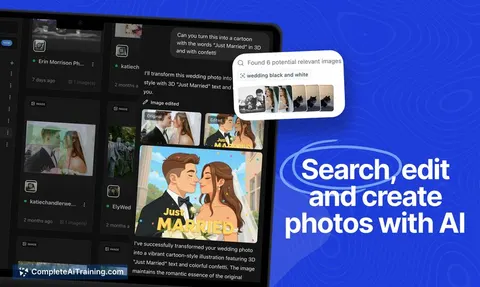
OpenAI GPT Image MCP server
by SureScaleAILets your AI create and edit images with OpenAI's image models, right from the chat.

Google Images MCP server
by HasDataLets your AI search Google Images and bring back picture links, source pages and sizes.
ResearchNo install
OpenRouter Multimodal MCP server
by stabganLets your AI read and create text, images, audio and video through OpenRouter models.

AetherWave Studio MCP server
by AetherWave-StudioLets your AI make music, images, videos and comics through one account and one key.

Unsplash MCP server
by hellokatonLets your AI search Unsplash for photos by keyword, color, and orientation, and hand you the results.
Show all 12 MCP servers

PromptPilot MCP server
by doctorm333Let your AI make images, video, and audio for you, right inside the chat.
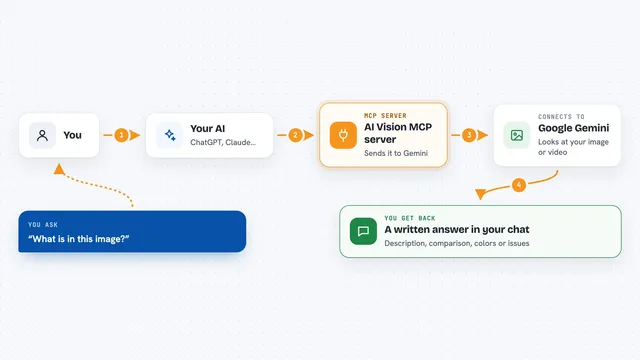
AI Vision MCP server
by tan-yong-shengLets your AI look at images and videos, describe them, compare them, and check design quality.

Google Drive MCP server
by A1-x-TechLet your AI search, organize, upload, download, export and share your Google Drive files for you.

Google Slides MCP server
by A1-x-TechLets your AI look at and edit your Google Slides decks, from adding slides to exporting them as PDF.
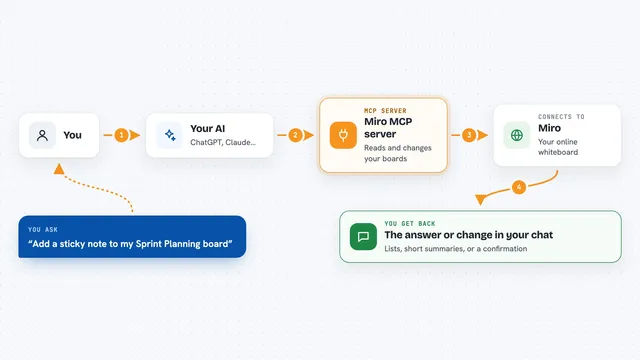
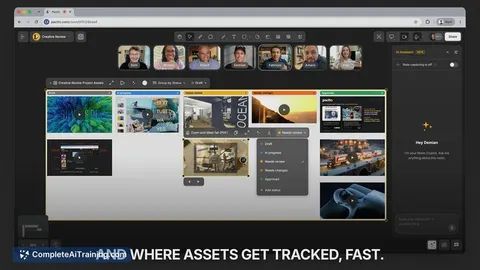
Miro MCP server
by k-jarzynaLets your AI read and change your Miro boards, like adding sticky notes or cards for you.

Seedream Image MCP server
by AceDataCloudLet your AI create and edit images with ByteDance's Seedream models, right inside your chat.
Generative artNo installBuild your own AI apps for creative directors
Apps you build yourself with your own AI, no coding needed and no monthly fee. Our AI picked the 12 that fit the work of creative directors.
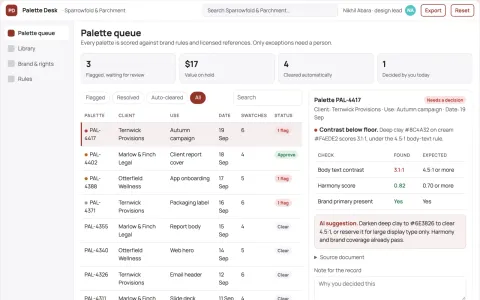
Design palette library and stewardship console
Reduce palette search and rework time while keeping one approved brand record.
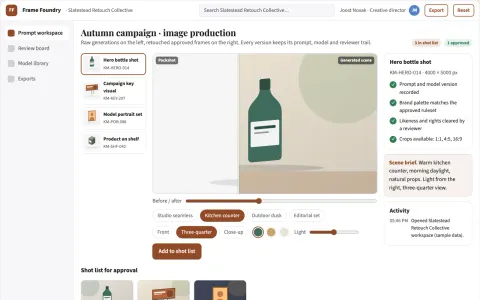
Managed AI image production and review platform
Consolidate generation, editing, review and publishing into one owned platform.
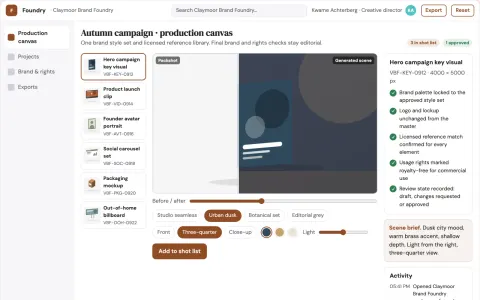
Brand-trained visual asset production workbench
Reduce tool sprawl and rework while keeping every asset on-brand and rights-cleared.
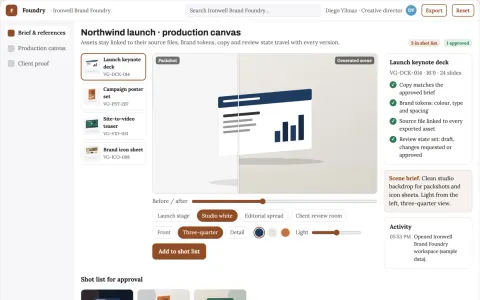
Brand visual production and review platform
Reduce tool sprawl and review cycles while keeping one brand system.
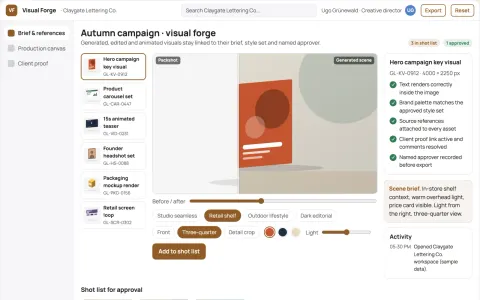
Managed AI visual production and review platform
Consolidate generation, editing, animation and review into one owned workspace.
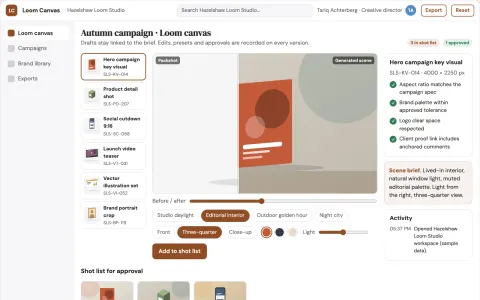
Managed AI visual production workbench
Reduce tool sprawl and review cycles while keeping one approved visual library.
Show all 12 apps
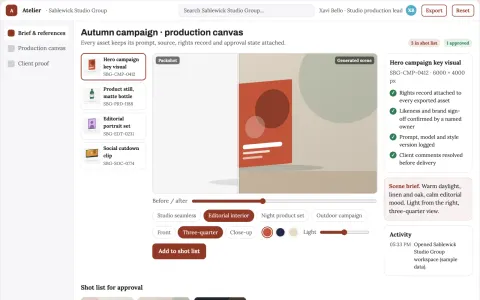
Managed AI visual production workspace
Consolidate image generation, editing and review into one owned workspace.
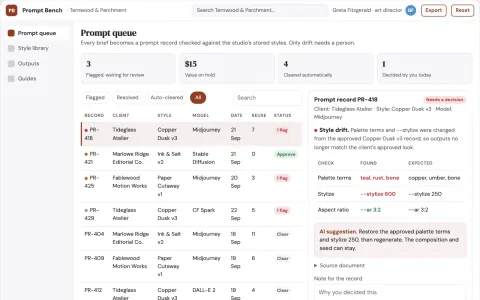
Prompt library and generation workbench
Reduce prompt rebuilding while keeping the team's own style library.
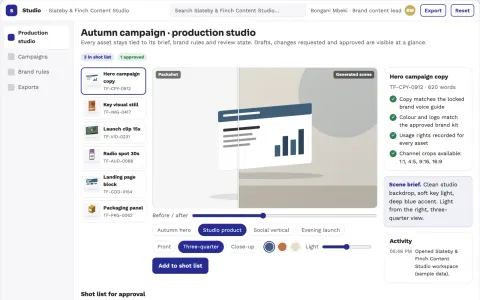
Brand content production and review studio
Reduce tool sprawl and review cycles while keeping one brand voice.
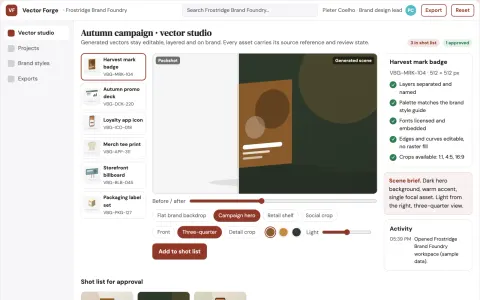
Brand vector asset production studio
Reduce tool switching and manual export work while keeping every vector asset on brand.
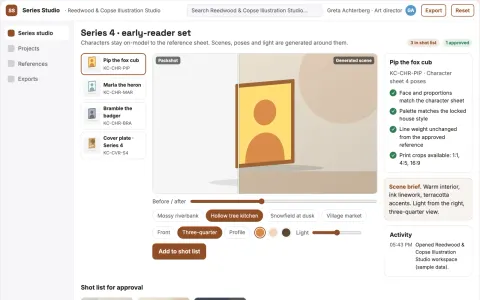
Consistent character and style image production studio
Reduce rework across a content series while keeping characters and styles consistent.
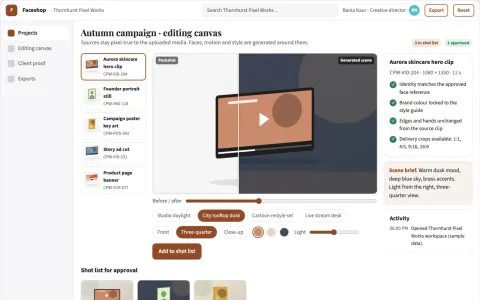
Managed AI photo and video effects studio
Reduce tool switching and review cycles while keeping creative control.

































































































About this learning path
7 topicsAI for Creative Directors: Lead, Review, Pitch, and Save Time
Creative direction is a job of judgment, taste, and time. You sit between the client, the team, and the work, and the admin around that work can swallow the day.
This path helps you use AI for the parts that repeat, so you can spend more of your attention on the parts that need a human eye.
Why this matters now
Clients expect ideas faster, teams are leaner, and the tools your team uses are changing. AI will not make the creative calls, but it can hold the notes, draft the first pass, and keep the details straight.
Directors who know how to work with these tools set the pace for everyone else. You stay in charge of the taste and the final word.
What the path includes
A short setup guide that answers the common questions: which tool to pick, what to put in, and what to keep out. Then a simple walkthrough for connecting your AI so it can help with your real files and projects.
At the center is a prompt course built from the daily work of a creative director: briefs, concepts, reviews, pitches, shoots, brand voice, budgets, team leadership, and case studies. Alongside it, video courses chosen for this job, each with its own certificate when you finish.
How it saves you time
The first draft of a brief, a set of concept directions, a feedback summary, a pitch outline, a shot list, a case study opening. These are the places where AI gives you a head start.
You still read, cut, and shape everything. The difference is you start from something instead of a blank page, and the small jobs stop eating the big ones.
How it protects your career
The roles that change fastest are the ones where the work is mostly assembly. Creative directors who can direct the tools, explain the choices, and keep quality high become more valuable, not less.
Learning this now also means you are the person on the team who knows what the tools can and cannot do. That is a quiet form of job security.
Video courses and certificates
After the prompt course, you can pick video courses that match your next need, whether that is brand strategy, production, or leading a team through change. Each one is short enough to finish in a few evenings.
Every course comes with a certificate you can keep for your own records or share with your employer. They are a simple way to show you are keeping your skills current.
How to start
Start with the setup questions and connect one tool. Then open the prompt course and try the first lesson on your next real brief.
Give it twenty minutes before a meeting. Use the output as a draft, not a decision. That is enough to see where it helps and where it does not.
Frequently asked questions
Do I need to be technical to use this path?
No. Everything is written in plain language and built around the tools you already use: a browser, a document, and your usual email. If you can write a brief, you can use these prompts.Which AI tools will I practice with?
The course uses ChatGPT, Claude, and Gemini, because most teams have access to at least one. You can follow along with whichever tool your workplace allows.How long does the path take?
You can move through the setup and the first few lessons in an afternoon. The full prompt course and the video courses are designed for short sessions across a few weeks.Will AI take over the creative decisions?
No. The AI drafts, sorts, and suggests. You decide what is good, what fits the brand, and what goes to the client. Your judgment is the point of the whole path.