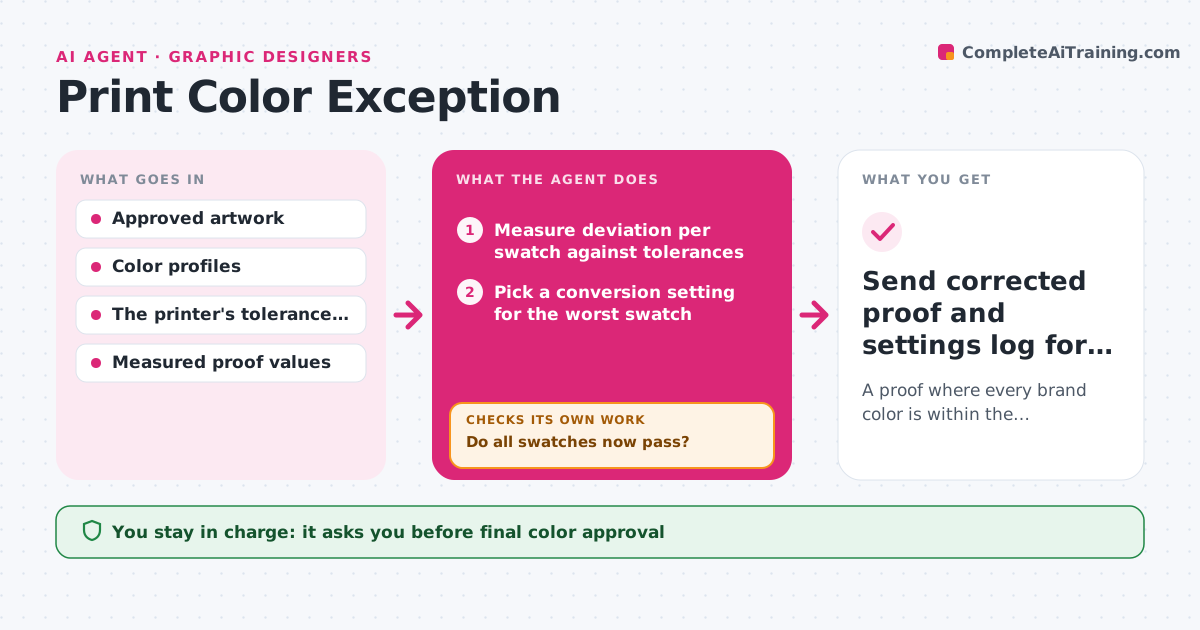
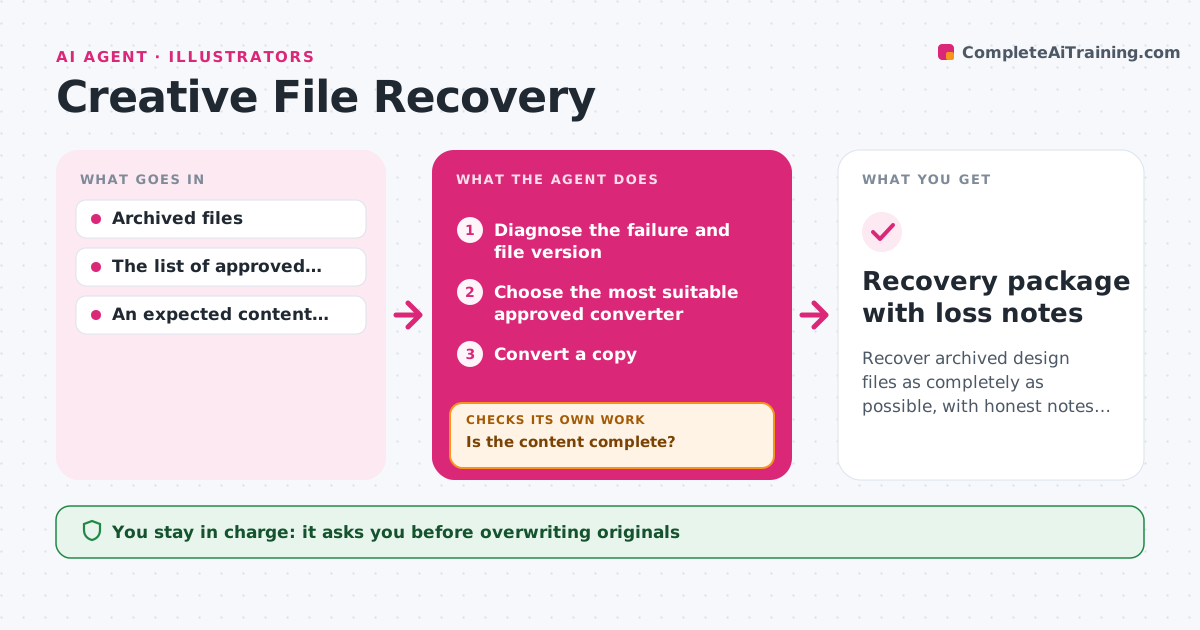
AI agent for graphic designers
Creative Revision Propagation Agent
Every campaign variant shows the approved change, and nothing else in any variant changed.

What it does
When a client asks for a change, like a new price or headline, an agency has to apply it to every size and variant of a campaign: social, banner, print and video. Done by hand, some variants get missed or other elements shift by accident. This agent reads the approved change request, lists what must change and what is protected, and finds every variant that uses the affected element. It edits working copies, masters first, renders before and after previews and compares them pixel by pixel. It accepts an edit only when the intended element changed and nothing else did. Otherwise it restores the copy and tries a narrower edit, up to two times. The designer reviews one revision pack with visual diffs. Edge case: a flattened video end card cannot be edited by layer, so it goes on the human list.
How it works
Follow the arrows from top to bottom. The orange dashed arrow is the loop: when a check fails, the agent goes back and tries again.
Read the steps as a list
- Approved change request arrives for a campaign
- Read the request and list exactly what must change and what is protected
- Map all variants and the layers that contain the affected element
- Is every affected variant found and readable?If not: ask for the missing source files. Back to step 2.
- Apply the change to a working copy of the next variant
- Render before/after and run a visual diff
- Did only the requested element change?If not: restore and apply a narrower edit (max 2 tries). Back to step 5.
- Repeat for the remaining variants; queue variants that failed twice
- Validate exports against each channel's specifications
- Designer reviews the revision pack and diff sheetThe agent waits here for your OK.
- Hand over the synchronized revision pack, diffs and exception list
How it decides
It builds a map of which variants use which layers, then picks the next variant to edit by dependency order (masters first, derived sizes after). After every edit it renders and diffs: a diff confined to the requested element means 'accept and move on'; a diff touching any other element means 'restore and try a narrower layer-level edit'; two failed attempts on one variant means 'queue it for a human'.
- Which variant to edit next: masters before derived sizes, so derived variants inherit fixes.
- Accept or restore an edit: accept only when the diff is confined to the requested element.
- Narrow the edit: switch from whole-artboard to single-layer or single-text-run edits after an unintended change.
- Escalate a variant: after two failed attempts, or when the requested change conflicts with a protected element.
Make it yours
Every agent is a starting point. You choose these settings for your own situation.
- Pixel difference allowed outside the edited element before an edit is rejected (default 0.5%)
- Maximum narrower edit attempts per variant before it goes to a person (default 2)
- Protected elements that may never change (default legal lines, logos, rating badges)
- Channels and export specifications to validate against (default social, display, print)
- Who approves the revision pack (default the lead designer on the job)
What keeps you in control
It always asks you first
- Client delivery of the revised assets
- Any change outside the approved request, including touching protected legal text or logos
Hard limits
- Works on copies only; originals are never overwritten.
- Protected elements (legal text, logo lockups) are checked in every diff.
- Nothing is sent to the client without the designer's approval.
It stops when
- Done: every variant passes the diff check and the export validation.
- Blocked: a source file is missing or locked, or the request conflicts with brand rules.
- Needs a human: a variant failed two narrower edits.
Set it up
We guide you through the set-up, step by step
Members get the full set-up guide for this agent. No technical skills needed: you copy, paste and upload.
- One set of instructions to paste into your AI, with the clicks for ChatGPT, Claude, Microsoft 365 Copilot, Gemini and Grok
- The agent then walks you through connecting your own data, one source at a time
- A downloadable copy with the flow chart, the rules and the full guide