
Learning path
Learning AI as a Motion Graphics Designer
A guided path that helps motion graphics designers use AI for storyboards, text animation, and sound sync. It combines setup, prompt lessons, and video courses picked for this job.
Your path
Everything in the Motion Graphics Designer AI kit, in the order that makes sense. Members tick off each step and see their progress.
Set up your AI
We guide you through each click.
Let skills do your everyday tasks
Connect your apps and pick your AI apps
Hand whole tasks to AI agents
Build your own tools
Keep growing
Everything for motion graphics designers
All the courses, certifications, AI tools, MCP servers and apps for motion graphics designers, most relevant first. Open any list to see more.
Take the prompt courses
A short framework course to learn how to ask, then 9 lessons with ready-to-use prompts for motion graphics designers.
Start with this framework: how to talk to AI
Motion graphics designers can use CRISPE to generate several logo animation styles at once and compare them before choosing a client's favorite.
Then your prompt course for motion graphics designers- 1Concept & Storyboarding3 prompts
- 2Script & Narration2 prompts
- 3Kinetic Typography & Text Animation3 prompts
- 4Compositing & VFX Assistance3 prompts
- 5Audio Sync & Sound Design2 prompts
- 6Troubleshooting & Optimization3 prompts
- 7AI-Assisted Asset Creation2 prompts
- 8Client Communication & Admin3 prompts
- 9Learning & Skill Development2 prompts
Watch the video courses or add them to your Favorites for later
107 video courses our AI picked for motion graphics designers, most useful first. Save the ones you want to watch later with the heart.
Favorites are saved to your account: sign in or get your AI kit first.
Show all 107 video courses
Get certified, or add certifications to your Favorites
Every course ends in an exam and a certificate you can add to LinkedIn. Save the certifications you are aiming for with the heart.
Favorites are saved to your account: sign in or get your AI kit first.
More certifications for motion graphics designersShow all 24 certifications
Try the AI tools for motion graphics designers
24 AI tools our AI matched to the work of motion graphics designers, best fit first. Each review shows what it does, its alternatives and the jobs it suits.
Favorites are saved to your account: sign in or get your AI kit first.
Show all 24 AI tools
Connect your AI to the apps motion graphics designers use
MCP servers let ChatGPT, Claude or Copilot look things up and get work done in other apps, like your email, calendar or bookkeeping software. These 10 fit the work of motion graphics designers best, well-known apps first.

After Effects MCP server
by a-y-ibrahimLets your AI build, inspect and render Adobe After Effects projects for you, including Arabic text.

RNV Color MCP server
by RNVizionMix, convert, and match colors, build palettes, and save them by name, right from your chat.
Design toolsNo install
OpenRouter Multimodal MCP server
by stabganLets your AI read and create text, images, audio and video through OpenRouter models.

Everything Search MCP server
by mamertofabianLets your AI search the files and folders on your own computer by name, size, or date.

ClarifyPrompt MCP server
by LumabyteCoYour AI rewrites your rough prompt into a polished one tuned for the exact tool you're using.
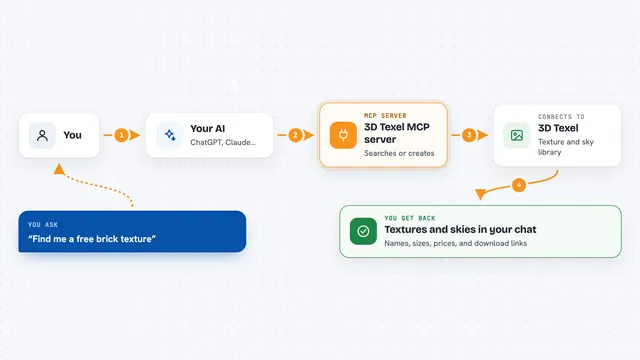
3D Texel MCP server
by GatyhLet your AI search, download, and generate 3D textures, HDRIs, and materials from 3D Texel for you.
Design tools OfficialShow all 10 MCP servers

Dare Video and Image MCP server
by avi-aggarwal14Ask Claude to make videos and images on Dare, paid with the credits you already have.

Guaardvark AI Studio server
by guaardvarkLets your AI make images, video, music and voice on your own computer, and search your files.

webfetch MCP server
by ashlraiYour AI can search for images across many sources and tell you the license and credit line for each one.
ResearchNo install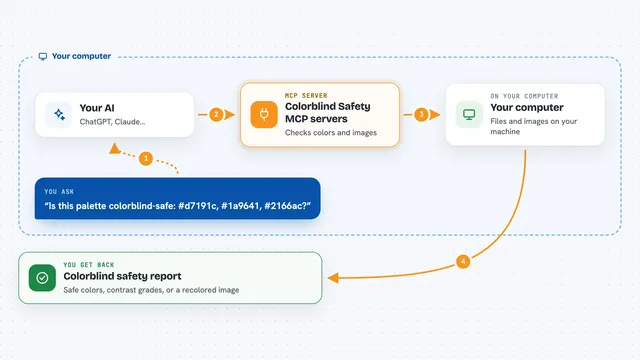
Colorblind Safety MCP servers
by vince-gonzalezCheck if your colors and images are colorblind-safe, and see them the way a colorblind person does.
Build your own AI apps for motion graphics designers
Apps you build yourself with your own AI, no coding needed and no monthly fee. Our AI picked the 10 that fit the work of motion graphics designers.
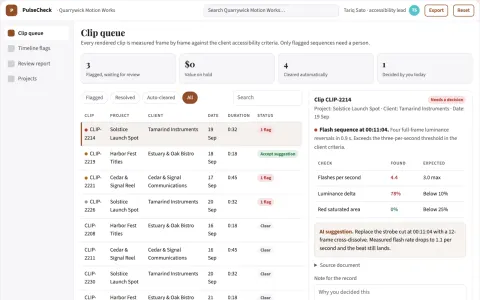
Motion accessibility workbench
Timecoded accessibility review embedded in motion production.
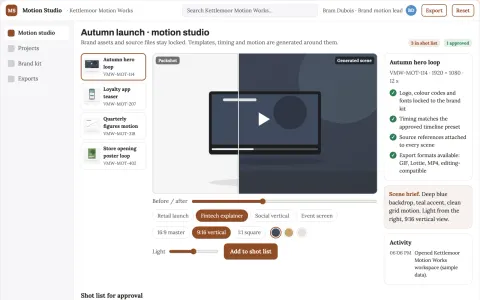
Managed animated brand motion production platform
Reduce tool sprawl and review cycles while keeping brand assets and source files in one owned workspace.
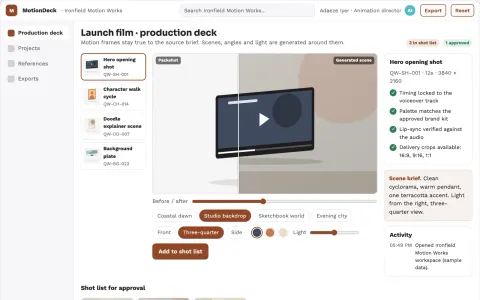
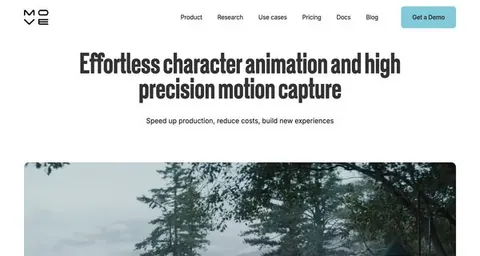
Prompt-to-motion animation production studio
Reduce tool switching and manual assembly while keeping creative control.
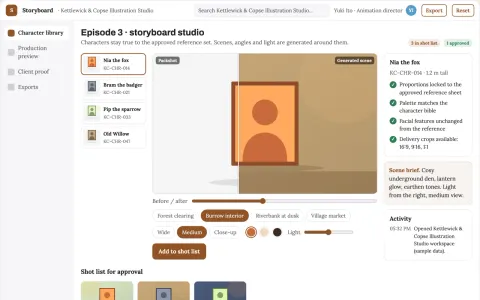
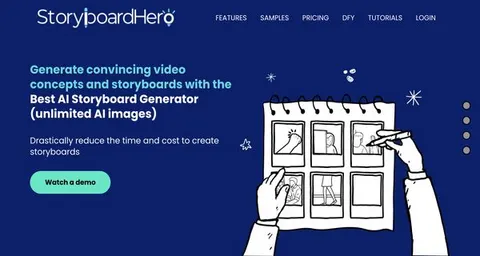
Character animation and storyboard production studio
Reduce tool handoffs and visual drift while keeping one approved character set.
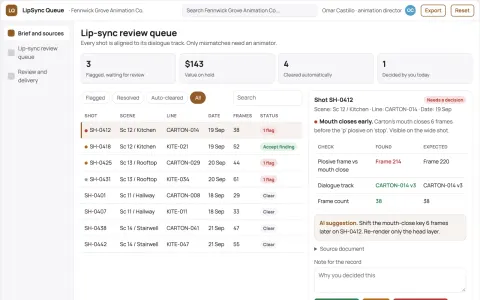
Animation lip-sync review queue
Timecoded review evidence before final render.
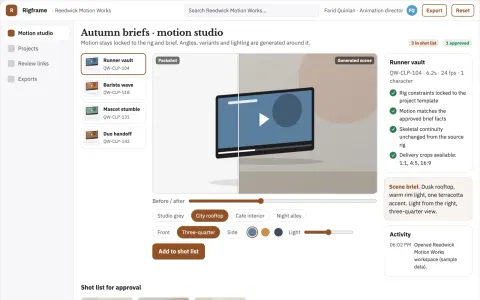
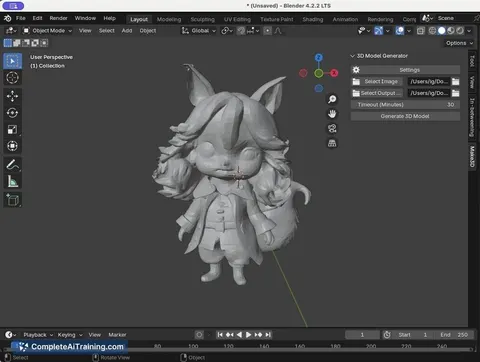
Text-to-3D character animation production studio
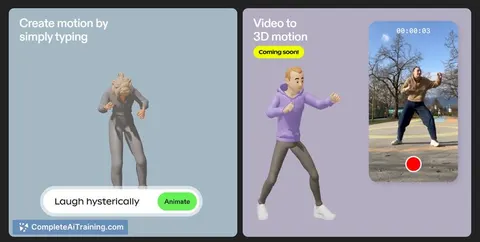
Reduce animation production time while keeping character motion under creative review.
Show all 10 apps
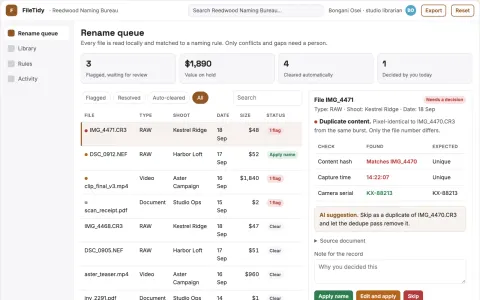
AI file naming and folder organization console
Cut manual filing time while keeping a searchable, correctly named library.
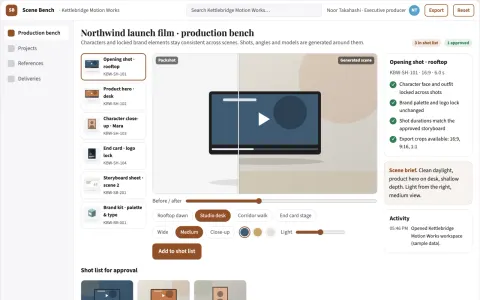
Multi-scene AI video production workbench
Reduce tool sprawl and keep one reviewed production path from script to rendered video.
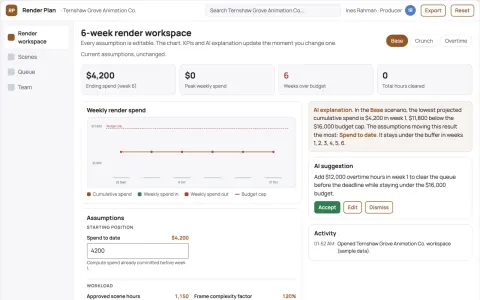
Creative render deadline allocator
Fit approved renders into budget and delivery limits.
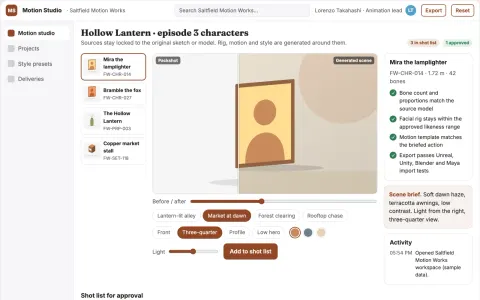
Managed AI animation and 3D rigging studio
Reduce tool sprawl and handoff friction while keeping animation assets and approvals in one owned workspace.





































































About this learning path
6 topicsAI for Motion Graphics Designers: A Practical Path
Motion graphics designers are asked to do more in less time. AI can help you sketch ideas, time text, and fix audio without losing your creative voice.
This learning path walks you through setting up your AI, connecting it to your work, and using prompts made for motion graphics. You also get video courses and certifications chosen for this job.
Why AI Matters Now
Clients want faster turnarounds and more versions. AI helps you move from brief to storyboard in minutes, not hours. It also helps you solve technical problems and keep projects on track.
What the Path Includes
You start with setup questions and connecting your AI to your tools. Then you learn skills for the job inside your AI, followed by this prompt course. You also get video courses picked for motion graphics and the certifications that come with them.
How It Saves Time
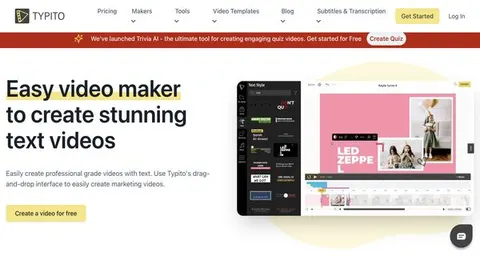
AI can draft storyboard frames, suggest text animation timing, and help you match colors. It can also write client updates and summarize feedback. That means less time on repetitive tasks and more time on the parts you enjoy.
How It Protects Your Career
Knowing how to work with AI makes you more valuable on any team. You stay in control of the creative choices while AI handles the busywork. This path helps you build skills that clients and studios are looking for.
How to Start
Begin with the setup questions to get your AI ready. Then follow the lessons in order, trying each prompt on a real project. The video courses and certifications come next, at your own pace.
Frequently asked questions
Do I need to know how to code?
No. The prompts are written in plain English. You copy them into ChatGPT, Claude, or Gemini and adjust the details to fit your project.Will AI replace motion graphics designers?
AI is a tool, not a replacement. It helps you work faster and try more ideas. Your taste and storytelling still make the final call.How long does the learning path take?
Most people move through the lessons in a few weeks, a little each day. You can go faster or slower depending on your schedule.What tools do I need?
You need a computer with internet access and an account with ChatGPT, Claude, or Gemini. Your usual motion graphics software, like After Effects, works alongside AI.