AI agent for tax analysts
Crypto Cost Basis Reconciliation Agent
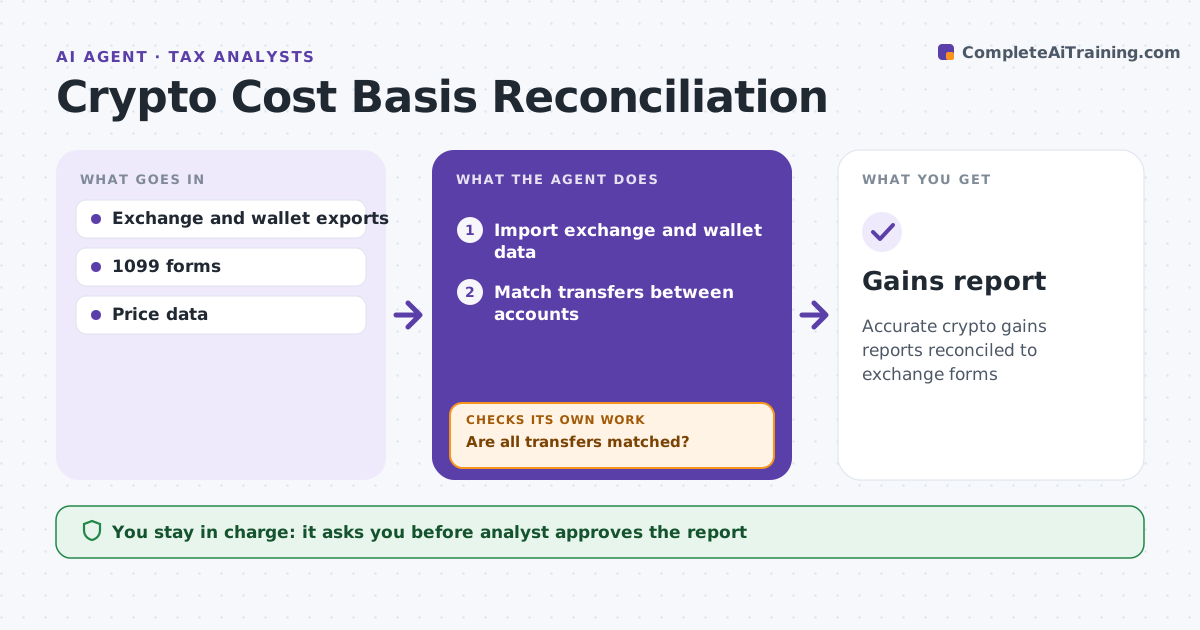
Accurate crypto gains reports reconciled to exchange forms
What it does
Clients often hold crypto across several exchanges and private wallets, and moving coins between them breaks the cost basis each exchange reports. At period end, this agent imports every account's transactions and matches transfers out of one account with transfers into another, allowing a 2 hour and 1% window for fees. If transfers are unmatched, it searches for a missing wallet or asks the client. It then calculates gains with the elected cost basis method. A second check compares totals with the exchanges' tax forms; differences are traced to fees or timing and corrected. Staking rewards are income at fair value when received. The analyst approves the report. Edge case: a transfer to an address the client does not recognize is never treated as a sale until the client confirms.
How it works
Follow the arrows from top to bottom. The orange dashed arrow is the loop: when a check fails, the agent goes back and tries again.
Read the steps as a list
- Period ends
- Import exchange and wallet data
- Match transfers between accounts
- Are all transfers matched?If not: search for missing wallets or ask the client. Back to step 3.
- Calculate gains with the chosen method
- Do totals agree with exchange forms?If not: find the difference and correct. Back to step 5.
- Analyst approves reportThe agent waits here for your OK.
- Gains report
How it decides
Transfers are matched by amount, asset and time. Gains use the elected method.
- Match within 2 hours and 1% of amount for fees
- Use the elected cost basis method
- Staking rewards are income at receipt
Make it yours
Every agent is a starting point. You choose these settings for your own situation.
- Cost basis method
- Matching tolerance
- Price data source
- Report format
What keeps you in control
It always asks you first
- Analyst approves the report
Hard limits
- Never files returns
- Never moves assets
It stops when
- Done: report approved
- Stop: client data missing
Set it up
We guide you through the set-up, step by step
Members get the full set-up guide for this agent. No technical skills needed: you copy, paste and upload.
- One set of instructions to paste into your AI, with the clicks for ChatGPT, Claude, Microsoft 365 Copilot, Gemini and Grok
- The agent then walks you through connecting your own data, one source at a time
- A downloadable copy with the flow chart, the rules and the full guide