AI agent for preschool teachers
Daily Parent Report Agent
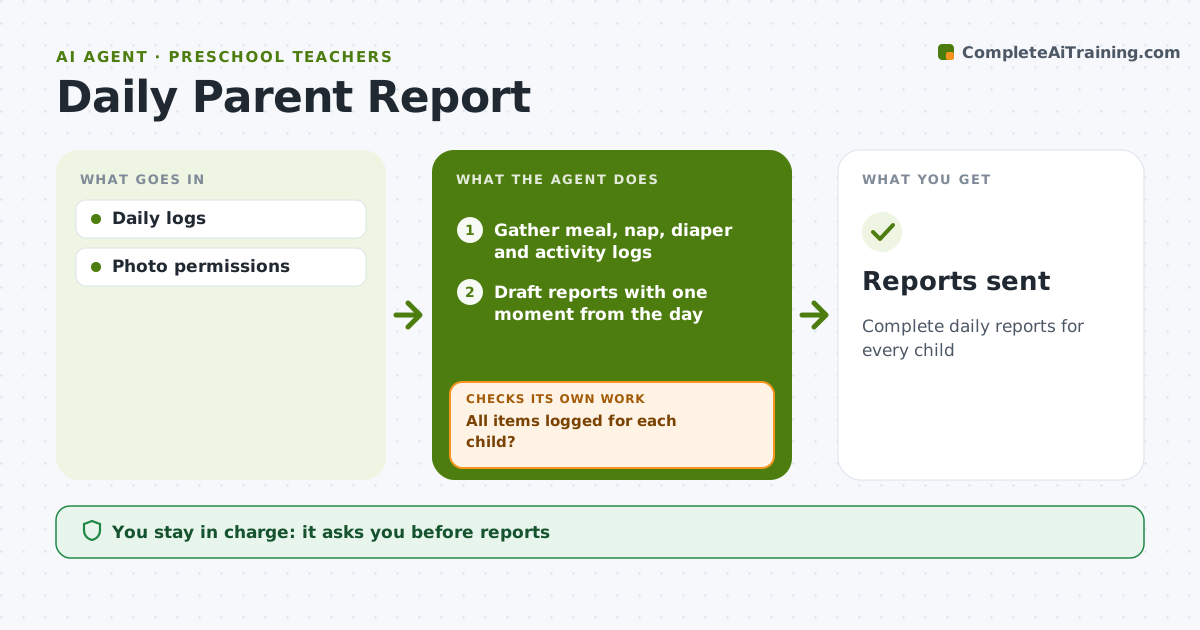
Complete daily reports for every child
What it does
Parents of young children expect a daily report covering meals eaten, naps, toileting or diaper changes, activities and a moment from the day. Teachers log these in the childcare app between many other tasks, and gaps are common. This agent gathers the day's entries, checks that each child has every required item, and one hour before pickup flags any gaps to the room teachers so they can fill them while memories are fresh. It checks again after their edits. It then drafts a short, personal report per child, adding a photo only where the family has given permission. The teacher reviews and sends each report. Edge case: injuries or incidents, even small bumps, follow the incident form process and are never reported only in the daily note; the agent reminds the teacher to complete the form and leaves the incident out of its draft.
How it works
Follow the arrows from top to bottom. The orange dashed arrow is the loop: when a check fails, the agent goes back and tries again.
Read the steps as a list
- Afternoon
- Gather meal, nap, diaper and activity logs
- All items logged for each child?If not: ask room teachers to add the missing entries. Back to step 2.
- Draft reports with one moment from the day
- Flag anything unusual for the teacher, such as a skipped nap
- Teacher reviews and sendsThe agent waits here for your OK.
- Save reports to each child's record
- Reports sent
How it decides
Required items per child.
- Photos only with permission
- Incidents use form
- Missing items flagged 1 hour before pickup
Make it yours
Every agent is a starting point. You choose these settings for your own situation.
- Items
- Timing
- Tone
- Photo rules
What keeps you in control
It always asks you first
- Reports
Hard limits
- Photo permissions respected
It stops when
- Done: sent
- Stop: none
Set it up
We guide you through the set-up, step by step
Members get the full set-up guide for this agent. No technical skills needed: you copy, paste and upload.
- One set of instructions to paste into your AI, with the clicks for ChatGPT, Claude, Microsoft 365 Copilot, Gemini and Grok
- The agent then walks you through connecting your own data, one source at a time
- A downloadable copy with the flow chart, the rules and the full guide