
Learning path
Learning AI as a Caregiver
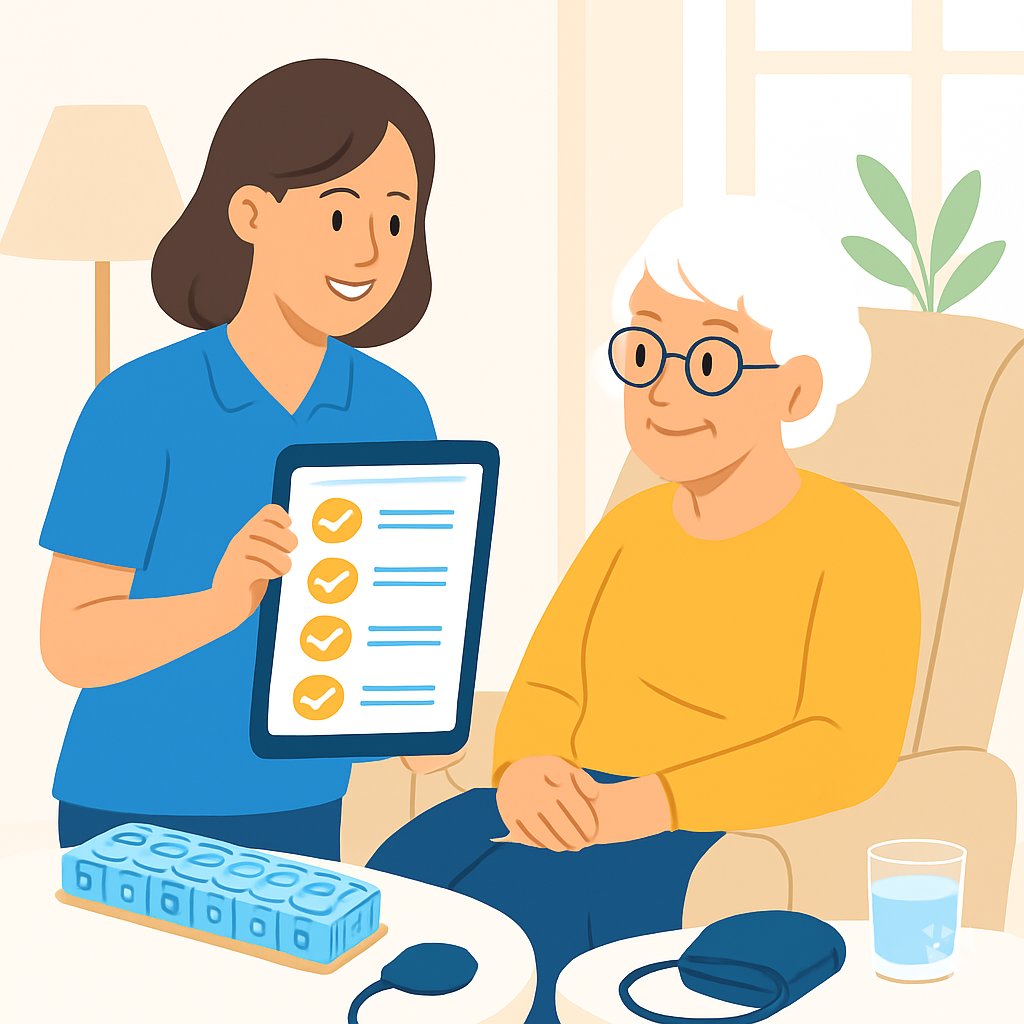
Caregivers give so much of their day to others. This path shows you how AI can handle the paperwork and planning so you can focus on the person in front of you.
Your path
Everything in the Caregiver AI kit, in the order that makes sense. Members tick off each step and see their progress.
Set up your AI
We guide you through each click.
Let skills do your everyday tasks
Connect your apps and pick your AI apps
Hand whole tasks to AI agents
Build your own tools
Keep growing
Everything for caregivers
All the courses, certifications, AI tools, MCP servers and apps for caregivers, most relevant first. Open any list to see more.
Take the prompt courses
A short framework course to learn how to ask, then 8 lessons with ready-to-use prompts for caregivers.
Start with this framework: how to talk to AI
CARE fits caregiving because each patient note follows context, action, result, example, like recording Mrs. Lee's fall, your response, and her recovery.
Then your prompt course for caregiversWatch the video courses or add them to your Favorites for later
74 video courses our AI picked for caregivers, most useful first. Save the ones you want to watch later with the heart.
Favorites are saved to your account: sign in or get your AI kit first.
Show all 74 video courses
Get certified, or add certifications to your Favorites
Every course ends in an exam and a certificate you can add to LinkedIn. Save the certifications you are aiming for with the heart.
Favorites are saved to your account: sign in or get your AI kit first.
More certifications for caregiversShow all 24 certifications
Try the AI tools for caregivers
7 AI tools our AI matched to the work of caregivers, best fit first. Each review shows what it does, its alternatives and the jobs it suits.
Favorites are saved to your account: sign in or get your AI kit first.
Connect your AI to the apps caregivers use
MCP servers let ChatGPT, Claude or Copilot look things up and get work done in other apps, like your email, calendar or bookkeeping software. These 12 fit the work of caregivers best, well-known apps first.

Microsoft To Do MCP server
by MAG-CieLet your AI read and manage your Microsoft To Do lists and tasks for you.

Google Tasks MCP server
by A1-x-TechLets your AI read and manage your Google Tasks lists, tasks, due dates and subtasks for you.

Google Calendar MCP server
by takumi0706Lets your AI read, create, change, and delete events in your Google Calendar for you.

CalDAV / CardDAV MCP server
by PhilflowIOLet your AI read and change your calendars, contacts and tasks on Nextcloud, Baikal, Radicale or iCloud.
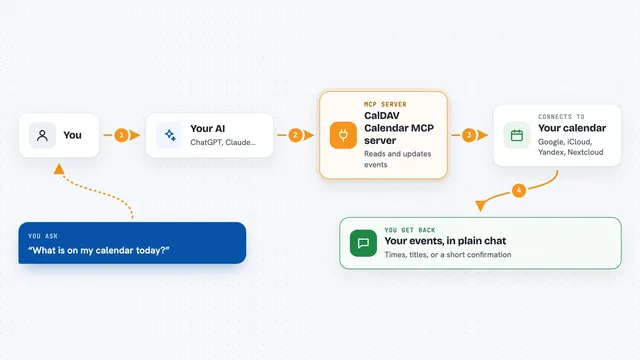
CalDAV Calendar MCP server
by madbonezLet your AI read and create calendar events on Yandex, Google, Nextcloud, iCloud and other CalDAV calendars.

Phi Longevity MCP server
by PhilongevityLet your AI check sample lab values and suggest guideline-cited next steps for chronic conditions.
Health and learningNo installShow all 12 MCP servers
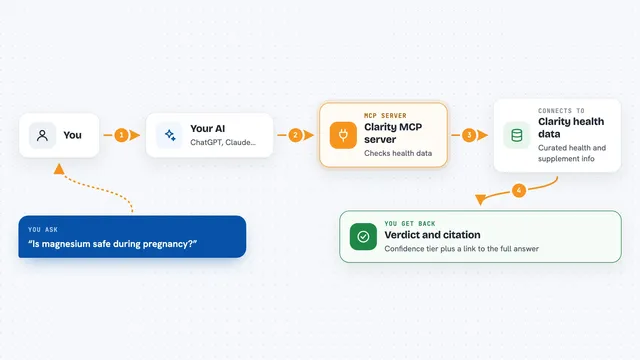
Clarity MCP server
by thehealthaiLets your AI check ingredients, supplements and health claims against conditions like pregnancy or allergies, with sources.
Health and learningResearchNo install
Nutrients MCP server
by ericblair1903Your AI can look up calories, macros, vitamins, minerals and allergens for any food, from a photo or a description.

Medical MCP server
by JamesANZLets your AI look up drugs, health stats, and medical studies from trusted public sources.
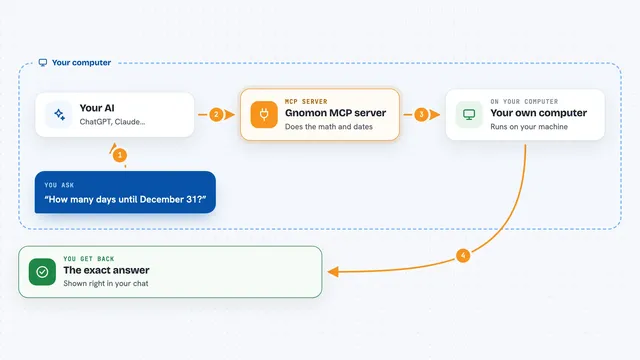
Gnomon MCP server
by lihtnessGives your AI a reliable calculator and calendar so dates, math, and unit conversions stop being guesses.

Hindsight MCP server
by vectorize-ioGive your AI a long-term memory so it remembers facts and past chats and answers with that context.
NotesNo install
Calculator MCP server
by githejieLets your AI do exact math instead of guessing at numbers.
Build your own AI apps for caregivers
Apps you build yourself with your own AI, no coding needed and no monthly fee. Our AI picked the 5 that fit the work of caregivers.
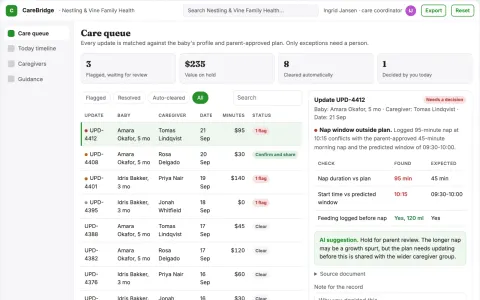
Shared baby care coordination and guidance portal
Reduce scattered care coordination while keeping parents in control of decisions.
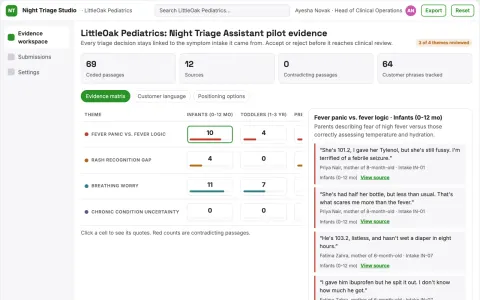
Pediatric Symptom Triage Assistant
Night-time symptom triage for children that hands parents straight to the right telemedicine doctor when it matters.
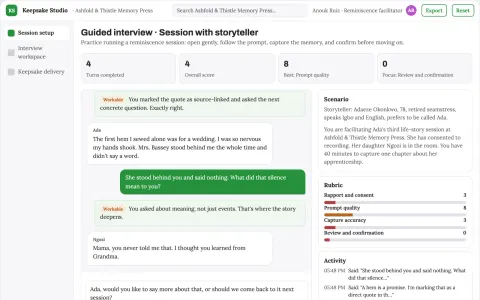
Guided life-story capture and keepsake studio
Reduce the effort to turn guided conversations into a shareable keepsake while preserving the storyteller's own words.
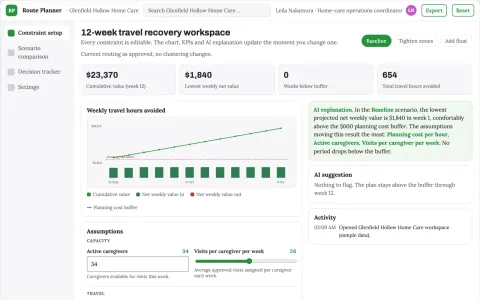
Home-care visit geography scenario planner
Recover staff time while preserving professionally set care requirements.
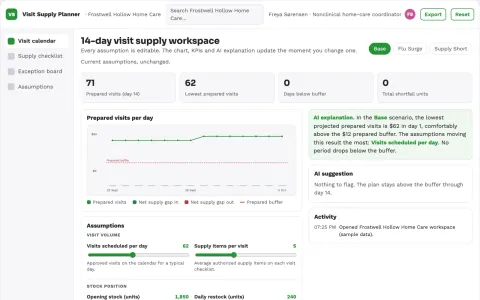
Home-care visit supply planner
Prepare authorized visit supplies from existing care instructions.













































































About this learning path
7 topicsAI Skills for Caregivers Who Want Steadier Days
You already know how to care for people. What takes the extra energy is the writing, the scheduling, the explaining, and the remembering. AI can help with those parts.
This learning path starts with the basics of getting set up and connecting your AI tool. Then you work through a prompt course written for caregivers, watch short video lessons chosen for your job, and finish with a certificate that shows what you learned.
Why AI Matters for Caregivers Now
Caregiving work is growing, and the demands around it are growing too. Families ask for more updates. Care teams need clearer notes. Doctors need organized information. AI gives you a calm helper for all of that.
You do not need to be technical. If you can send a text message, you can use these tools.
What the Path Includes
The path begins with setup questions so your AI tool knows your work and your clients. You connect your AI, then learn skills for the job inside your AI, like building a care note template or a medication log.
From there you take the prompt course, which walks through eight everyday caregiver tasks. Video lessons picked for caregivers come next, and each one ends with a short certificate you can keep.
How It Saves You Time
Writing a care note at the end of a shift can take a long stretch of time. With a good prompt, you describe what happened in a few lines and get a clear draft to check and send.
The same goes for meal plans, medication reminders, and family updates. Small time savings add up across a week.
How It Protects Your Career
Clear documentation and organized communication are what supervisors and families notice. When your notes are consistent and your handoffs are complete, you look dependable.
Learning these skills also keeps you current as care agencies adopt new tools. You become the caregiver who can use them well.
How to Start
Start with the setup questions. Answer them honestly about your schedule, your clients, and the tasks you do most. Then take one lesson at a time, maybe one per week.
Try each prompt on a real task the same day. That is how it sticks.
What a Week Looks Like
A typical week might be one short video, one prompt lesson, and one practice task with a real client note or meal plan. A short stretch each day is enough.
You can move faster or slower. The path stays open, and you can return to any lesson when a situation comes up.
Frequently asked questions
Do I need to be good with computers?
No. If you can use a phone and send a text, you can do this. The lessons start with the very basics and move slowly.Will AI replace caregivers?
No. AI cannot lift someone, notice a change in their breathing, or offer a steady hand. It helps with the paperwork and planning around the care you already give.Is it safe to type client information into AI?
Use the same care you would with any written note. Leave out full names, addresses, and anything that identifies a client unless your agency says it is fine. The course covers this in detail.How long does the path take?
Most people move through it in a few weeks at a gentle pace. You can take longer, and you can revisit lessons whenever you need them.