AI agent for chief sales officers
Discount Leakage Review Agent
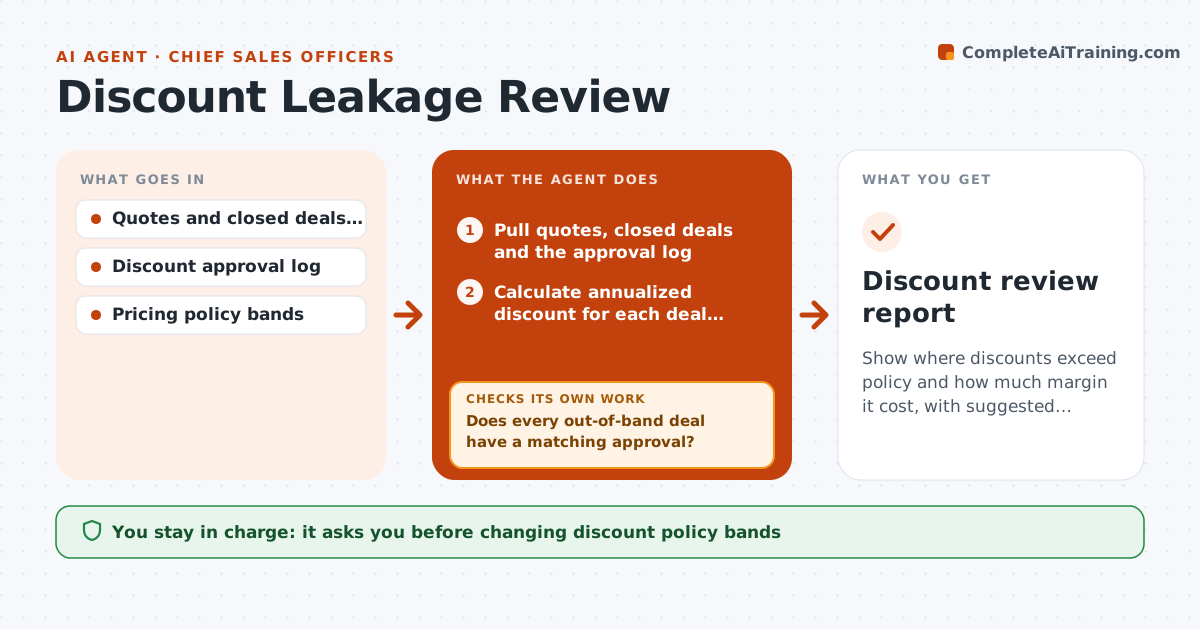
Show where discounts exceed policy and how much margin it cost, with suggested rule changes
What it does
Discount approvals happen one deal at a time, so the overall pattern stays hidden. Each month this agent pulls every quote, closed deal and the approval log. It calculates the annualized discount for each deal against list price, so multi-year prepaid deals are not counted twice, and compares it with the policy band for deal size and segment. It then checks every out-of-band deal against the approval log; if no match is found, it searches approvals by account and date range before listing the deal as an exception. It charts discount trends by rep, region and week of quarter, flagging reps rising three months in a row and last-two-week spikes above 1.5 times the quarter average. The executive decides on any policy change or rep conversation. Edge case: multi-year deals are normalized to annual value first.
How it works
Follow the arrows from top to bottom. The orange dashed arrow is the loop: when a check fails, the agent goes back and tries again.
Read the steps as a list
- Monthly bookings close
- Pull quotes, closed deals and the approval log
- Calculate annualized discount for each deal against list price
- Compare each discount with the policy band
- Does every out-of-band deal have a matching approval?If not: search approvals by account and date range, then list deals still unmatched. Back to step 4.
- Chart discount trend by rep, region and week of quarter
- Executive approves any policy change or rep follow-upThe agent waits here for your OK.
- Discount review report
How it decides
A deal is an exception when the discount is above the band for its size and segment and no approval with the right level exists in the log.
- Normalize multi-year deals to annual value
- Flag a rep whose average discount rose three months in a row
- Flag last-two-weeks discounts above 1.5 times the quarter average
Make it yours
Every agent is a starting point. You choose these settings for your own situation.
- Discount bands by deal size and segment
- Trend window for rep alerts (default 3 months)
- Whether to include renewals
- Report recipients
What keeps you in control
It always asks you first
- Changing discount policy bands
- Any conversation with a named rep about exceptions
Hard limits
- Never changes prices or approvals in live systems
- Reports margin estimates as estimates
It stops when
- Done: report delivered
- Stop: list prices missing for more than 5% of lines
Set it up
We guide you through the set-up, step by step
Members get the full set-up guide for this agent. No technical skills needed: you copy, paste and upload.
- One set of instructions to paste into your AI, with the clicks for ChatGPT, Claude, Microsoft 365 Copilot, Gemini and Grok
- The agent then walks you through connecting your own data, one source at a time
- A downloadable copy with the flow chart, the rules and the full guide