
Learning path
Learning AI as an Auditor
For auditors, AI can draft planning notes, explain client risks, and turn rough testing notes into clear workpapers. This path shows you how to use it safely and well in daily audit work.

Your path
Everything in the Auditor AI kit, in the order that makes sense. Members tick off each step and see their progress.
Set up your AI
We guide you through each click.
Let skills do your everyday tasks
Connect your apps and pick your AI apps
Hand whole tasks to AI agents
Build your own tools
Keep growing
Everything for auditors
All the courses, certifications, AI tools, MCP servers and apps for auditors, most relevant first. Open any list to see more.
Take the prompt courses
A short framework course to learn how to ask, then 9 lessons with ready-to-use prompts for auditors.
Start with this framework: how to talk to AI
TIDD-EC suits auditors because do and don't rules force precise prompts, such as drafting a finding that cites evidence and avoids speculation.
Then your prompt course for auditors- 1Audit Planning And Risk3 prompts
- 2Understanding The Client2 prompts
- 3Testing Internal Controls3 prompts
- 4Reviewing Financial Statements3 prompts
- 5Compliance And Regulation2 prompts
- 6Data Analysis And Sampling4 prompts
- 7Interviewing Process Owners3 prompts
- 8Documenting Evidence2 prompts
- 9Reporting And Follow-Up3 prompts
Watch the video courses or add them to your Favorites for later
107 video courses our AI picked for auditors, most useful first. Save the ones you want to watch later with the heart.
Favorites are saved to your account: sign in or get your AI kit first.
Show all 107 video courses
Get certified, or add certifications to your Favorites
Every course ends in an exam and a certificate you can add to LinkedIn. Save the certifications you are aiming for with the heart.
Favorites are saved to your account: sign in or get your AI kit first.
More certifications for auditorsShow all 24 certifications
Try the AI tools for auditors
24 AI tools our AI matched to the work of auditors, best fit first. Each review shows what it does, its alternatives and the jobs it suits.
Favorites are saved to your account: sign in or get your AI kit first.
Show all 24 AI tools
Connect your AI to the apps auditors use
MCP servers let ChatGPT, Claude or Copilot look things up and get work done in other apps, like your email, calendar or bookkeeping software. These 12 fit the work of auditors best, well-known apps first.

Box MCP server
by boxLet your AI search your Box files, answer questions about them, and pull out details for you.
Productivity Official
OfficeAgent MCP server
by ilia-sokolovLet your AI edit Word, PowerPoint and Excel files, with changes you can review before saving.
Productivity Official
Outlook Attachment Reader MCP server
by ZacccckLet your AI open and read the files attached to your Outlook emails, and send local files as drafts.

Snowflake MCP server
by YannBrrdLets your AI look up and query your Snowflake data, with read-only protection on by default.

Excel MCP server
by haris-musaLets your AI create, read and edit Excel workbooks for you, without opening Excel.

Word document MCP server
by SecurityRoninLet your AI open, edit, and review Word files, with changes shown as tracked revisions.
Show all 12 MCP servers

Spreadsheet MCP server
by PSU3D0Lets your AI read, edit, and recalculate Excel files safely, without you opening Excel.

Google Drive MCP server
by isaacphiLets your AI search and read your Google Drive files and read or edit your Google Sheets.

SEC EDGAR MCP server
by AEGISGOVDAOLook up US public companies and their official SEC filings and financial numbers from your AI chat.
Finance and cryptoResearchNo install
Excel Vision MCP server
by VOYAGER-IncLet your AI read Excel files fully, including the images and colors inside them.
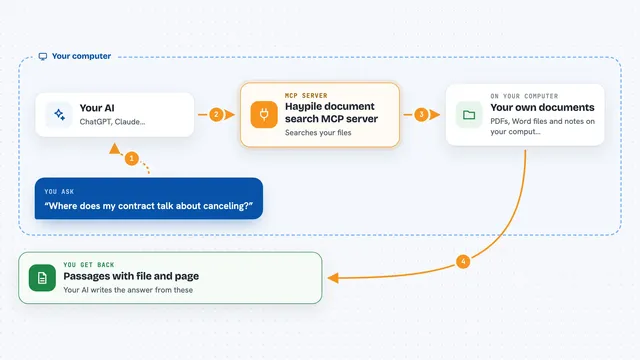
Haypile document search MCP server
by BenyDLets your AI search your own PDFs, Word files and notes by meaning, with file and page citations.

ArkForge MCP server
by ark-forgeYour AI can make web calls that come back with a signed, timestamped proof of what was sent and received.
Build your own AI apps for auditors
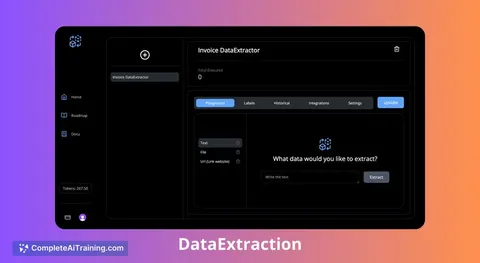
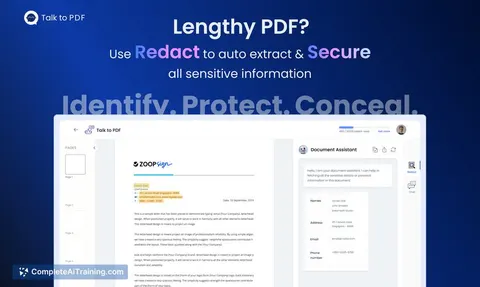
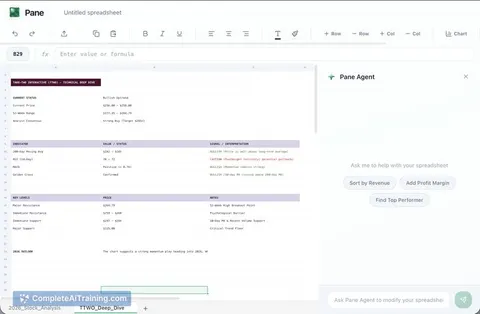
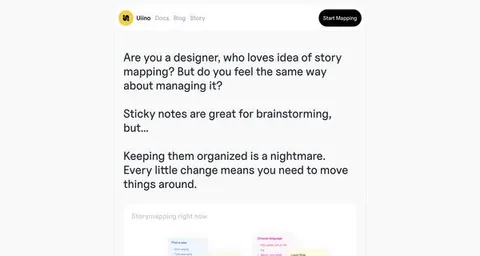
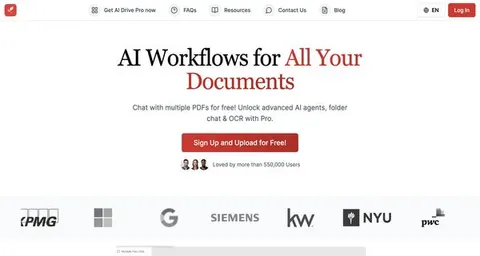
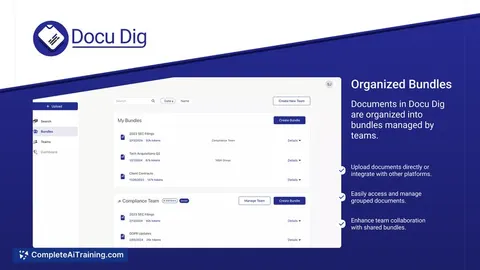
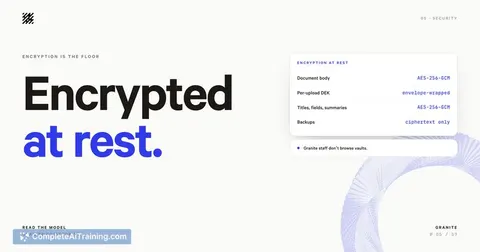
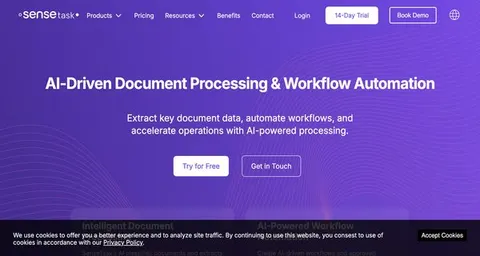
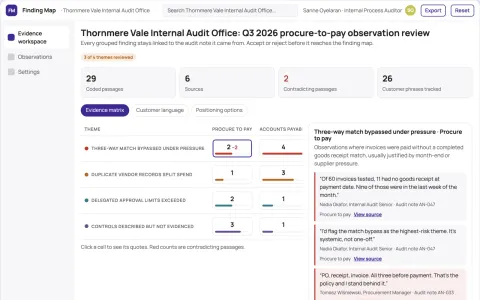
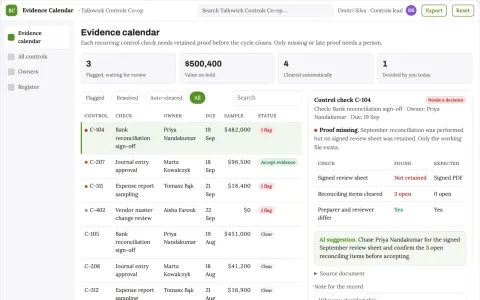
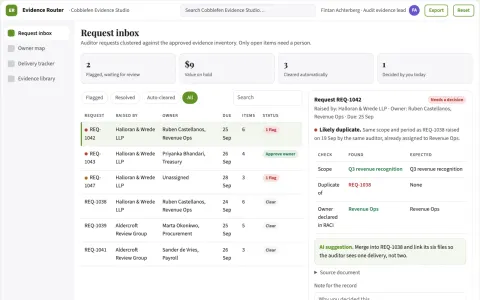
Apps you build yourself with your own AI, no coding needed and no monthly fee. Our AI picked the 3 that fit the work of auditors.





































































































About this learning path
7 topicsAI Skills For Auditors Who Need Clear Evidence
Audit work runs on evidence, judgment, and time. AI can help you get to a useful first draft faster, so you spend more of your day thinking about risk, controls, and what the numbers really say.
This path walks you through setting up an AI tool, connecting it to your audit work in a safe way, and using a focused prompt course built around the auditor's day. You will also find video courses chosen for audit roles and the certificates that come with them.
Why This Matters Now
Clients and regulators expect faster answers, and audit teams are asked to cover more ground with the same hours. AI is becoming a normal part of how evidence is gathered, summarized, and reviewed.
You do not need to become a technical expert. You need to know how to ask good questions, check the output, and keep client information safe.
What The Path Includes
The path starts with setup questions and a simple guide to connecting your AI tool. Then it moves into skills for the job inside your AI, followed by this prompt course for auditors.
The prompt course covers planning, client understanding, control testing, financial statement review, compliance, data sampling, interviews, evidence, and reporting. Each lesson gives you prompts you can adapt to your engagement.
Video Courses And Certificates
You will see video courses picked for audit work, such as risk assessment, internal controls, and data analysis. Each course lists the certification you can earn when you finish.
These are optional add-ons. They help you go deeper in an area or show your employer that you are building relevant skills.
How It Saves Time
AI can turn a page of notes into a workpaper summary, suggest risk questions for a planning meeting, or explain an unusual movement in a client's accounts. You still review everything, but you start from a draft instead of a blank page.
The time saved adds up across an engagement. That gives you more room for judgment, client conversations, and follow-up on open items.
How It Protects Your Career
Auditors who can use AI well will be better placed to lead engagements and spot risks that matter. They will also be the ones trusted to use the tools responsibly.
This path teaches you where to keep human review, how to protect confidential data, and how to document your work so it stands up to review.
How To Start
Begin with the setup questions and connect your AI tool using the safety guidance. Then take the prompt course in order, trying one or two prompts on your current work.
Pick a video course that matches your next engagement or certification goal. Small, steady practice is enough to make the path useful.
Frequently asked questions
Do I need technical skills to use this path?
No. The path is written for auditors who use email, spreadsheets, and audit software, but have not built AI prompts before. You will learn by trying simple prompts on real audit tasks.Can I use client information with an AI tool?
You should follow your firm's policy and the client's confidentiality rules. The path shows you how to anonymize details, use approved tools, and keep sensitive data out of prompts when needed.How do I connect my AI tool?
The setup section walks you through creating an account and choosing the right settings for work. It also explains what to check before you paste any audit information into a prompt.Will AI replace auditors?
AI can speed up drafting and analysis, but audit judgment, professional skepticism, and client relationships remain human work. The auditors who thrive will be those who use AI as a careful assistant, not as a replacement for review.