AI agent for optometrists
Dry Eye Treatment Follow-Up Agent
Keep patients on treatment long enough to judge it and change the plan when it does not work.
What it does
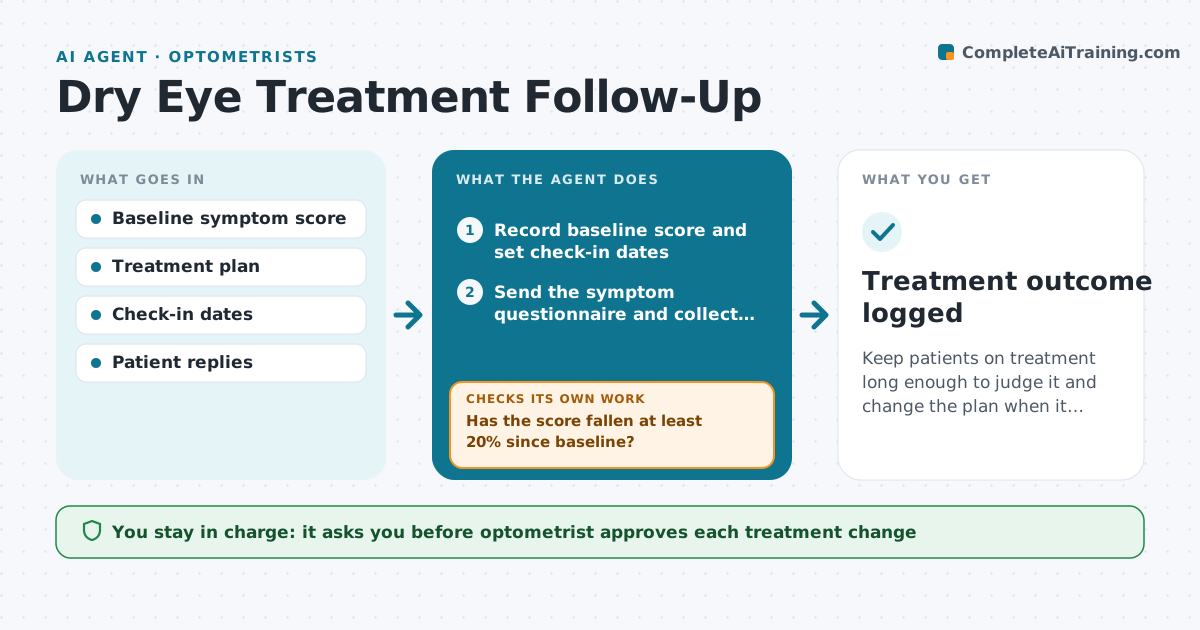
Dry eye treatment takes weeks to work, and many patients quit after a few days. This agent starts when treatment begins. It sets a check-in schedule, sends the patient a short symptom questionnaire, and records the score. At each check it compares the score with the baseline. If symptoms are falling, it encourages continuing and books the next visit. If the score has not fallen by the second check, it reviews adherence, drops, warm compresses, and any side effects the patient reported, then proposes a next step such as a different drop or in-office treatment. The optometrist approves any change and any message to the patient. Edge case: a patient reports pain and light sensitivity, so the agent skips the routine path and alerts the optometrist the same day.
How it works
Follow the arrows from top to bottom. The orange dashed arrow is the loop: when a check fails, the agent goes back and tries again.
Read the steps as a list
- Dry eye treatment is started
- Record baseline score and set check-in dates
- Send the symptom questionnaire and collect the reply
- Has the score fallen at least 20% since baseline?If not: ask about use and side effects, then continue the loop at the next check-in. Back to step 3.
- Compare with the plan and list possible next steps
- Optometrist approves any plan changeThe agent waits here for your OK.
- Send the new instructions and book the follow-up visit
- Did the patient reply and begin the new step?If not: send one reminder, then ask staff to phone. Back to step 3.
- Treatment outcome logged
How it decides
It proposes a change when the score has not dropped by at least 20% by the second check, unless the patient has not used the treatment, in which case it first addresses adherence.
- Alert the optometrist the same day for pain, vision change or light sensitivity
- Suggest a change only after two checks without improvement
- Address adherence before suggesting a new treatment
- Stop reminders after three with no reply and tell the optometrist
Make it yours
Every agent is a starting point. You choose these settings for your own situation.
- Improvement threshold (default 20%)
- Check-in schedule (default 2, 4 and 8 weeks)
- Questionnaire used
- Reminder limit (default 3)
What keeps you in control
It always asks you first
- Optometrist approves each treatment change
- Optometrist approves messages that give new instructions
Hard limits
- Never change a prescription on its own
- Never reply to a symptom report as medical advice
It stops when
- Done: symptoms improved or treatment plan finalized
- Stop: patient discontinues or is referred
Set it up
We guide you through the set-up, step by step
Members get the full set-up guide for this agent. No technical skills needed: you copy, paste and upload.
- One set of instructions to paste into your AI, with the clicks for ChatGPT, Claude, Microsoft 365 Copilot, Gemini and Grok
- The agent then walks you through connecting your own data, one source at a time
- A downloadable copy with the flow chart, the rules and the full guide