AI agent for penetration testers
Engagement Cleanup and Artifact Removal Agent
Every item placed during the test is removed or confirmed removed, with a signed cleanup statement
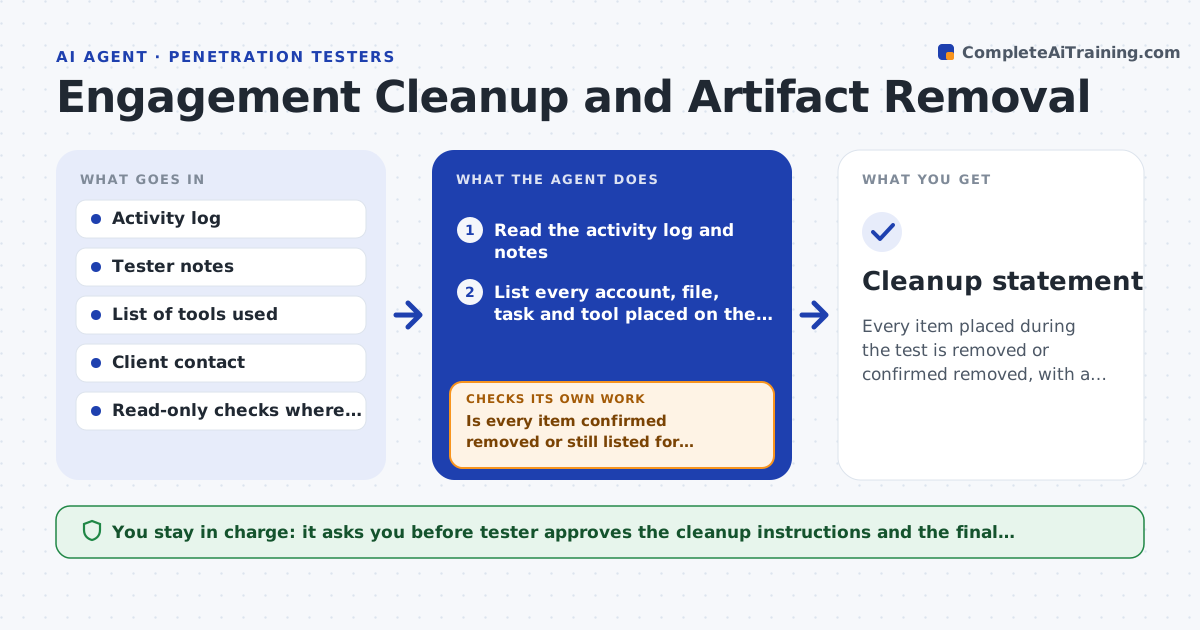
What it does
Test accounts, files and tools are often left behind on client systems. This agent reads the activity log and lists every account, file, scheduled task, tool and setting that was placed or changed on the client. For each one, it checks the client system (with read-only access where allowed) to see whether it is still there. It builds the removal list and requests the client's confirmation for anything it cannot reach. After the removals, it checks again. The tester approves the final cleanup statement. Edge case: a scheduled task was created under a client account, so the agent asks the client's admin to remove it.
How it works
Follow the arrows from top to bottom. The orange dashed arrow is the loop: when a check fails, the agent goes back and tries again.
Read the steps as a list
- Engagement testing ends
- Read the activity log and notes
- List every account, file, task and tool placed on the client
- Check each item on the client system where access allows
- Is every item confirmed removed or still listed for removal?If not: request the client's confirmation for items the agent cannot reach. Back to step 3.
- Draft removal instructions for the client
- Tester approves the instructions and sends themThe agent waits here for your OK.
- After removals, check again
- Is the open list empty?If not: chase the client and update the list. Back to step 3.
- Cleanup statement
How it decides
An item is cleared only when it is confirmed gone by a check or by the client. Anything unconfirmed stays on the open list.
- Treat an item as present until proven gone
- List items from every log entry
- Ask the client for items it cannot check
- Never close the list with open items
Make it yours
Every agent is a starting point. You choose these settings for your own situation.
- Item types to track
- Confirmation rules
- Client contacts
- Statement template
What keeps you in control
It always asks you first
- Tester approves the cleanup instructions and the final statement
Hard limits
- Never deletes anything on the client itself
- Never states cleanup is complete with open items
It stops when
- Done: the open list is empty and the statement is signed
- Stop: the client does not confirm after repeated requests, with open items listed
Set it up
We guide you through the set-up, step by step
Members get the full set-up guide for this agent. No technical skills needed: you copy, paste and upload.
- One set of instructions to paste into your AI, with the clicks for ChatGPT, Claude, Microsoft 365 Copilot, Gemini and Grok
- The agent then walks you through connecting your own data, one source at a time
- A downloadable copy with the flow chart, the rules and the full guide