AI agent for penetration testers
Engagement Evidence Log Agent
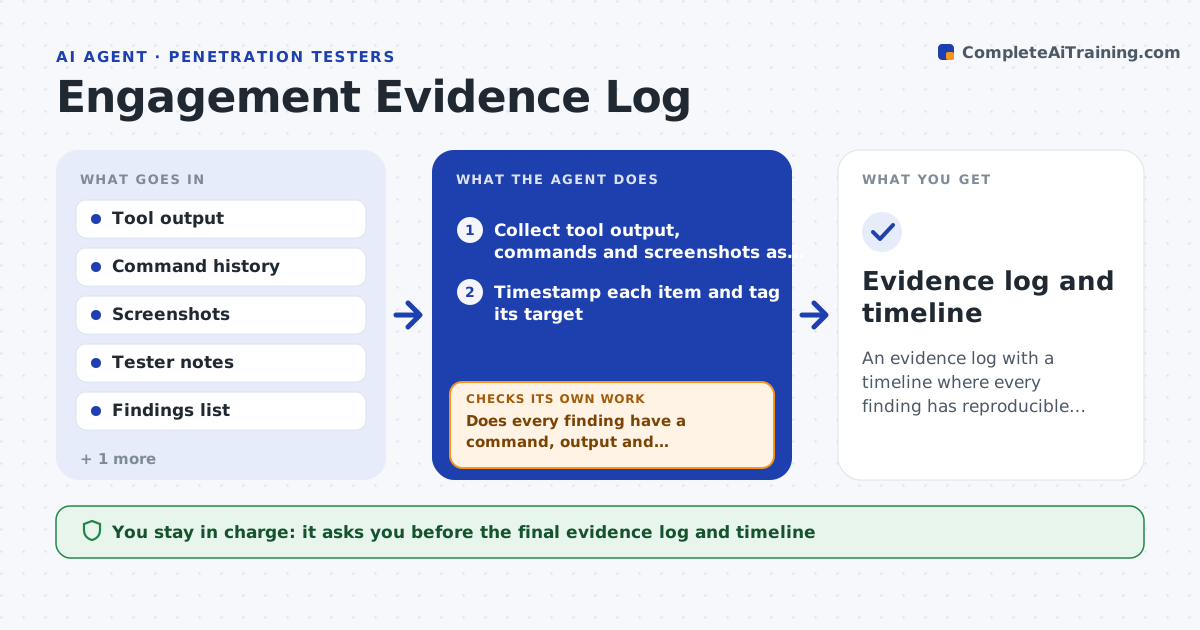
An evidence log with a timeline where every finding has reproducible proof
What it does
At the end of a two-week test, the tester has command history in one place, screenshots in another and notes in a third, and the report needs proof for every finding. During the test, this agent collects tool output, screenshots and commands as they are made. It stamps each with time and target, and links it to the finding it supports. It builds the engagement timeline automatically. At each check point it tests whether every finding has evidence that someone else could reproduce: the command, the output and a screenshot. Findings lacking proof are put on a list so the tester can capture it while the access still exists. The tester approves the log. Edge case: output that contains client credentials is masked in the log, with the original kept in a protected folder.
How it works
Follow the arrows from top to bottom. The orange dashed arrow is the loop: when a check fails, the agent goes back and tries again.
Read the steps as a list
- Engagement begins
- Collect tool output, commands and screenshots as they are created
- Timestamp each item and tag its target
- Link each item to the finding it supports
- Mask credentials and sensitive data in the working log
- Does every finding have a command, output and screenshot?If not: list the missing proof for the tester to capture. Back to step 3.
- Are all timestamps inside the authorized test window?If not: flag the entry for review. Back to step 2.
- Build the timeline from the log
- Tester approves the evidence logThe agent waits here for your OK.
- Evidence log and timeline
How it decides
A finding is documented when it has a command, output and screenshot, with timestamps inside the test window. Missing pieces go on a to-do list.
- Require command, output and screenshot for every finding
- Mask passwords, keys and personal data in the working log
- Flag any entry outside the authorized window
- Link items by target and time when no tag exists
Make it yours
Every agent is a starting point. You choose these settings for your own situation.
- Evidence required per finding
- Masking rules
- Test window dates and hours
- Where logs and screenshots are stored
What keeps you in control
It always asks you first
- The final evidence log and timeline
Hard limits
- Stores unmasked client secrets only in the protected folder
- Never alters original tool output
It stops when
- Done: every finding has complete proof
- Stop: the capture folder is unavailable
Set it up
We guide you through the set-up, step by step
Members get the full set-up guide for this agent. No technical skills needed: you copy, paste and upload.
- One set of instructions to paste into your AI, with the clicks for ChatGPT, Claude, Microsoft 365 Copilot, Gemini and Grok
- The agent then walks you through connecting your own data, one source at a time
- A downloadable copy with the flow chart, the rules and the full guide