AI agent for penetration testers
Engagement Scope Authorization Agent
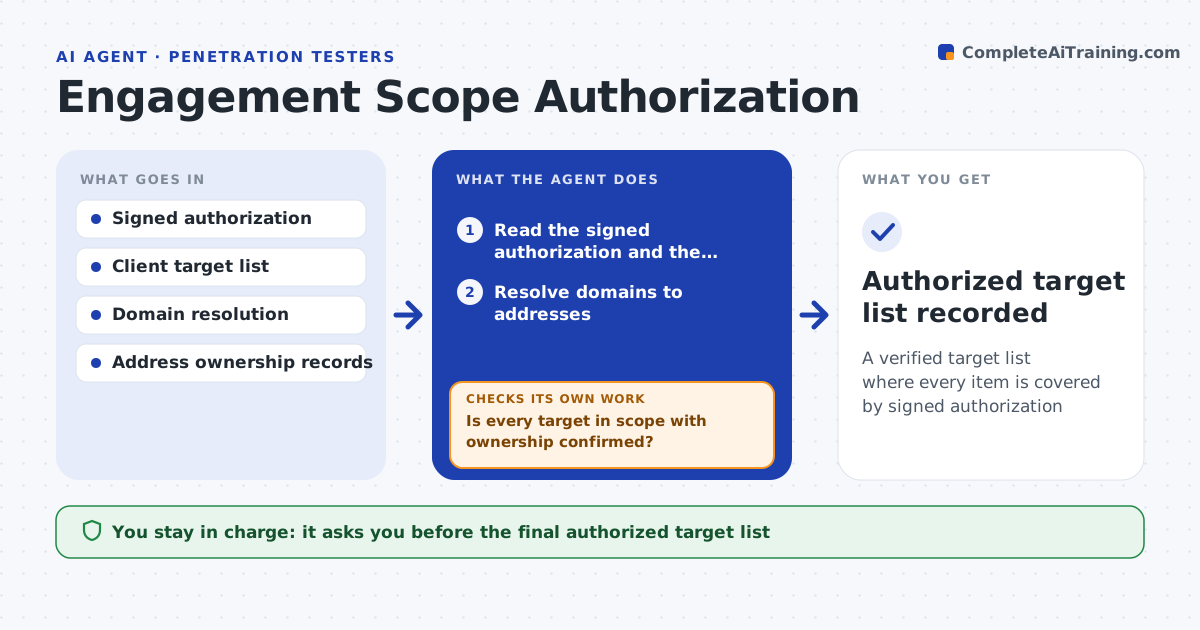
A verified target list where every item is covered by signed authorization
What it does
Before any security testing, every target must be covered by a signed authorization, or the work is illegal, and client target lists are often messy. This agent reads the signed authorization and the client's target list, resolves each domain to its address and checks address ownership records. It compares each target with the signed scope. It flags targets not in scope, addresses that belong to a third party such as a cloud or shared hosting provider, and anything whose ownership it cannot confirm. Each unclear target is held, and the agent drafts a question to the client. Nothing held is passed to testing tools. It assembles the approved target list with the authorization record. You approve the final list. Edge case: a domain that now resolves to a different provider than when the authorization was signed is held for re-confirmation.
How it works
Follow the arrows from top to bottom. The orange dashed arrow is the loop: when a check fails, the agent goes back and tries again.
Read the steps as a list
- Engagement authorized
- Read the signed authorization and the client target list
- Resolve domains to addresses
- Check address ownership records
- Compare each target with the signed scope
- Is every target in scope with ownership confirmed?If not: hold the target and draft a question to the client. Back to step 3.
- Assemble the approved list with the authorization record
- Lead approves the final authorized target listThe agent waits here for your OK.
- Authorized target list recorded
How it decides
A target is cleared only when it is in the signed scope and ownership confirms it belongs to the client or an authorized provider.
- Hold any target not in the signed scope
- Hold third-party hosted addresses until the provider permits testing
- Re-confirm targets whose hosting changed
Make it yours
Every agent is a starting point. You choose these settings for your own situation.
- Authorized provider list
- Re-confirmation schedule
- Client question template
- Output format for tools
What keeps you in control
It always asks you first
- The final authorized target list
- Questions sent to the client
Hard limits
- No testing activity during validation beyond ownership lookups
- Nothing proceeds without signed authorization
It stops when
- Done: all targets cleared or excluded
- Stop: no signed authorization is on file
Set it up
We guide you through the set-up, step by step
Members get the full set-up guide for this agent. No technical skills needed: you copy, paste and upload.
- One set of instructions to paste into your AI, with the clicks for ChatGPT, Claude, Microsoft 365 Copilot, Gemini and Grok
- The agent then walks you through connecting your own data, one source at a time
- A downloadable copy with the flow chart, the rules and the full guide