AI agent for graphic designers
Event Collateral Proofing Agent
Catch every mismatch between print files and the latest event data before printing.
What it does
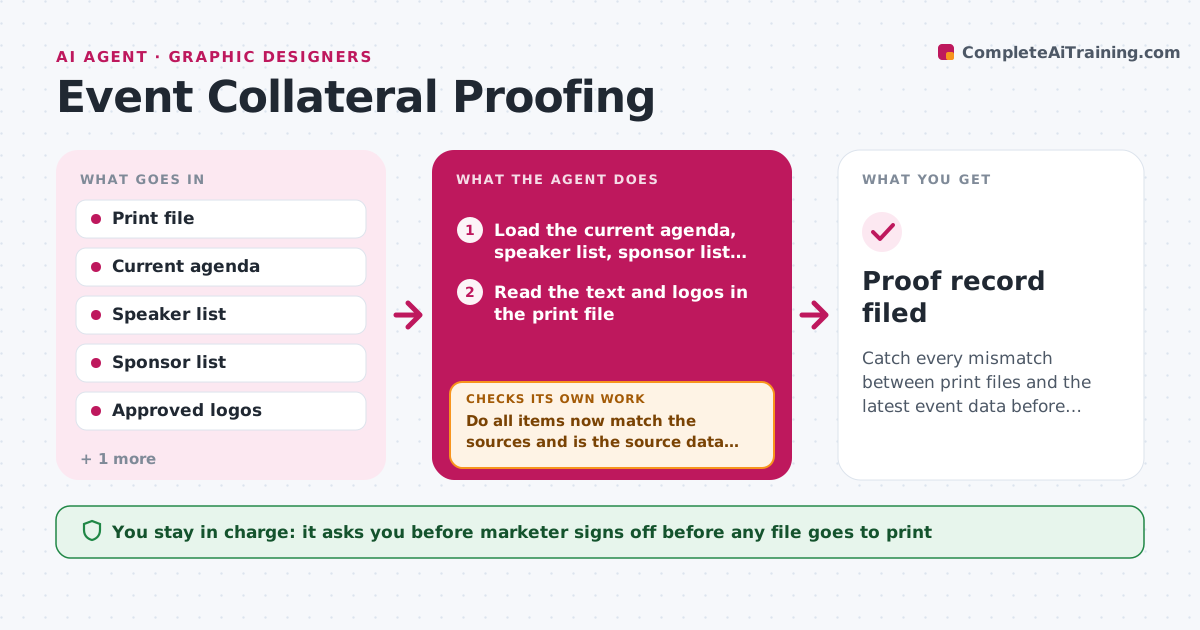
A typo on 500 printed badges costs money and looks careless. Before any file goes to the printer, the agent compares it with the latest source documents: the agenda, the speaker list, the sponsor list and the logo folder. It reads names, titles, session times, room names and sponsor tiers in the print file and flags every mismatch, such as a moved session, a misspelled speaker or an outdated logo. It sends the designer a precise correction list and then rechecks the revised file. It repeats until nothing is left. It never approves anything itself, and the marketer signs off before print. Edge case: the agenda changes while a file is in review. The agent re-checks the new version of the agenda each time. The marketer gives the final print approval.
How it works
Follow the arrows from top to bottom. The orange dashed arrow is the loop: when a check fails, the agent goes back and tries again.
Read the steps as a list
- A print file is submitted
- Load the current agenda, speaker list, sponsor list and logos
- Read the text and logos in the print file
- Compare names, titles, times, rooms and tiers with the sources
- Write a correction list with the location of each mismatch
- Send the list to the designer
- Load the revised file
- Do all items now match the sources and is the source data unchanged?If not: reload the sources, compare again and update the correction list. Back to step 3.
- Marketer signs off before printingThe agent waits here for your OK.
- Proof record filed
How it decides
Each name, time, room and logo in the file must match the current source. Any difference is a mismatch, and spelling differences count as mismatches.
- Treat every spelling difference in a name as a mismatch
- Use the newest agenda version for each check
- Flag a logo that is not the current approved file
- Confirm quantity and size notes match the print order
Make it yours
Every agent is a starting point. You choose these settings for your own situation.
- Source documents used
- Types of items checked
- Designer contact and format of feedback
- Print sign-off owner
- Number of proof rounds before escalating (default 3)
What keeps you in control
It always asks you first
- Marketer signs off before any file goes to print
- Marketer approves reprint costs
Hard limits
- Never approve a file for print
- Do not edit the files itself
It stops when
- Done: file matches all sources and is signed off
- Stop: sources conflict with each other, ask the marketer which is correct
Set it up
We guide you through the set-up, step by step
Members get the full set-up guide for this agent. No technical skills needed: you copy, paste and upload.
- One set of instructions to paste into your AI, with the clicks for ChatGPT, Claude, Microsoft 365 Copilot, Gemini and Grok
- The agent then walks you through connecting your own data, one source at a time
- A downloadable copy with the flow chart, the rules and the full guide