AI agent for health and safety specialists
Hazard Risk Register Update Agent
A current risk register that reflects every change at the site
What it does
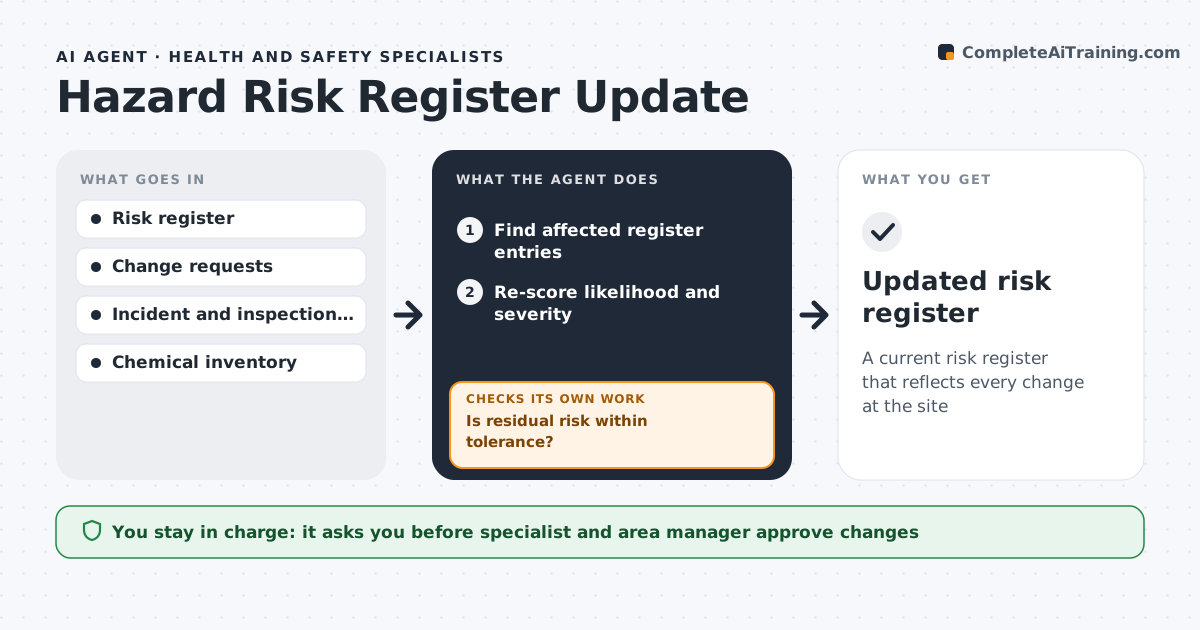
Every site keeps a risk register of hazards with likelihood, severity and controls, but it goes stale as equipment and processes change. This agent watches for changes that affect risk: new equipment, process changes, incidents, inspection findings and new chemicals. It finds the affected register entries, re-scores likelihood times severity on a 5 by 5 grid, and compares current controls with the hazard. If residual risk is above tolerance, it drafts added controls, assigns owners and re-scores. After controls are put in place, it confirms with the area owner that they exist on the floor before closing. The specialist and area manager approve the updated assessment. Edge case: a new task with no register entry is added as a draft entry for review, not left out.
How it works
Follow the arrows from top to bottom. The orange dashed arrow is the loop: when a check fails, the agent goes back and tries again.
Read the steps as a list
- Change or finding logged
- Find affected register entries
- Re-score likelihood and severity
- Compare controls with the hazard
- Is residual risk within tolerance?If not: draft added controls, assign them and re-score. Back to step 3.
- Collect proof from the area owner that the controls are in place
- Are all new controls confirmed on the floor?If not: remind the owner and keep the entry open. Back to step 6.
- Specialist and area manager approve the updateThe agent waits here for your OK.
- Updated risk register
How it decides
Risk is scored as likelihood times severity. Residual scores above the site tolerance need extra controls.
- Score is likelihood times severity on a 5 by 5 grid
- Above tolerance needs added controls
- New tasks get draft entries
Make it yours
Every agent is a starting point. You choose these settings for your own situation.
- Risk matrix size and tolerance (default 12 on a 5 by 5)
- Change sources to watch
- Review frequency
- Approvers by area
What keeps you in control
It always asks you first
- Specialist and area manager approve changes
Hard limits
- Never lowers a risk score without evidence of controls
- Never approves its own changes
It stops when
- Done: all affected entries updated
- Stop: change canceled
Set it up
We guide you through the set-up, step by step
Members get the full set-up guide for this agent. No technical skills needed: you copy, paste and upload.
- One set of instructions to paste into your AI, with the clicks for ChatGPT, Claude, Microsoft 365 Copilot, Gemini and Grok
- The agent then walks you through connecting your own data, one source at a time
- A downloadable copy with the flow chart, the rules and the full guide