AI agent for volunteer coordinators
In-Kind Volunteer Hours Valuation Agent
A defensible dollar value of volunteer time, with every figure traced to records.
What it does
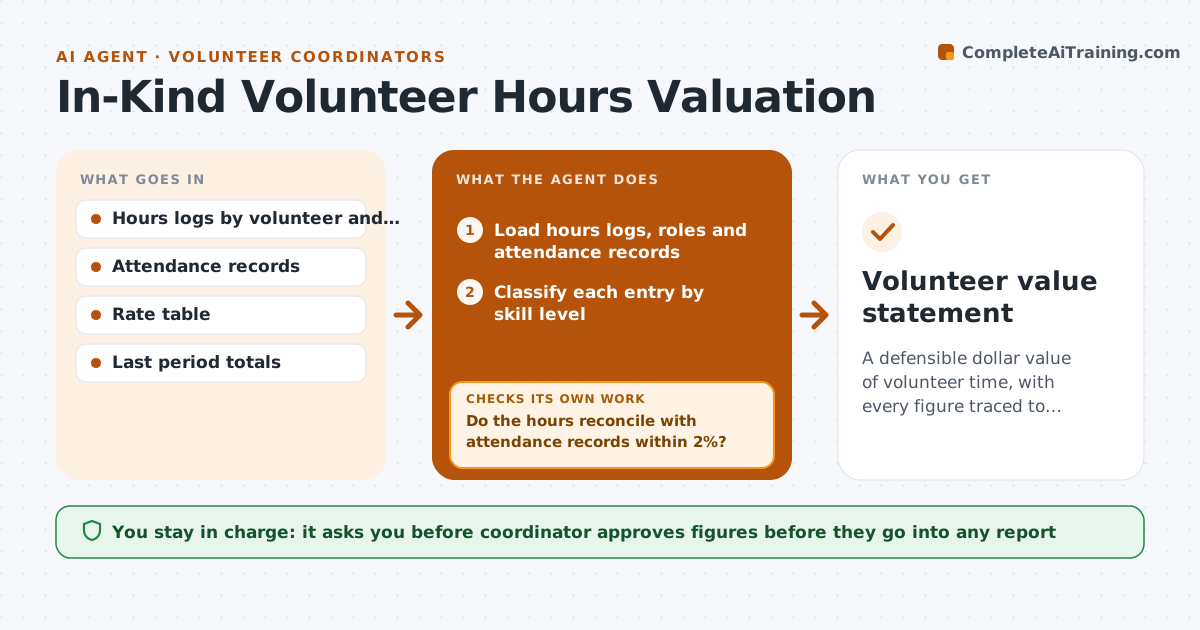
A funder asks for the dollar value of volunteer time and you rebuild the number from spreadsheets each time. This agent classifies logged hours by skill level, such as general labor, skilled professional or board service, and applies the rate table you choose. It checks the hours against attendance records and flags duplicates, impossible days and missing roles. It compares the total with the last period, and if it changes by more than your set percent, it investigates by program and period before reporting. You approve the figures before they go into any report. Edge case: hours entered for both an event and a shift that overlap are flagged as duplicates and counted once.
How it works
Follow the arrows from top to bottom. The orange dashed arrow is the loop: when a check fails, the agent goes back and tries again.
Read the steps as a list
- Reporting period ends
- Load hours logs, roles and attendance records
- Classify each entry by skill level
- Remove duplicates, overlaps and impossible days
- Do the hours reconcile with attendance records within 2%?If not: List the differences and ask the coordinator to confirm or correct. Back to step 3.
- Apply the rate table and compute totals by program
- Is the total within the allowed change from last period?If not: Investigate by program and month and explain the difference. Back to step 4.
- Draft the valuation summary with the method note
- Coordinator approves the figuresThe agent waits here for your OK.
- Volunteer value statement
How it decides
It values each hour by role class using the selected rate table and excludes duplicates and hours without a record.
- Count only hours with an attendance record
- Use one rate table for the whole report
- Investigate when the total changes by more than 15%
- Count overlapping entries once
Make it yours
Every agent is a starting point. You choose these settings for your own situation.
- Rate table used (default a published national rate)
- Skill classes
- Change threshold (default 15%)
- Report layout
What keeps you in control
It always asks you first
- Coordinator approves figures before they go into any report
Hard limits
- Never invent hours or rates
- Never send figures to a funder itself
It stops when
- Done: figures approved
- Stop: hours records are incomplete for a program
Set it up
We guide you through the set-up, step by step
Members get the full set-up guide for this agent. No technical skills needed: you copy, paste and upload.
- One set of instructions to paste into your AI, with the clicks for ChatGPT, Claude, Microsoft 365 Copilot, Gemini and Grok
- The agent then walks you through connecting your own data, one source at a time
- A downloadable copy with the flow chart, the rules and the full guide