AI agent for loan officers
Income and Debt-to-Income Calculation Agent
Accurate qualifying income and debt-to-income ratio per program rules
What it does
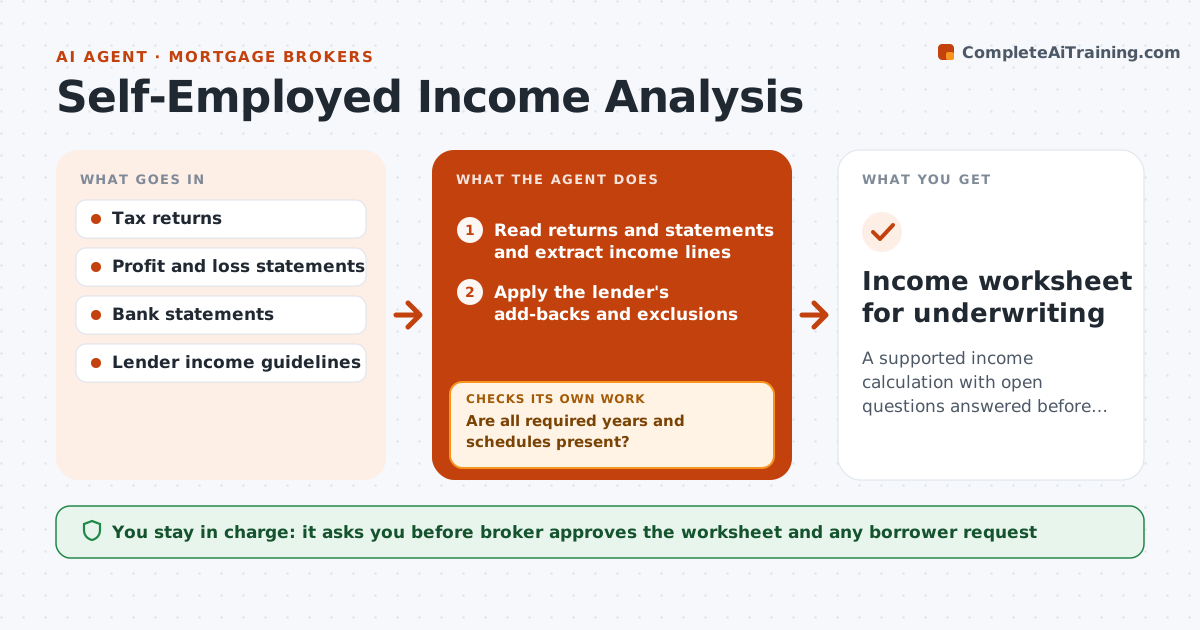
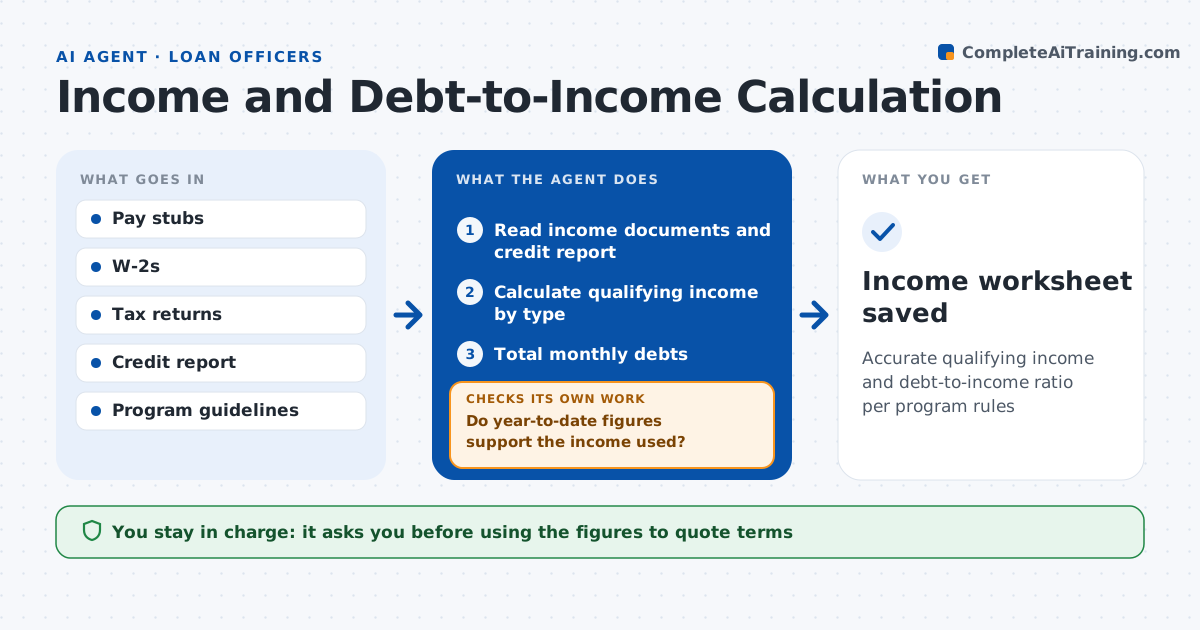
Qualifying income and debt-to-income ratio decide what a borrower can be offered, and errors lead to bad quotes or denied loans later. This agent reads pay stubs, W-2s, tax returns and the credit report. It applies program rules: averaging overtime and bonus over two years, using business income from returns for self-employed borrowers, and counting debts from the credit report, including the rule for debts with under 10 payments left. It checks that year-to-date figures support the income used. If income is declining or figures conflict, it uses the lower supported figure, notes the reason and asks for a written explanation. It flags any ratio above the program maximum. The loan officer reviews the full calculation before quoting terms. Edge case: overtime fell 30 percent this year, so the agent uses the lower current figure rather than the two-year average.
How it works
Follow the arrows from top to bottom. The orange dashed arrow is the loop: when a check fails, the agent goes back and tries again.
Read the steps as a list
- Income documents received
- Read income documents and credit report
- Calculate qualifying income by type
- Total monthly debts
- Do year-to-date figures support the income used?If not: use the lower supported figure and note the reason. Back to step 3.
- Calculate debt-to-income ratio
- Loan officer reviewsThe agent waits here for your OK.
- Income worksheet saved
How it decides
It applies the program's income rules and uses the lower figure when income is declining.
- Variable income declining: use current lower amount
- Debt with under 10 payments left: follow program rule
- DTI over program max: flag
Make it yours
Every agent is a starting point. You choose these settings for your own situation.
- Programs and rules
- Income types
- DTI limits
- Worksheet format
What keeps you in control
It always asks you first
- Using the figures to quote terms
Hard limits
- Never makes credit decisions
- Never shares figures with the borrower without approval
It stops when
- Done: worksheet saved
- Stop: missing tax returns for self-employed borrower
Set it up
We guide you through the set-up, step by step
Members get the full set-up guide for this agent. No technical skills needed: you copy, paste and upload.
- One set of instructions to paste into your AI, with the clicks for ChatGPT, Claude, Microsoft 365 Copilot, Gemini and Grok
- The agent then walks you through connecting your own data, one source at a time
- A downloadable copy with the flow chart, the rules and the full guide