AI agent for market research analysts
Intelligence Forecast Scorecard Agent
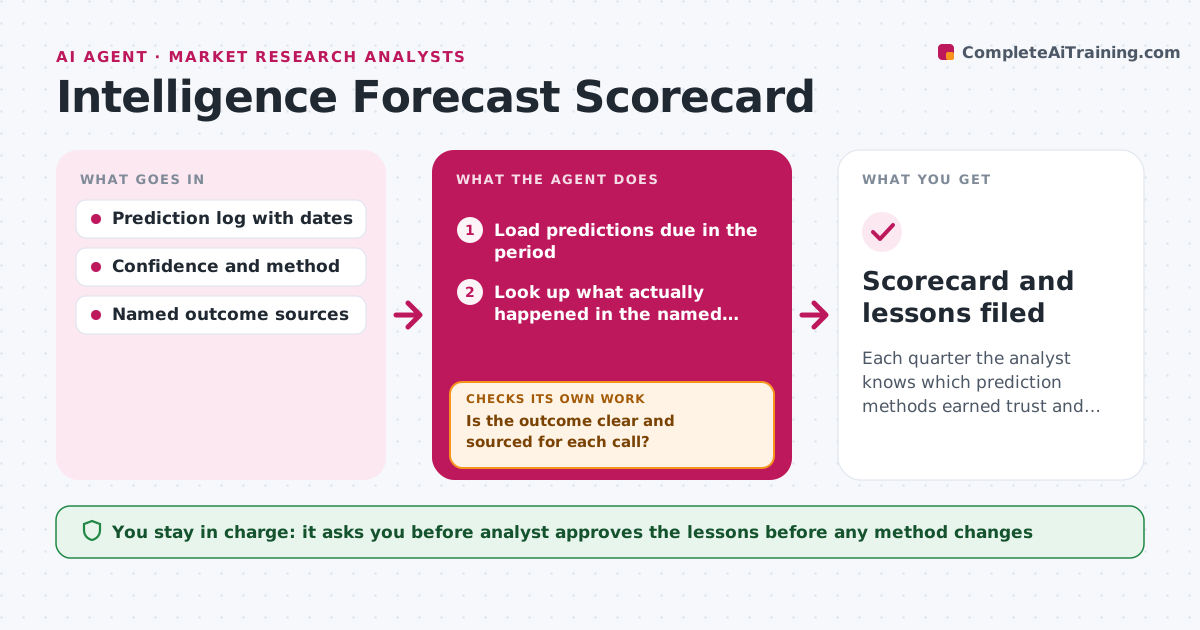
Each quarter the analyst knows which prediction methods earned trust and which causes repeat.
What it does
Analysts make calls such as a competitor will cut prices by spring, but rarely go back to see who was right. This agent keeps a log of each prediction with its date, method and confidence. Each quarter it looks up what actually happened using named sources and scores each call as right, partly right or wrong. It groups the misses by cause, such as bad data, a changed assumption or a surprise event, and checks whether the same cause keeps coming back. When a miss looks like a data error, it returns to the source data before blaming the method. The analyst approves the lessons before any method changes. Edge case: an outcome is unclear, so the call is marked unresolved and revisited next quarter.
How it works
Follow the arrows from top to bottom. The orange dashed arrow is the loop: when a check fails, the agent goes back and tries again.
Read the steps as a list
- Quarter ends or a prediction falls due
- Load predictions due in the period
- Look up what actually happened in the named sources
- Is the outcome clear and sourced for each call?If not: search a second source; if still unclear mark as unresolved and carry it forward. Back to step 3.
- Score each call as right, partly right or wrong
- Group misses by cause
- Does any miss look like a data error rather than a method error?If not: return to the original data, correct it and rescore. Back to step 3.
- Test whether the same cause recurs across quarters
- Analyst approves the lessons before methods changeThe agent waits here for your OK.
- Scorecard and lessons filed
How it decides
It scores a call right when the outcome matches within the stated range, and flags a cause as recurring when it appears in 3 or more misses.
- Score right only when the outcome lands inside the stated range.
- Call a cause recurring at 3 or more misses.
- Carry unresolved calls forward for up to 2 quarters.
- Compare confidence level with actual hit rate for each method.
Make it yours
Every agent is a starting point. You choose these settings for your own situation.
- Scoring scale and ranges
- Review cadence (default quarterly)
- Outcome sources by topic
- Number of misses that mark a cause as recurring (default 3)
What keeps you in control
It always asks you first
- Analyst approves the lessons before any method changes
Hard limits
- Never alter a past prediction entry
- Show the source for every outcome
It stops when
- Done: scorecard approved and lessons filed.
- Stop: fewer than 5 resolved calls, so scoring waits for the next quarter.
Set it up
We guide you through the set-up, step by step
Members get the full set-up guide for this agent. No technical skills needed: you copy, paste and upload.
- One set of instructions to paste into your AI, with the clicks for ChatGPT, Claude, Microsoft 365 Copilot, Gemini and Grok
- The agent then walks you through connecting your own data, one source at a time
- A downloadable copy with the flow chart, the rules and the full guide