AI agent for volunteer coordinators
Lapsed Volunteer Re-engagement Agent
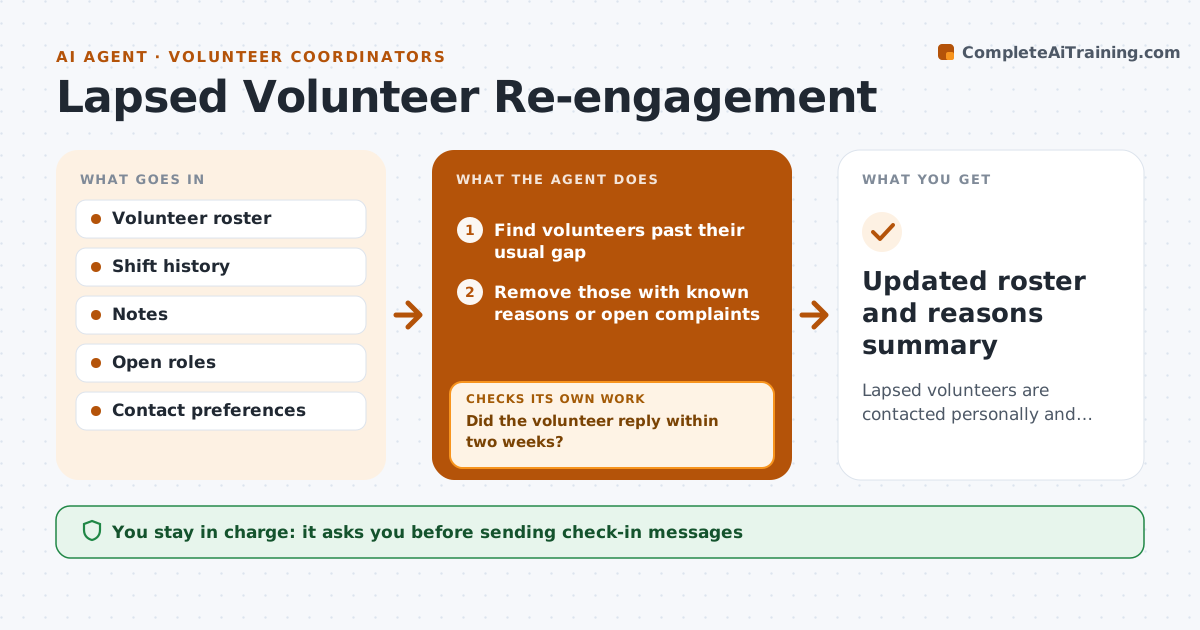
Lapsed volunteers are contacted personally and either return or are marked inactive with a reason
What it does
Most volunteers do not quit; they just stop showing up, and nobody notices until the roster is short. This agent looks for active volunteers whose last shift was longer ago than their usual pattern. It checks notes for known reasons such as travel or illness and leaves those people alone. A volunteer who left after a complaint is never sent an automatic message. For the rest it drafts a personal check-in that mentions their past role and suggests current openings that match their interests. It tracks replies for two weeks. If someone does not reply, it tries once more in another channel, then marks them inactive. It reports the reasons people give so the coordinator can spot patterns. The coordinator approves every message.
How it works
Follow the arrows from top to bottom. The orange dashed arrow is the loop: when a check fails, the agent goes back and tries again.
Read the steps as a list
- Biweekly check
- Find volunteers past their usual gap
- Remove those with known reasons or open complaints
- Draft personal check-ins with matching openings
- Coordinator approves messagesThe agent waits here for your OK.
- Send and track replies
- Did the volunteer reply within two weeks?If not: try one more message in another channel, then mark inactive. Back to step 6.
- Summarize reasons given for leaving
- Updated roster and reasons summary
How it decides
A volunteer is lapsed when their gap since the last shift is more than twice their usual gap, and they have no known reason in their notes.
- Lapsed means more than twice the usual gap
- Known reasons and complaints are excluded
- Two contacts at most, then inactive
Make it yours
Every agent is a starting point. You choose these settings for your own situation.
- Lapse rule (default twice usual gap)
- Check frequency
- Channels used
- Message tone
What keeps you in control
It always asks you first
- Sending check-in messages
Hard limits
- Never messages volunteers with open complaints
- Never contacts anyone who opted out
It stops when
- Done: all lapsed volunteers contacted
- Stop: volunteer asks not to be contacted; record and stop
Set it up
We guide you through the set-up, step by step
Members get the full set-up guide for this agent. No technical skills needed: you copy, paste and upload.
- One set of instructions to paste into your AI, with the clicks for ChatGPT, Claude, Microsoft 365 Copilot, Gemini and Grok
- The agent then walks you through connecting your own data, one source at a time
- A downloadable copy with the flow chart, the rules and the full guide