
AI agent for email marketing specialists
List Hygiene and Deliverability Agent
Keep bounce and complaint rates under limits and the newsletter in the inbox.
What it does
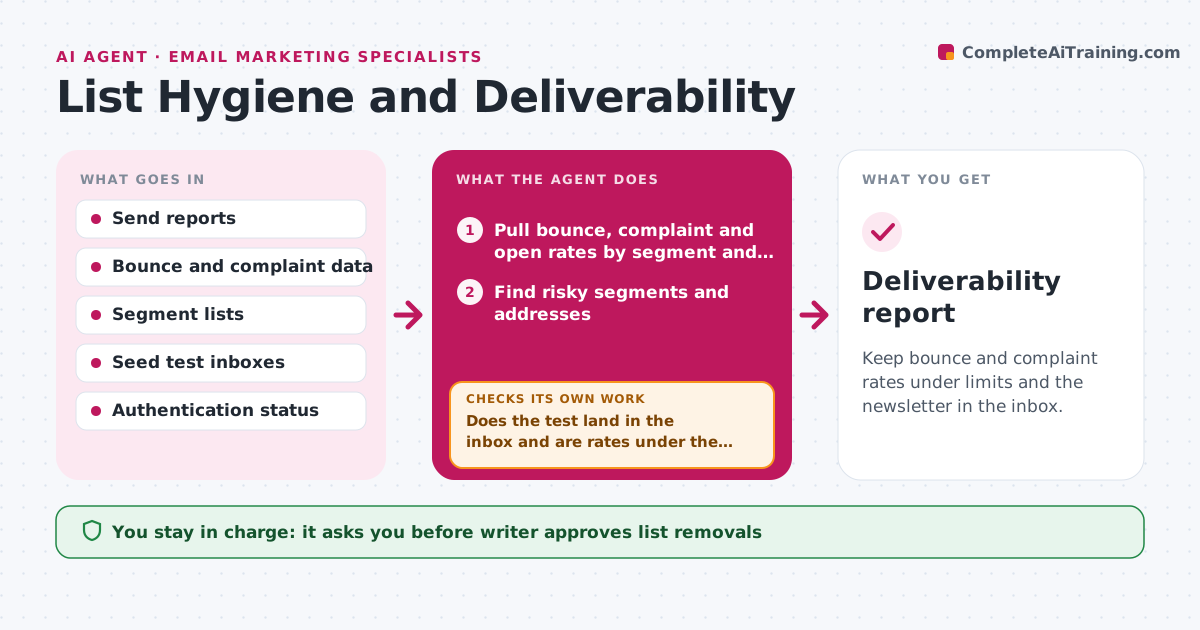
Bounce and complaint rates rise slowly, and one day open rates fall by a third because mail providers send the newsletter to spam. Each week the agent checks bounce, complaint and open rates by segment and by email domain. It finds risky groups, such as addresses that never open, or one provider with high bounces. It proposes suppressing dead addresses and, for unengaged readers, a re-engagement email first. It then tests a seed send to a sample of test inboxes to see where mail lands. If the rates stay poor, it narrows the cause by testing a segment or a domain at a time. After the writer approves the removals, it checks the next send. Edge case: a big drop caused by a single bad import. The writer approves list removals.
How it works
Follow the arrows from top to bottom. The orange dashed arrow is the loop: when a check fails, the agent goes back and tries again.
Read the steps as a list
- Weekly check starts
- Pull bounce, complaint and open rates by segment and domain
- Find risky segments and addresses
- Propose removals and a re-engagement list
- Writer approves list removalsThe agent waits here for your OK.
- Apply the changes and send a seed test to sample inboxes
- Does the test land in the inbox and are rates under the limits?If not: narrow the cause by testing one segment or domain at a time. Back to step 2.
- Check email authentication settings and recent imports
- Recommend fixes for the confirmed cause
- After the next send, did the rates improve?If not: test the next suspected cause. Back to step 6.
- Deliverability report
How it decides
Addresses are removed after hard bounces or a long run without opens. Causes are narrowed by comparing segments, domains and recent imports.
- Suppress addresses after a hard bounce
- Move readers with no opens in 180 days to a re-engagement email
- Flag complaint rates over 0.1 percent
- Isolate the most recent import first when rates jump
Make it yours
Every agent is a starting point. You choose these settings for your own situation.
- Complaint and bounce limits
- Inactivity period (default 180 days)
- Seed test inboxes
- Check schedule
- Platform and reports used
What keeps you in control
It always asks you first
- Writer approves list removals
- Writer approves re-engagement emails
Hard limits
- Never delete subscribers without approval
- Do not email suppressed addresses
It stops when
- Done: rates under limits for two sends
- Stop: provider blocks the sending domain, alert the writer
Set it up
We guide you through the set-up, step by step
Members get the full set-up guide for this agent. No technical skills needed: you copy, paste and upload.
- One set of instructions to paste into your AI, with the clicks for ChatGPT, Claude, Microsoft 365 Copilot, Gemini and Grok
- The agent then walks you through connecting your own data, one source at a time
- A downloadable copy with the flow chart, the rules and the full guide



