
Learning path
Learning AI as a Newsletter Writer
A friendly learning path for newsletter writers who want to use AI in their daily work. Start with setup, connect your AI, then practice prompts for drafting, planning, and growing your list.

Your path
Everything in the Newsletter Writer AI kit, in the order that makes sense. Members tick off each step and see their progress.
Set up your AI
We guide you through each click.
Let skills do your everyday tasks
Connect your apps and pick your AI apps
Hand whole tasks to AI agents
Build your own tools
Keep growing
Everything for newsletter writers
All the courses, certifications, AI tools, MCP servers and apps for newsletter writers, most relevant first. Open any list to see more.
Take the prompt courses
A short framework course to learn how to ask, then 8 lessons with ready-to-use prompts for newsletter writers.
Start with this framework: how to talk to AI
CRAFT helps you draft a weekly client update by defining context, role, action, format, and tone so your newsletter matches brand voice.
Then your prompt course for newsletter writersWatch the video courses or add them to your Favorites for later
128 video courses our AI picked for newsletter writers, most useful first. Save the ones you want to watch later with the heart.
Favorites are saved to your account: sign in or get your AI kit first.
Show all 128 video courses
Get certified, or add certifications to your Favorites
Every course ends in an exam and a certificate you can add to LinkedIn. Save the certifications you are aiming for with the heart.
Favorites are saved to your account: sign in or get your AI kit first.
More certifications for newsletter writersShow all 24 certifications
Try the AI tools for newsletter writers
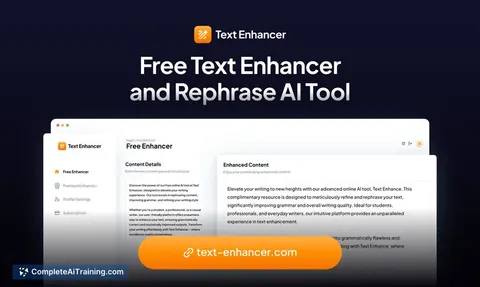
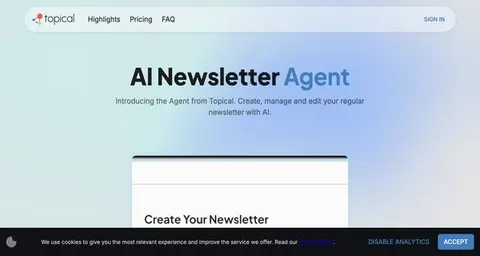
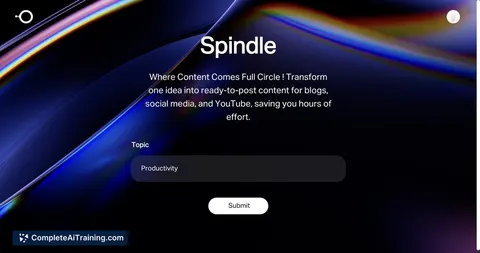
24 AI tools our AI matched to the work of newsletter writers, best fit first. Each review shows what it does, its alternatives and the jobs it suits.
Favorites are saved to your account: sign in or get your AI kit first.
Show all 24 AI tools
Connect your AI to the apps newsletter writers use
MCP servers let ChatGPT, Claude or Copilot look things up and get work done in other apps, like your email, calendar or bookkeeping software. These 12 fit the work of newsletter writers best, well-known apps first.

Mailchimp MCP server
by damientilmanLets your AI look up and manage your Mailchimp campaigns, audiences and reports for you.

Substack Publisher MCP server
by dkshipsLets your AI read your Substack posts, engagement stats and subscriber numbers for you.

Substack MCP server
by conorbronsdonLet your AI read your Substack stats, search your posts, prepare drafts, and publish Notes for you.
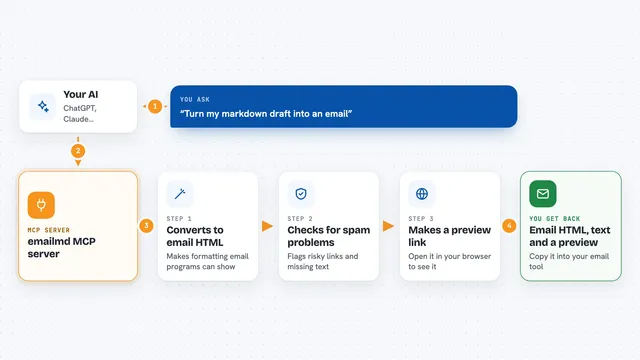
emailmd MCP server
by anypostTurn a plain markdown draft into email-safe HTML your AI can check and preview for you.
EmailProductivityNo install
Sequenzy MCP server
by SequenzyLet your AI manage your Sequenzy email marketing: subscribers, lists, campaigns, sequences and analytics.
EmailNo install
Persuasion MCP server
by Otha-LabsYour AI can check and improve marketing copy using 766 persuasion techniques from real ads.
Copywriting OfficialShow all 12 MCP servers

SendRaven MCP server
by CommonNinjaLet your AI send emails, read replies as threads, and run campaigns through your SendRaven account.
EmailProductivity Official
PostStack MCP server
by getpoststackLet your AI send emails, manage contacts, and check deliverability through your PostStack account.
EmailCustomer communicationNo install
Meser10 MCP server
by meser10Connect your AI to Meser10 so it can look up and manage your email and SMS marketing lists.
Email Official
Google News MCP server
by ChanMeng666Lets your AI search Google News for headlines, stories and topics, sorted into simple categories.
ResearchNo install
Google Search MCP server (AceDataCloud)
by AceDataCloudLets your AI run Google searches for web, images, news, videos, places and maps, and hand you the results.
ResearchNo install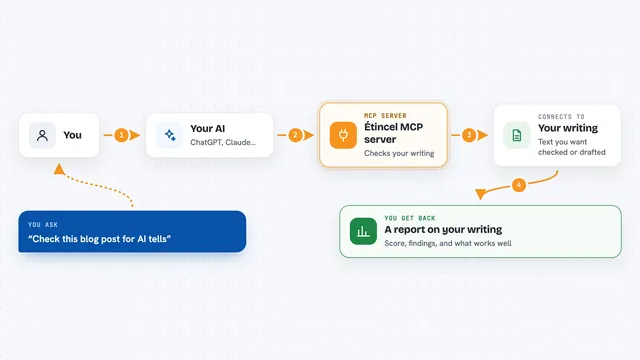
Étincel MCP server
by AIStoryHubYour AI can check your writing for machine-sounding habits and learn to draft in your own voice.
Productivity OfficialBuild your own AI apps for newsletter writers
Apps you build yourself with your own AI, no coding needed and no monthly fee. Our AI picked the 9 that fit the work of newsletter writers.
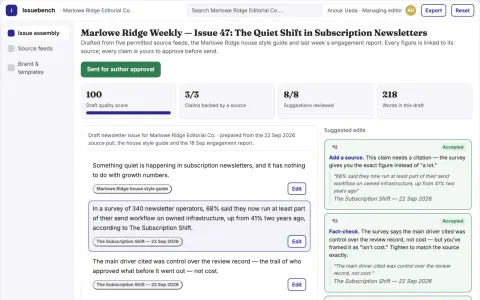
Multi-source newsletter curation and delivery workbench
Reduce tool sprawl and manual assembly while keeping editorial control over every send.
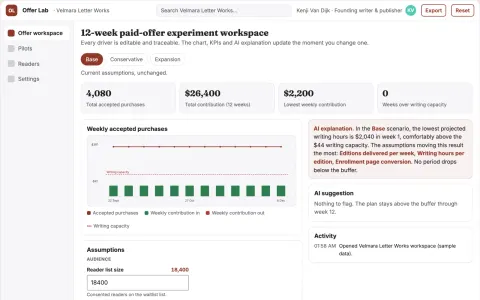
Newsletter paid-offer experiment studio
Test sustainable reader-funded products before expanding work.
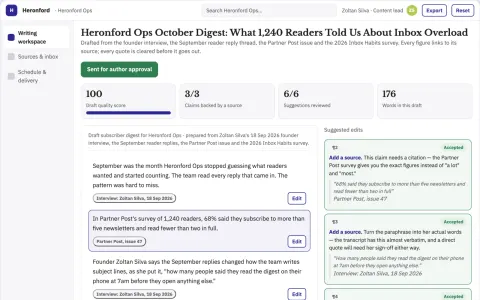
Newsletter and inbox consolidation writing workspace
Reduce the number of separate tools used to write, schedule and read email and newsletters.
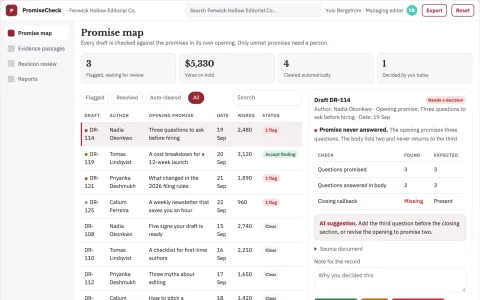
Editorial promise fulfillment checker
Check whether a piece delivers what its opening promised.
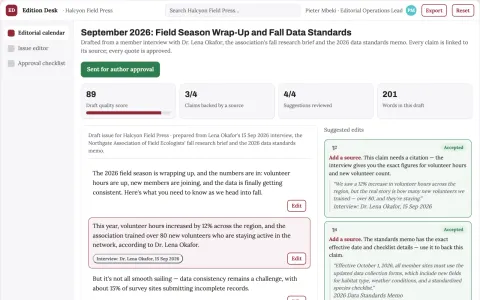
Newsletter production business
A consistent editorial product tailored to one professional readership.
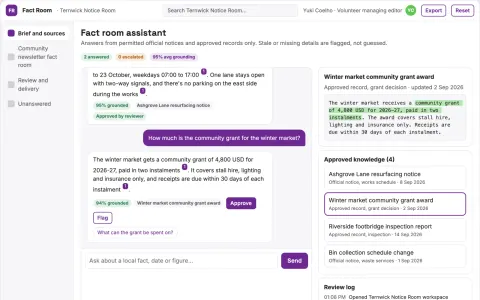
Community newsletter fact room
Small-community publishing with visible provenance.
Show all 9 apps
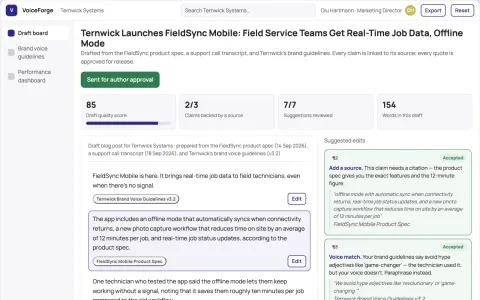
Brand Voice Content Engine
Content in your organisation's own voice, learned from your existing material rather than generic templates.
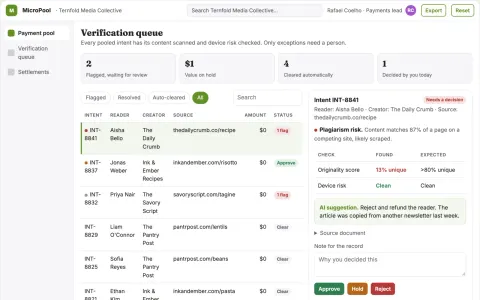
Micro-Payment Aggregation Engine
A payment rail that makes sub-cent transactions profitable by pooling intents and verifying content at near-zero cost.
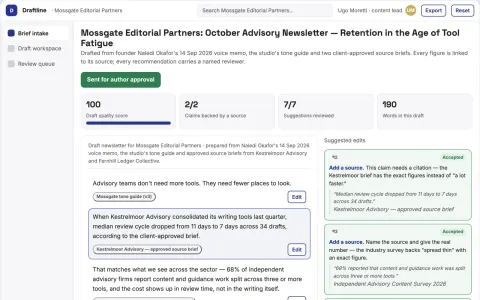
Source-based content and guidance workspace
Reduce tool switching and manual copying while keeping editorial and personal guidance decisions with named reviewers.
















































































































About this learning path
6 topicsAI for Newsletter Writers: A Practical Learning Path
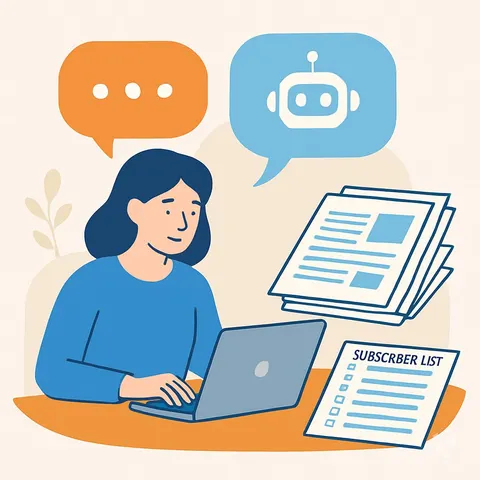
You write newsletters. You find the stories, shape the subject lines, watch the open rates, and keep readers coming back. This path shows you how AI can help with those tasks without taking over your voice.
You do not need to be technical. You will set up a tool like ChatGPT, Claude, or Gemini, connect it to your work, and learn a handful of prompts that fit the way you already write.
Why AI Matters Now
Readers expect fresh, useful issues on a steady schedule. At the same time, your inbox is crowded and your time is short. AI can help you draft faster, find angles you might miss, and turn numbers into plain next steps.
It is not about replacing your judgment. It is about having a patient helper for the blank page, the subject line, and the spreadsheet.
What the Path Includes
The path starts with a few setup questions so the tool understands your newsletter, your audience, and your tone. Then you connect your AI account and learn skills for the job inside your AI, like how to ask for a draft or a summary.
Next comes the prompt course made for newsletter writers. After that, you pick video courses that match your beat, and you see the certifications those courses offer.
How It Saves You Time
You will practice prompts that turn a blank page into a draft, a list of topics, or several subject lines. You will also learn to reshape one piece of content for social posts or a shorter note.
The time you win back can go to reporting, interviews, or simply finishing your day at a reasonable hour.
How It Protects Your Career
Newsletter writers who can use AI well are more valuable. You stay in charge of the voice, the relationships, and the editorial calls. The tool handles the first pass and the busywork.
You also learn how to keep subscriber data safe and how to check AI output before it reaches your readers.
How to Get Started
Begin with the setup questions. They take a few minutes and make every prompt that follows more useful. Then connect your AI and try one prompt from the course, like drafting a short article or writing subject lines.
Take it one step at a time. You can finish the path in small sessions between issues.
Frequently asked questions
Do I need technical skills to start?
No. If you can write an email and use a web browser, you can follow this path. The setup questions and lessons use plain language and everyday examples from newsletter work.How much time does the path take?
Most people move through it in a few short sittings. You can do one lesson between issues or set aside a quiet hour. The prompts are designed to be used right away, so you learn by doing.Will AI replace my voice?
No. You stay the writer. AI helps with drafts, options, and summaries, but you choose what sounds right. The course shows you how to give clear instructions so the output matches your tone.Is my subscriber data safe?
The path covers safety and privacy for newsletter writers. You will learn what not to paste into a tool, how to keep reader details private, and how to review AI output before you send.