
Learning path
Learning AI as a Marketing Automation Specialist
Marketing automation work runs on details: flows, segments, scoring, and clean data. This path shows you how to use AI to draft, plan, and check that work faster.

Your path
Everything in the Marketing Automation Specialist AI kit, in the order that makes sense. Members tick off each step and see their progress.
Set up your AI
We guide you through each click.
Let skills do your everyday tasks
Connect your apps and pick your AI apps
Hand whole tasks to AI agents
Build your own tools
Keep growing
Everything for marketing automation specialists
All the courses, certifications, AI tools, MCP servers and apps for marketing automation specialists, most relevant first. Open any list to see more.
Take the prompt courses
A short framework course to learn how to ask, then 8 lessons with ready-to-use prompts for marketing automation specialists.
Start with this framework: how to talk to AI
AIDA and PAS fit your marketing automation work by structuring emails, such as a cart abandonment sequence that turns clicks into purchases.
Then your prompt course for marketing automation specialistsWatch the video courses or add them to your Favorites for later
158 video courses our AI picked for marketing automation specialists, most useful first. Save the ones you want to watch later with the heart.
Favorites are saved to your account: sign in or get your AI kit first.
Show all 158 video courses
Get certified, or add certifications to your Favorites
Every course ends in an exam and a certificate you can add to LinkedIn. Save the certifications you are aiming for with the heart.
Favorites are saved to your account: sign in or get your AI kit first.
More certifications for marketing automation specialistsShow all 24 certifications
Try the AI tools for marketing automation specialists
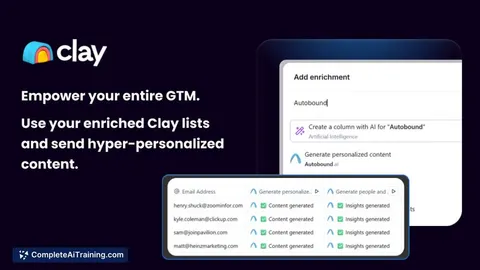
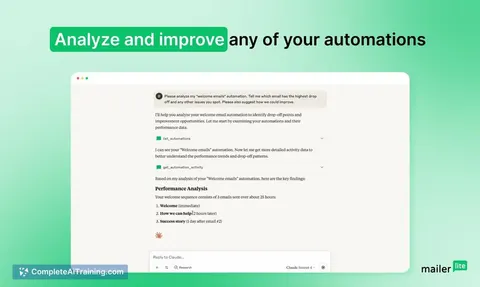
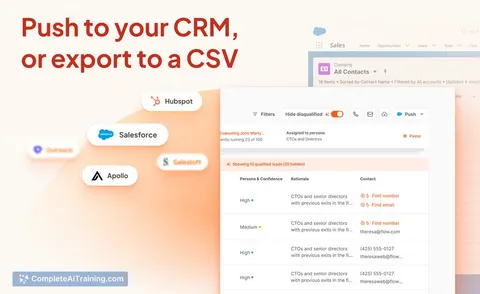
24 AI tools our AI matched to the work of marketing automation specialists, best fit first. Each review shows what it does, its alternatives and the jobs it suits.
Favorites are saved to your account: sign in or get your AI kit first.
Show all 24 AI tools
Connect your AI to the apps marketing automation specialists use
MCP servers let ChatGPT, Claude or Copilot look things up and get work done in other apps, like your email, calendar or bookkeeping software. These 12 fit the work of marketing automation specialists best, well-known apps first.

Mailchimp MCP server
by damientilmanLets your AI look up and manage your Mailchimp campaigns, audiences and reports for you.

MailboxValidator MCP server
by MailboxValidatorCheck if an email address is real, disposable, or from a free provider, right inside your AI chat.

AstroFabric MCP server
by sam1siamAsk your AI to build verified company and contact lists, enrich them, and deliver them to your tools.
Research Official
MailProbe MCP server
by jamalofskiYour AI can check whether email addresses are real and can receive mail, without sending anything.
Email Official
Sequencer Lead Push MCP server
by mambalabsdevLet your AI push enriched leads into an Instantly or Smartlead campaign, with score filtering and a safe preview.

Sequenzy MCP server
by SequenzyLet your AI manage your Sequenzy email marketing: subscribers, lists, campaigns, sequences and analytics.
EmailNo installShow all 12 MCP servers

DeliverIQ MCP server
by Davison-FrancisCheck if email addresses are safe to send to, and get plain-English reports on a domain's email setup.
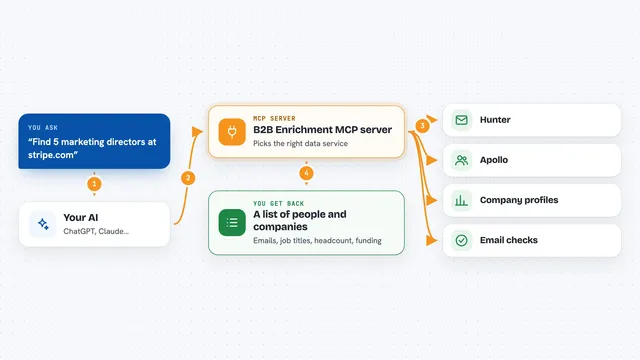
B2B Enrichment MCP server
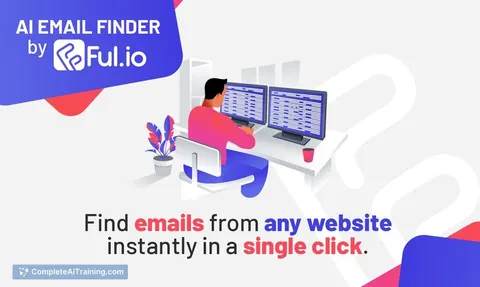
by Aleksey-PanfFind and verify work emails, and pull company details like size and funding, right inside your AI chat.

ScraperCity MCP server
by scrapercityLets your AI pull business leads, find and check emails, and look up phone numbers for you.
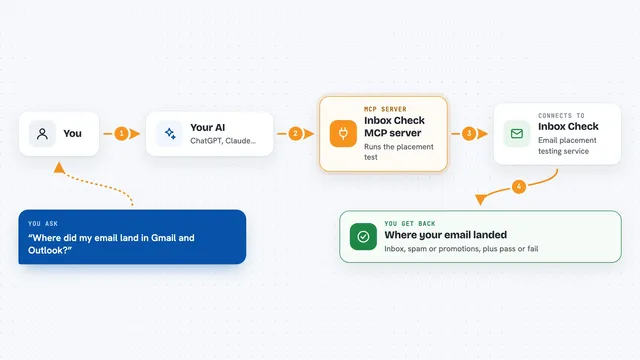
Inbox Check MCP server
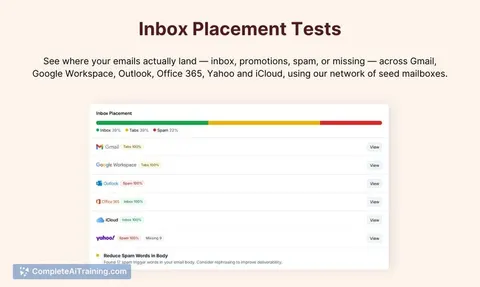
by live-direct-marketingTest where your emails land in Gmail, Outlook and 7 other providers, with spam and authentication results.

Giggal.ai email verification MCP server
by giggal-aiCheck whether an email address is real and deliverable, even the tricky ones, right from your AI chat.
ProductivityNo install
Agentled MCP server
by AgentledLet your AI build and run business workflows with memory, from lead research to content publishing.
Build your own AI apps for marketing automation specialists
Apps you build yourself with your own AI, no coding needed and no monthly fee. Our AI picked the 12 that fit the work of marketing automation specialists.
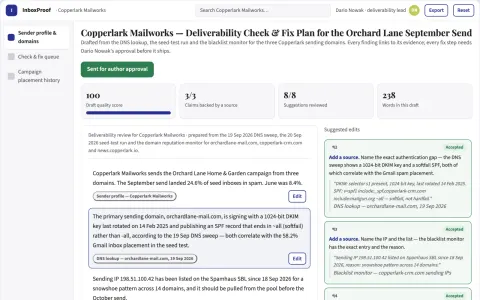
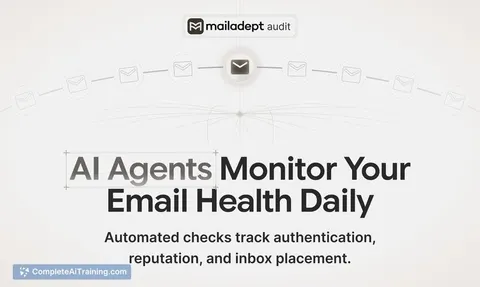
Email deliverability check and fix workspace
Reduce spam placement and manual deliverability troubleshooting.
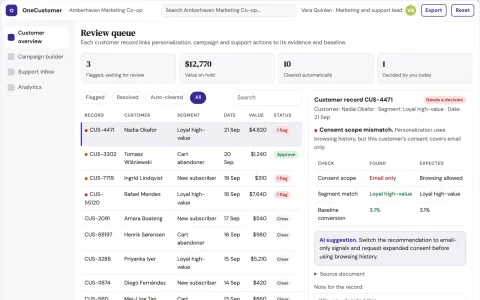
Personalized marketing and support coordination portal
Run personalization, campaigns, support and analytics from one owned portal instead of several subscriptions.
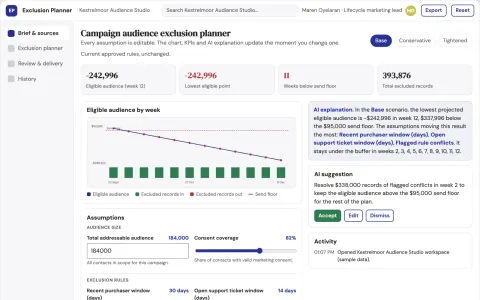
Campaign audience exclusion planner
Explain exclusions before campaign execution.
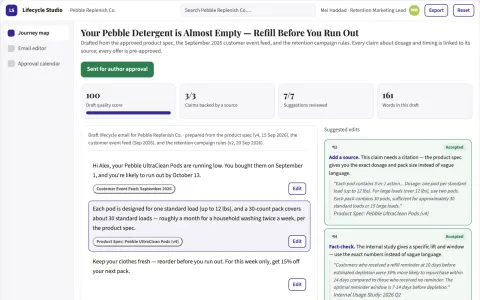
Email lifecycle studio
Product-specific lifecycle education connected to explicit customer events.
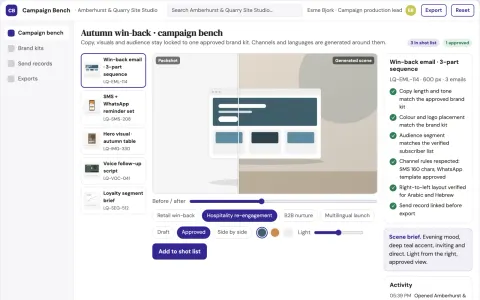
Multi-channel campaign production workbench
Reduce campaign production time while keeping one approved brand voice across channels.
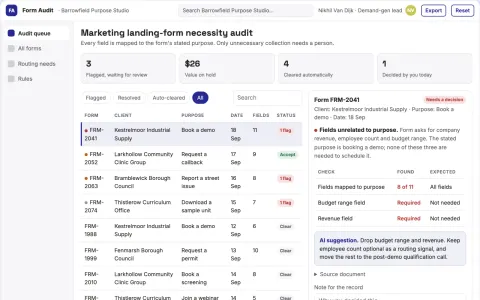
Marketing landing-form necessity audit
Purpose-based lead forms.
Show all 12 apps
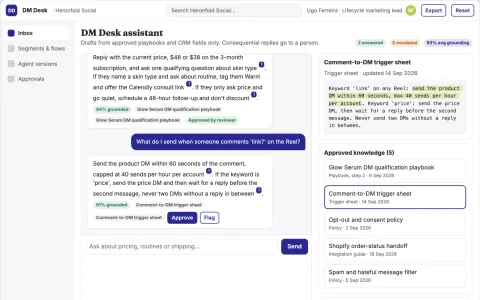
Instagram DM automation and lead qualification console
Answer and qualify Instagram direct messages consistently while keeping a human in control of consequential replies.
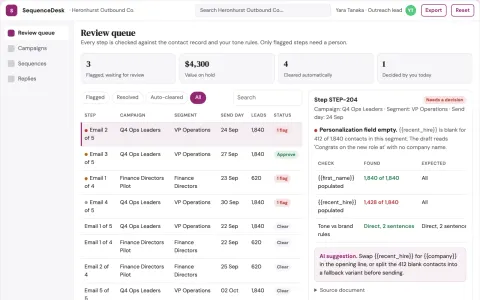
Sales outreach sequence and follow-up workbench
Run sequence building, personalization, sending, CRM updates and reply triage in one owned portal.
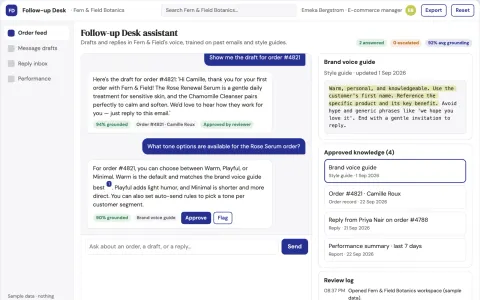
Purchase Follow-up Agent
Messages that remember what each customer bought and why, trained on the brand's voice, for every single order.
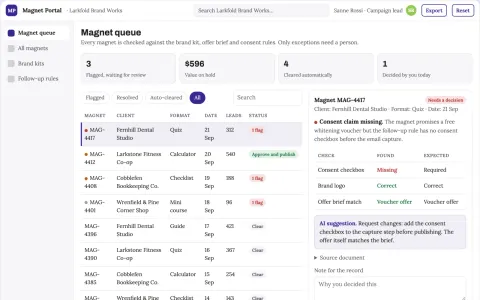
Branded AI lead magnet portal
Own one branded portal that builds, hosts and follows up AI lead magnets instead of renting several tools.
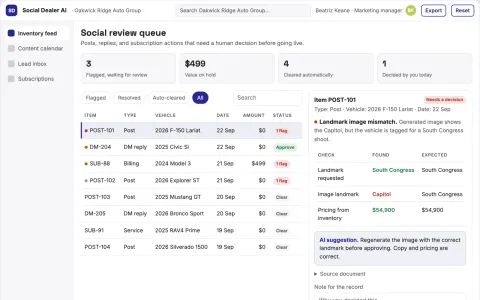
Dealer Social Subscription AI
Dealer social posts built from live inventory, with every enquiry tied to a test-drive booking.
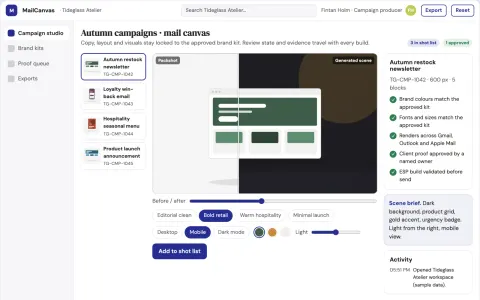
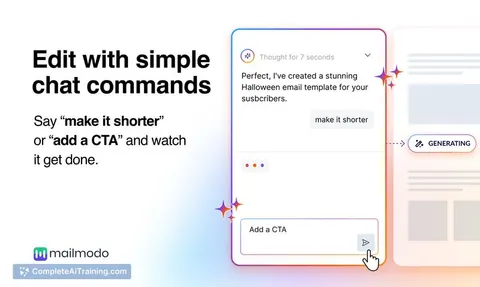
Brand-locked email design and send workbench
Reduce campaign production time while keeping every email on-brand.

































































































































About this learning path
6 topicsUse AI Well as a Marketing Automation Specialist
Marketing automation specialists sit between the tools and the people. You build the email flows, decide who goes into which segment, watch the lead scores, and keep the data clean enough that the whole system works.
AI can help with a lot of that daily work, but only if you ask it well and check what it gives back. This path walks you through setup, connects your AI to your job, and gives you prompts built for the tasks you already do.
Why AI Matters in This Role
Marketing platforms change often, and campaigns need to move quickly. AI helps you get to a first draft of a flow, a segment plan, or a report much sooner, so your time goes into judgment rather than typing.
It also helps with the parts that are easy to put off, like documenting scoring rules or writing a compliance checklist.
What the Path Includes
You start with setup questions and connecting your AI tool to the way you work. From there you move into skills for the job inside your AI, then the prompt course with eight lessons built around real automation tasks.
The path finishes with video courses picked for marketing automation work, along with the certifications those courses lead to.
How It Saves You Time
Drafting email copy, outlining a workflow, or turning metrics into a readable summary can take an afternoon. With a good prompt, you get a working draft in minutes and spend the rest of the time improving it.
The time you win back goes into testing, fixing broken integrations, and talking to the people who depend on your campaigns.
How It Protects Your Career
The specialists who stay valuable are the ones who can direct the tools and explain the choices behind a campaign. Knowing how to prompt well, and how to check the output, puts you on that side of the line.
It also makes you the person who can document a scoring model or a data cleanup rule clearly, which teams always need.
How to Start
Begin with the setup questions, then connect your AI tool and try one prompt on a small task you already have. Pick something low risk, like a subject line draft or a segment description.
Work through the prompt course in order, one lesson at a time, and apply each one to a real campaign as you go.
Frequently asked questions
Do I need to know how to code?
No. The prompts in this path are written in plain language and are meant for the tools you already use, like ChatGPT, Claude, or Gemini. You describe the task the way you would to a colleague.Will AI replace marketing automation specialists?
The tools handle drafting and summarizing well, but someone still has to decide what the campaign should do and whether the output is right. That judgment is the job, and it is what this path builds.Which platform should I connect first?
Start with whichever platform holds most of your campaigns and contact data. Connecting one tool well is more useful than spreading your attention across several at once.How long does the path take?
Most people work through it in a few weeks, fitting lessons around their normal workload. You can go faster if you apply each lesson to a live campaign right away.