AI agent for mortgage brokers
Loan Milestone Client Update Agent
Keep borrowers and agents informed at every milestone without manual calls
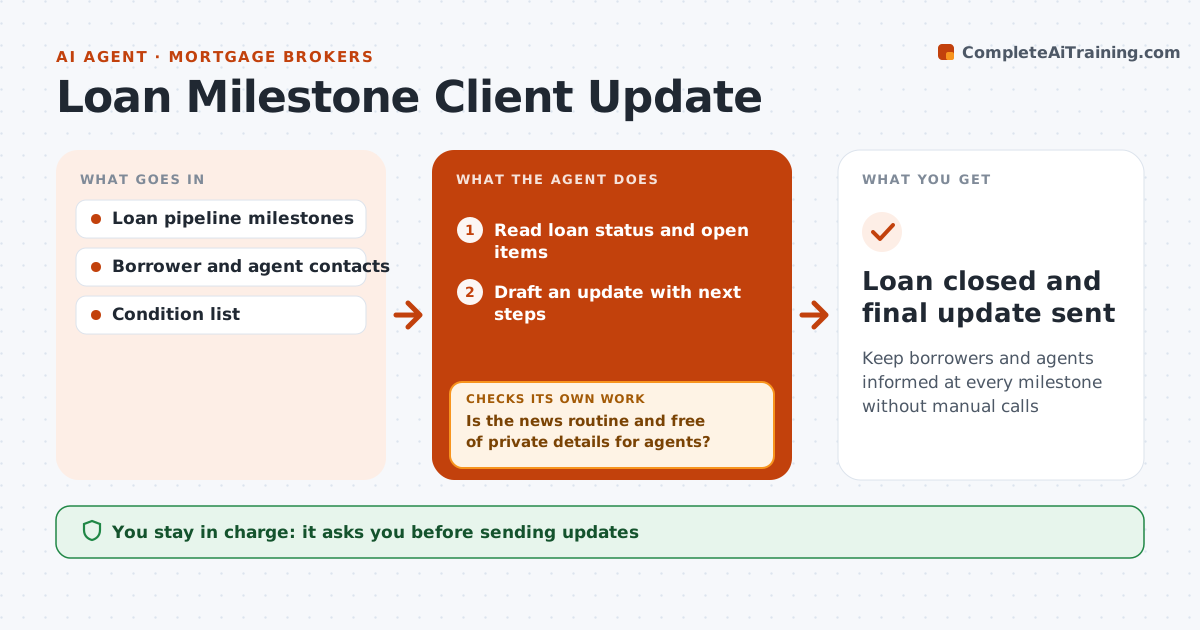
What it does
Borrowers and their real estate agents want regular updates through the loan process, and silence creates anxious calls. This agent watches milestones such as appraisal ordered, appraisal received, conditional approval, clear to close and closing scheduled. When one changes, it reads the loan status and drafts a short, plain update with what happens next and what the borrower needs to do. It checks each update is routine and free of private details for agents, such as credit scores or income. Bad news, such as a low appraisal or denial, is routed to the broker for a personal call with talking points. The broker approves every update. It also checks every party has heard something in the last 4 days and drafts a short status note if not. Edge case: messages copied to agents never include credit or income details.
How it works
Follow the arrows from top to bottom. The orange dashed arrow is the loop: when a check fails, the agent goes back and tries again.
Read the steps as a list
- Milestone changes
- Read loan status and open items
- Draft an update with next steps
- Is the news routine and free of private details for agents?If not: route to the broker for a personal call and remove private details. Back to step 3.
- Broker approves the updateThe agent waits here for your OK.
- Send the approved update to borrower and agents
- Has every party had an update in the last 4 days?If not: draft a short status note. Back to step 3.
- Loan closed and final update sent
How it decides
Each milestone change triggers an update. Bad news goes to the broker for a call.
- Low appraisal or denial goes to a broker call
- Agents never see credit or income details
- Status note after 4 quiet days
Make it yours
Every agent is a starting point. You choose these settings for your own situation.
- Quiet period before status notes (default 4 days)
- Milestones that trigger updates
- Who receives updates
- Message tone
What keeps you in control
It always asks you first
- Sending updates
Hard limits
- Never shares private financial details with agents
- Never delivers bad news by automated message
It stops when
- Done: loan closed
- Stop: borrower requests no agent updates
Set it up
We guide you through the set-up, step by step
Members get the full set-up guide for this agent. No technical skills needed: you copy, paste and upload.
- One set of instructions to paste into your AI, with the clicks for ChatGPT, Claude, Microsoft 365 Copilot, Gemini and Grok
- The agent then walks you through connecting your own data, one source at a time
- A downloadable copy with the flow chart, the rules and the full guide