AI agent for game developers
Memory Leak Hunt Agent
A confirmed memory leak cause, a fix tested by repeat runs, and memory staying flat across a long session
What it does
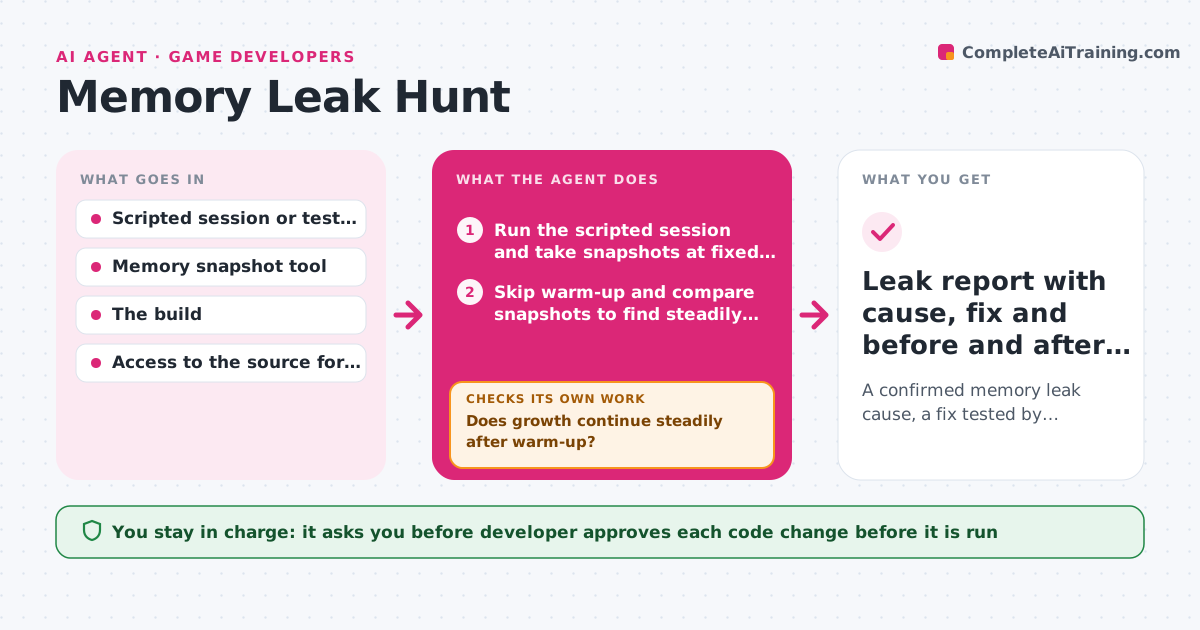
A game or web app runs fine for ten minutes and then crawls after two hours, and the profiler shows a wall of objects. This agent runs a scripted session that repeats the same actions, such as opening and closing a menu or loading and leaving a level, and takes memory snapshots at set intervals. It compares the snapshots to find object types whose counts keep growing, then narrows suspects by tracing what holds on to them, such as an event listener never removed or a cache without a limit. It proposes a likely cause for the developer to test. After each fix it reruns the same session and compares growth, repeating until memory stays flat within the allowance. The developer approves each code change. Edge case: memory that grows for the first 5 minutes and then plateaus is treated as warm-up, not a leak.
How it works
Follow the arrows from top to bottom. The orange dashed arrow is the loop: when a check fails, the agent goes back and tries again.
Read the steps as a list
- Memory growth reported
- Run the scripted session and take snapshots at fixed intervals
- Skip warm-up and compare snapshots to find steadily growing object types
- Does growth continue steadily after warm-up?If not: Lengthen the session or script the leaking action more heavily and snapshot again. Back to step 2.
- Trace what holds on to the growing objects
- Name the likely cause and propose a code change
- Developer approves the code changeThe agent waits here for your OK.
- Rerun the same session with the change and take snapshots
- Is memory growth now below the allowance?If not: Revert, move to the next suspect and trace again. Back to step 5.
- Leak report with cause, fix and before and after charts
How it decides
It treats an object type as leaking when its count grows steadily across at least 5 snapshots after warm-up, and it accepts a fix only when growth falls below the allowance in a repeat run.
- Ignore the first 5 minutes or first 3 snapshots as warm-up
- Treat growth above 1 MB per 10 minutes as a leak
- Test one suspect at a time
- Stop after 4 suspects and ask the developer for direction
Make it yours
Every agent is a starting point. You choose these settings for your own situation.
- Session script and snapshot interval
- Growth allowance (default 1 MB per 10 minutes)
- Warm-up length
- Profiling tool
- Maximum suspects to test
What keeps you in control
It always asks you first
- Developer approves each code change before it is run
Hard limits
- Never change code without approval
- Always run tests against the same script for fair comparison
It stops when
- Done: Repeat runs show memory flat within the allowance
- Stop: No suspect explains the growth after 4 attempts, so the agent hands the snapshot findings to the developer
Set it up
We guide you through the set-up, step by step
Members get the full set-up guide for this agent. No technical skills needed: you copy, paste and upload.
- One set of instructions to paste into your AI, with the clicks for ChatGPT, Claude, Microsoft 365 Copilot, Gemini and Grok
- The agent then walks you through connecting your own data, one source at a time
- A downloadable copy with the flow chart, the rules and the full guide