AI agent for public affairs specialists
Message Consistency Audit Agent
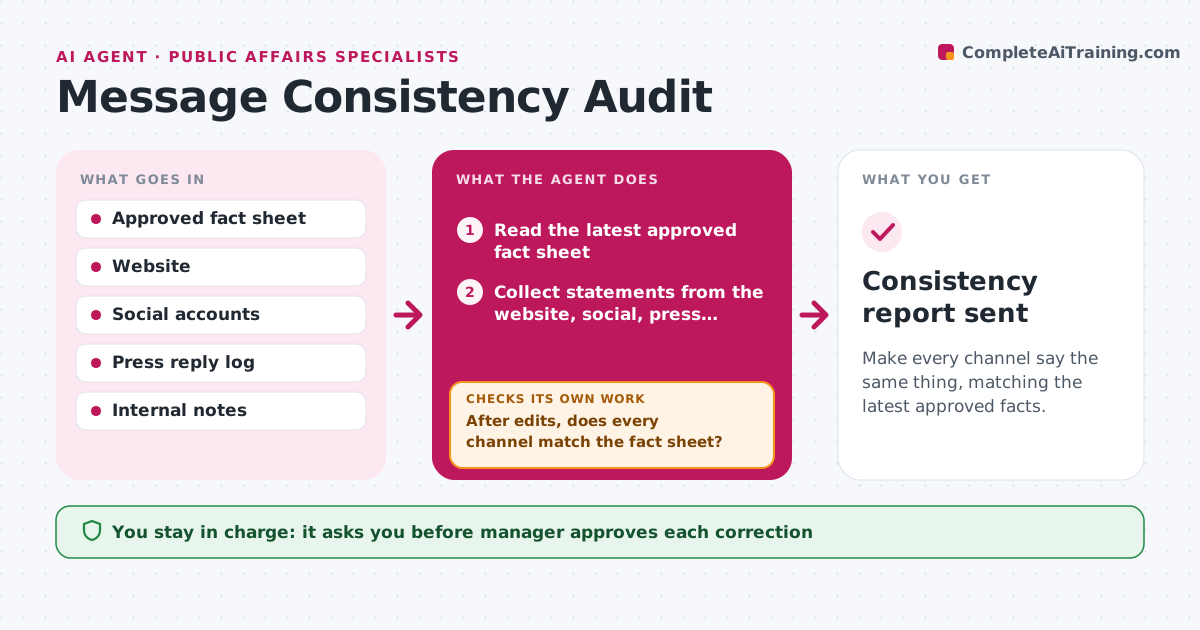
Make every channel say the same thing, matching the latest approved facts.
What it does
In a fast incident, the website says one thing, the social team another and the press reply a third. The agent holds the latest approved fact sheet as the source of truth. It reads the company website, social posts, press replies, FAQ and internal notes, and compares each statement with those facts, flagging differences in numbers, timing, wording of cause and apology. It proposes a corrected line for each difference and the place it applies. After the team edits, it checks every channel again, because a fix on one channel can reveal an old line on another. It repeats until all channels match. When the approved facts change, the cycle starts again. Edge case: a quote from an executive in an old interview. The manager approves each correction.
How it works
Follow the arrows from top to bottom. The orange dashed arrow is the loop: when a check fails, the agent goes back and tries again.
Read the steps as a list
- Audit cycle starts
- Read the latest approved fact sheet
- Collect statements from the website, social, press replies and internal notes
- Compare each statement with the fact sheet
- Rate each difference as urgent or advisory
- Propose a corrected line for each difference
- Manager approves each correctionThe agent waits here for your OK.
- Team applies the corrections
- After edits, does every channel match the fact sheet?If not: collect the channels again and repeat the comparison for what is still different. Back to step 3.
- Record what changed and when
- Consistency report sent
How it decides
A statement is consistent when its facts match the approved sheet. Differences in numbers or cause are urgent, and wording differences are advisory.
- Treat any difference in numbers, cause or timing as urgent
- Treat tone differences as advisory
- Re-run the full check after every set of edits
- Use the newest approved fact sheet only
Make it yours
Every agent is a starting point. You choose these settings for your own situation.
- Channels to include
- Check interval (default 2 hours)
- Which differences count as urgent
- Fact sheet location
- Who receives the report
What keeps you in control
It always asks you first
- Manager approves each correction
- Manager approves updating the fact sheet
Hard limits
- Never edit a channel itself
- Compare against approved facts only
It stops when
- Done: all channels match for two cycles in a row
- Stop: facts are disputed, ask the manager which version is correct
Set it up
We guide you through the set-up, step by step
Members get the full set-up guide for this agent. No technical skills needed: you copy, paste and upload.
- One set of instructions to paste into your AI, with the clicks for ChatGPT, Claude, Microsoft 365 Copilot, Gemini and Grok
- The agent then walks you through connecting your own data, one source at a time
- A downloadable copy with the flow chart, the rules and the full guide