
Learning path
Learning AI as an Internal Communications Manager
Learn to use AI for the daily writing and planning that fills your week. This path shows you how to set up your AI, use job-specific prompts, and take video courses that fit your work.

Your path
Everything in the Internal Communications Manager AI kit, in the order that makes sense. Members tick off each step and see their progress.
Set up your AI
We guide you through each click.
Let skills do your everyday tasks
Connect your apps and pick your AI apps
Hand whole tasks to AI agents
Build your own tools
Everything for internal communications managers
All the courses, certifications, AI tools, MCP servers and apps for internal communications managers, most relevant first. Open any list to see more.
Take the prompt courses
Two short framework courses to learn how to ask, then 8 lessons with ready-to-use prompts for internal communications managers.
Start with these frameworks: how to talk to AI
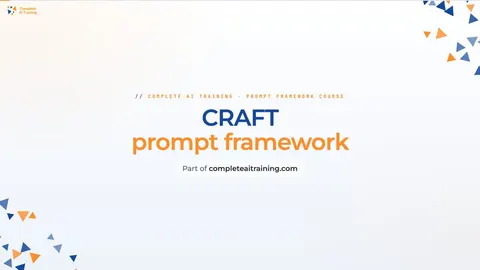
As an internal communications manager drafting an all-staff email about a policy change, CRAFT keeps context, role, action, format, and tone right.
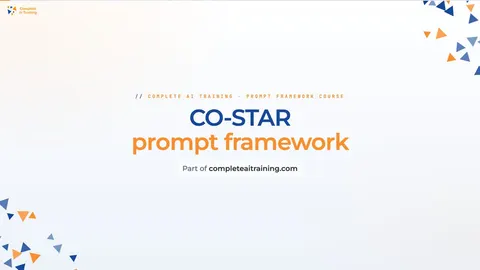
CO-STAR lets you draft a return-to-office email for managers and a Slack post for remote staff with the right tone.
Then your prompt course for internal communications managersWatch the video courses or add them to your Favorites for later
126 video courses our AI picked for internal communications managers, most useful first. Save the ones you want to watch later with the heart.
Favorites are saved to your account: sign in or get your AI kit first.
Show all 126 video courses
Get certified, or add certifications to your Favorites
Every course ends in an exam and a certificate you can add to LinkedIn. Save the certifications you are aiming for with the heart.
Favorites are saved to your account: sign in or get your AI kit first.
More certifications for internal communications managersShow all 24 certifications
Try the AI tools for internal communications managers
24 AI tools our AI matched to the work of internal communications managers, best fit first. Each review shows what it does, its alternatives and the jobs it suits.
Favorites are saved to your account: sign in or get your AI kit first.
Show all 24 AI tools
Connect your AI to the apps internal communications managers use
MCP servers let ChatGPT, Claude or Copilot look things up and get work done in other apps, like your email, calendar or bookkeeping software. These 12 fit the work of internal communications managers best, well-known apps first.

VE Google Workspace MCP server
by HuntsDeskLet your AI read and write your Google Docs, Sheets, Slides, Drive, Gmail and Calendar for you.

Google Docs MCP server
by A1-x-TechLet your AI read, summarize, edit and comment on your Google Docs without leaving the chat.

OfficeAgent MCP server
by ilia-sokolovLet your AI edit Word, PowerPoint and Excel files, with changes you can review before saving.
Productivity Official
KitchenSink4Word MCP server
by nometalalchemistLet your AI edit real Word documents: text, tables, tracked changes, citations and more.

Google Workspace MCP server
by taylorwilsdonLets your AI read and write your Gmail, Calendar, Drive, Docs, Sheets and more, all from one chat.

Feishu MCP server
by ztxtxwdLet your AI read, search and edit your Feishu documents for you, after you log in with your Feishu account.
Show all 12 MCP servers

Quip MCP server
by bug-breederLets your AI read, search, create, edit and delete your Quip documents and comments for you.
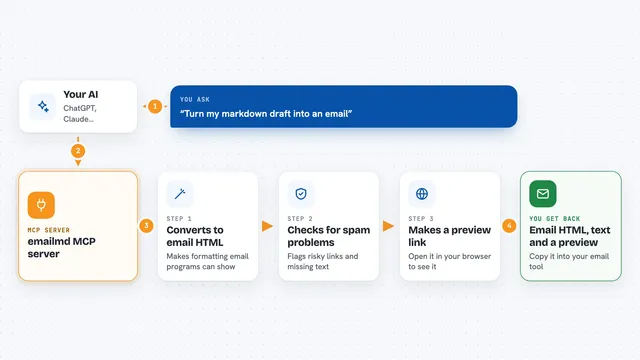
emailmd MCP server
by anypostTurn a plain markdown draft into email-safe HTML your AI can check and preview for you.
EmailProductivityNo install
Outlook MCP server
by dockndevaiLets your AI read, search, draft and send Outlook email and browse your OneDrive files for you.

Confluence MCP server
by aashariLets your AI read, search, and update your Confluence pages and spaces for you.

Google Drive MCP server
by A1-x-TechLet your AI search, organize, upload, download, export and share your Google Drive files for you.

Box MCP server
by boxLet your AI search your Box files, answer questions about them, and pull out details for you.
Productivity OfficialBuild your own AI apps for internal communications managers
Apps you build yourself with your own AI, no coding needed and no monthly fee. Our AI picked the 11 that fit the work of internal communications managers.
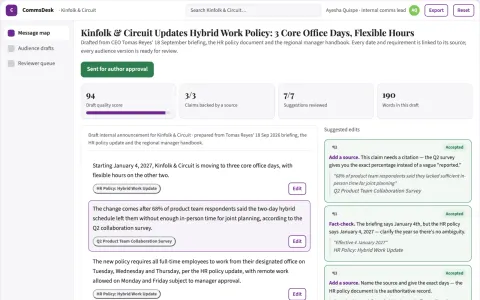
Internal communications assistant
One approved source translated into practical audience-specific messages.
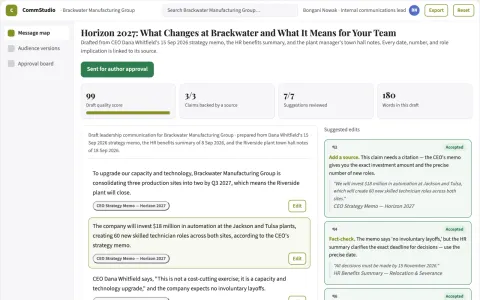
Leadership communication studio
Every audience version explains practical implications and next steps.
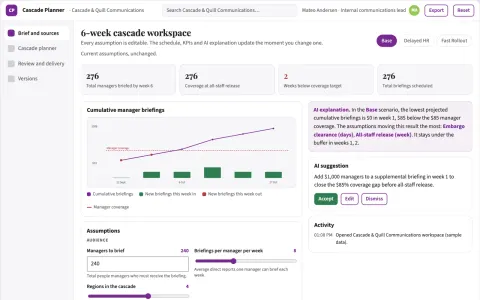
Internal announcement cascade planner
Coordinated delivery of approved internal messages.
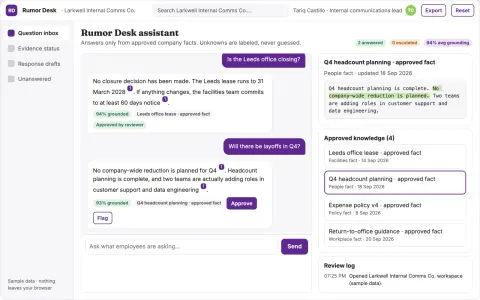
Internal rumor response evidence desk
Communicate knowns and unknowns without monitoring private conversations.
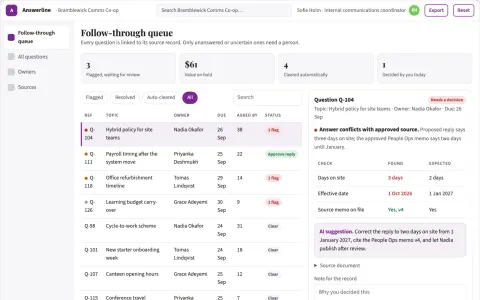
Employee question response ownership
Visible ownership of unanswered staff questions.
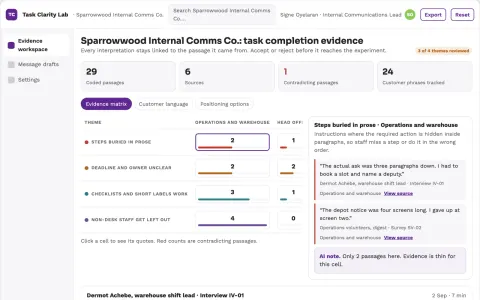
Internal communication task completion lab
Reduce failed administrative actions caused by unclear instructions.
Show all 11 apps
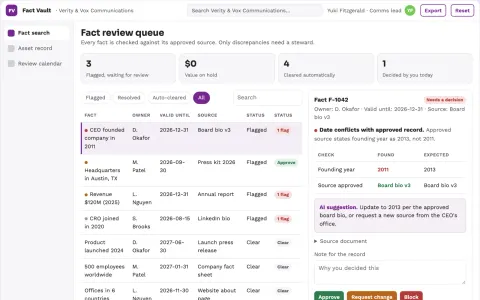
Communications knowledge library
Search results prioritize approved current facts and show responsible owners.
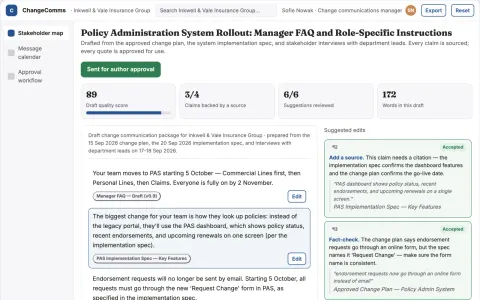
Change communication planner
Role-specific instructions linked to rollout milestones.
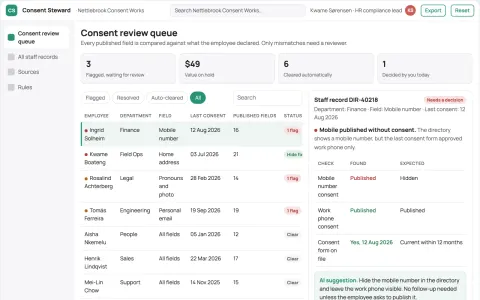
Staff directory consent steward
Employee-controlled directory information.
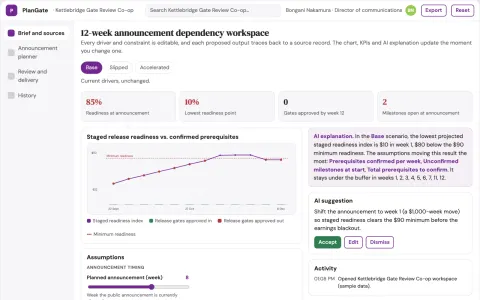
Public announcement dependency planner
Tie announcements to documented readiness.
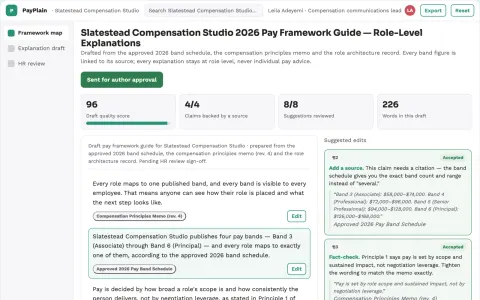
Pay transparency explanation studio
Explain compensation policy without inventing individual pay advice.


















































































































About this learning path
6 topicsA Practical AI Path for Internal Communications Managers
Internal communications work is full of writing, planning, and quick turns. AI can help you draft messages, organize campaigns, and respond faster, without losing your voice. This path is built for people who manage internal comms, not for technical specialists.
You will set up your AI tools, learn the skills that matter for your job, and practice with a prompt course made for your daily tasks. You will also find video courses chosen for internal comms and the certifications that come with them. Everything is step by step, so you can start using AI right away.
Why AI Matters for Internal Comms
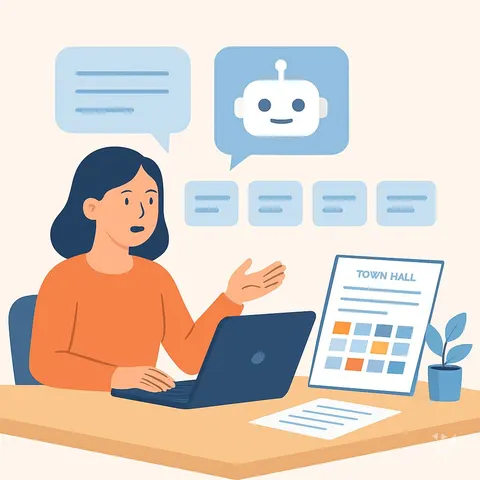
Internal communications moves fast. You write newsletters, plan town halls, answer leadership questions, and handle sensitive updates, often all in one day. AI can take the first pass on many of these tasks, giving you a draft to refine instead of a blank page.
It also helps you adapt one message for different channels, turn feedback into clear recommendations, and keep your plans organized. You stay in charge of the tone, the facts, and the final call.
What the Path Includes
The path starts with setup questions to help you choose and connect your AI tool, whether that is ChatGPT, Claude, or Gemini. Then you learn the skills that fit your job inside your AI, like how to save prompts and keep your brand voice.
Next comes the prompt course, which walks through eight lessons from drafting employee news to measuring your work. You also get video courses picked for internal communications, along with the certifications those courses offer.
How This Path Saves Time
Most internal comms work begins with a blank page. AI gives you a solid first draft in seconds, so you spend your time editing and adding the details that matter, not staring at a cursor.
You can also batch tasks. Ask AI to adapt one update for the intranet, email, and Slack at once, or to turn a pile of feedback into a short summary. The minutes add up, and you get more room for the parts of your job that need a human touch.
How It Protects Your Career
AI is not here to replace internal communications managers. It is here to change what the job looks like. The people who learn to use it well will be the ones who get ahead, because they can do more without burning out.
This path teaches you to use AI carefully. You will review every draft, protect sensitive information, and keep your judgment in the lead. That makes you more valuable, not less.
How to Start
Start with the setup questions. They help you pick a tool and get it ready for your work. Then take the first lesson of the prompt course and try it on a real task you have this week.
Once you feel comfortable, add the video courses that match your goals. You can move at your own pace. One prompt at a time is enough to see the difference.
Frequently asked questions
Do I need to be technical to use this path?
No. The path is made for internal communications managers who write and plan, not for coders. If you can write an email and follow simple steps, you can use these tools.How long does the path take?
You can move at your own speed. The prompt course has eight short lessons, and the video courses vary in length. Many people finish the core lessons in a few settings, then return for the videos as needed.Will AI replace internal communications managers?
Not likely. AI can draft and organize, but it cannot build relationships, read a room, or make the final call on sensitive messages. Your judgment and people skills become even more important.What if I already use ChatGPT or another AI tool?
That is great. The path will show you how to use it more effectively for internal comms tasks, with prompts tailored to your job. You will learn to save time and keep your voice, not start from scratch.