AI agent for data entry specialists
Missing Source Field Chase Agent
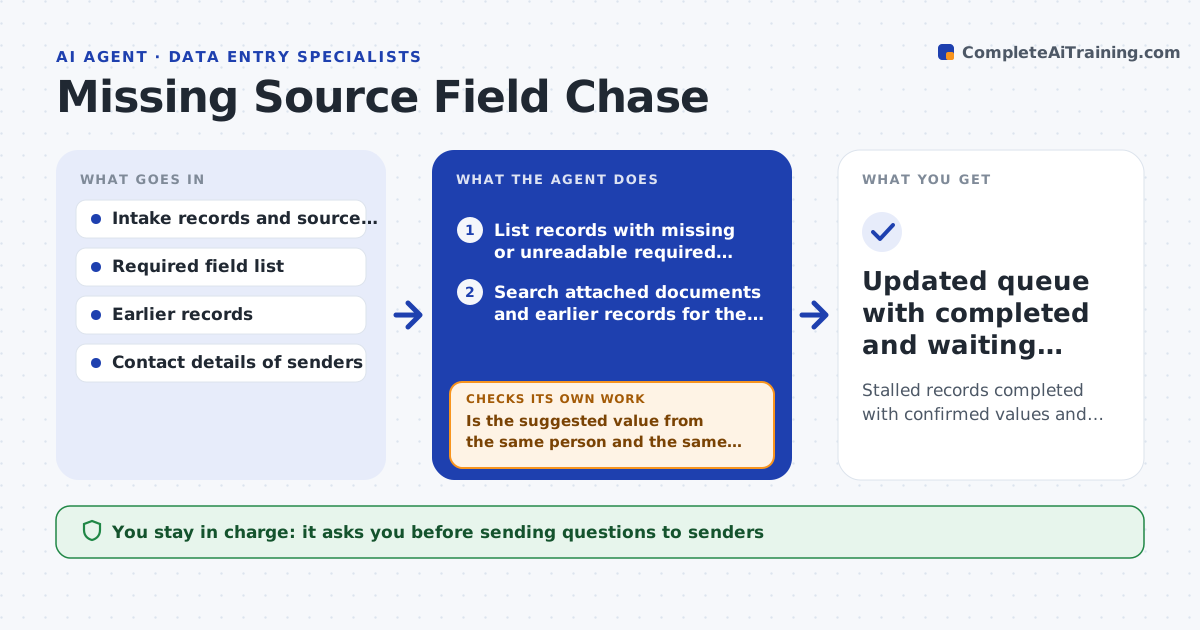
Stalled records completed with confirmed values and the right questions sent for the rest
What it does
A form comes in with the date of birth smudged or the policy number missing, and the record sits in the queue for days. This agent lists every record that has a missing or unclear required field. For each one, it tries to find the value elsewhere, such as in an attached document, an earlier record for the same person or a related email. When it finds a likely value, it marks it as a suggestion with its source, never as confirmed. For fields it cannot find, it drafts a short question to the sender that names the record and the exact field. After a reply arrives, it checks the new value against the field's format and rules, and if it fails it asks again. The specialist approves messages before they go out. Edge case: a suggestion from a different person's file is rejected.
How it works
Follow the arrows from top to bottom. The orange dashed arrow is the loop: when a check fails, the agent goes back and tries again.
Read the steps as a list
- Daily intake batch loaded
- List records with missing or unreadable required fields
- Search attached documents and earlier records for the value
- Is the suggested value from the same person and the same context?If not: discard the suggestion and treat the field as missing. Back to step 3.
- Draft a question to the sender for each field still missing
- Specialist approves the messagesThe agent waits here for your OK.
- Send messages and track replies
- Enter the reply into a draft of the record
- Does the value pass the format and range rules?If not: ask the sender again with an example of the expected format. Back to step 4.
- Mark the record ready for entry
- Updated queue with completed and waiting records
How it decides
A value found elsewhere is only a suggestion until a second source or the sender confirms it. Format rules decide whether a reply is accepted.
- Never fill a field from another person's file
- Ask once, remind after 3 working days, escalate after 7
- Treat a value from only one weak source as a suggestion
- Hold records missing identity fields until confirmed
Make it yours
Every agent is a starting point. You choose these settings for your own situation.
- Required fields per form type
- Reminder days (default 3 and 7)
- Tone of the messages
- Formats and ranges each field must meet
What keeps you in control
It always asks you first
- Sending questions to senders
Hard limits
- Never enters a guessed value as confirmed
- Never contacts a sender without approval
It stops when
- Done: every record is complete or has an open question
- Stop: the source document is lost and the sender is unreachable
Set it up
We guide you through the set-up, step by step
Members get the full set-up guide for this agent. No technical skills needed: you copy, paste and upload.
- One set of instructions to paste into your AI, with the clicks for ChatGPT, Claude, Microsoft 365 Copilot, Gemini and Grok
- The agent then walks you through connecting your own data, one source at a time
- A downloadable copy with the flow chart, the rules and the full guide