AI agent for volunteer coordinators
New Volunteer Training Completion Agent
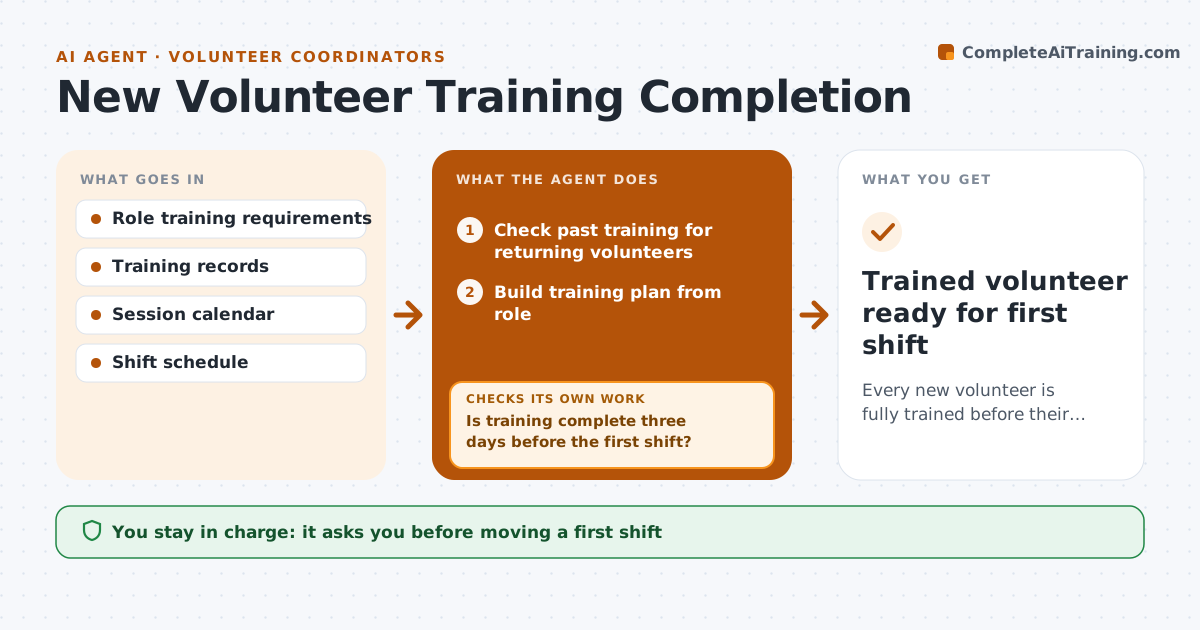
Every new volunteer is fully trained before their first shift
What it does
New volunteers need orientation and role training before their first shift, but some start without it and others drop out waiting. This agent builds each new volunteer's training plan from their role and checks past training dates, since a returning volunteer may only need a refresher. It sends links and session dates and tracks completion. Three days before the first shift it checks that every required module is done. If not, it sends a reminder and offers another session, and if training is still missing it proposes moving the first shift. After training it sends a short survey and summarizes feedback each month. The coordinator approves any shift move.
How it works
Follow the arrows from top to bottom. The orange dashed arrow is the loop: when a check fails, the agent goes back and tries again.
Read the steps as a list
- New volunteer accepted
- Check past training for returning volunteers
- Build training plan from role
- Send links and session dates
- Track completion
- Is training complete three days before the first shift?If not: send a reminder with another session, then propose moving the shift. Back to step 5.
- Coordinator approves any shift moveThe agent waits here for your OK.
- Send post-training survey
- Trained volunteer ready for first shift
How it decides
It requires every module listed for the role and reuses past training that is still within its valid period.
- Past training counts if still valid
- No first shift without required modules
- Feedback summarized monthly
Make it yours
Every agent is a starting point. You choose these settings for your own situation.
- Modules per role
- Days before first shift to check
- Reminder wording
- Refresher rules
What keeps you in control
It always asks you first
- Moving a first shift
Hard limits
- Never marks training complete
It stops when
- Done: training complete
- Stop: volunteer withdraws
Set it up
We guide you through the set-up, step by step
Members get the full set-up guide for this agent. No technical skills needed: you copy, paste and upload.
- One set of instructions to paste into your AI, with the clicks for ChatGPT, Claude, Microsoft 365 Copilot, Gemini and Grok
- The agent then walks you through connecting your own data, one source at a time
- A downloadable copy with the flow chart, the rules and the full guide