AI agent for ctos
Open Source Dependency and License Risk Agent
A dependency list with no license conflicts and a plan for risky or abandoned packages.
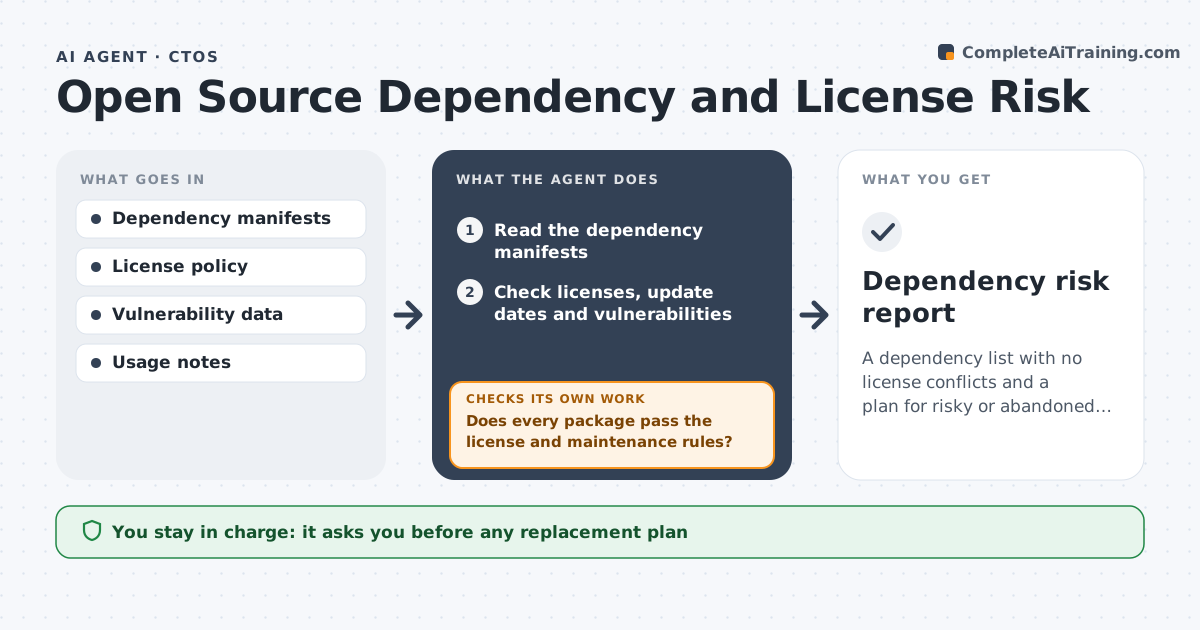
What it does
A dependency you rely on changes its license, or its last update was three years ago, and you find out from a customer's legal team. This agent reads your dependency list, checks licenses against your policy and flags unmaintained or vulnerable packages. It proposes replacements and, after changes, rechecks the list. It prioritizes by how deeply a package is used. It scores each risk by how widely the package is used in your code, so a small issue in a core library ranks above a large one in a rarely used tool. After any replacement, it scans again to confirm the problem is gone and nothing new was introduced. Edge case: a package is fine but a sub-dependency has a conflicting license, so the agent flags the chain. The CTO approves any replacement plan.
How it works
Follow the arrows from top to bottom. The orange dashed arrow is the loop: when a check fails, the agent goes back and tries again.
Read the steps as a list
- Monthly dependency review
- Read the dependency manifests
- Check licenses, update dates and vulnerabilities
- Does every package pass the license and maintenance rules?If not: list failures with the reason. Back to step 2.
- Rank risks by how widely each package is used
- Propose replacements and the effort needed
- Re-scan the list after changes
- Are all high-risk items fixed or accepted?If not: escalate the remaining items. Back to step 5.
- CTO approves the replacement planThe agent waits here for your OK.
- Dependency risk report
How it decides
It flags any license that conflicts with the policy and any package with no updates in 24 months or a known serious vulnerability.
- Flag licenses that conflict with the policy.
- Flag packages with no release in 24 months.
- High-severity vulnerabilities are urgent.
- Check indirect dependencies too.
Make it yours
Every agent is a starting point. You choose these settings for your own situation.
- License policy
- Maintenance cutoff (default 24 months)
- Severity levels
- Scan frequency
- Reporting format
What keeps you in control
It always asks you first
- Any replacement plan
- Any exception to the license policy
Hard limits
- Do not change code or manifests.
- Do not accept a license risk on its own.
It stops when
- Done: all high risks resolved or accepted
- Stop: manifests cannot be read, so the agent asks for access
Set it up
We guide you through the set-up, step by step
Members get the full set-up guide for this agent. No technical skills needed: you copy, paste and upload.
- One set of instructions to paste into your AI, with the clicks for ChatGPT, Claude, Microsoft 365 Copilot, Gemini and Grok
- The agent then walks you through connecting your own data, one source at a time
- A downloadable copy with the flow chart, the rules and the full guide