AI agent for surgeons
OR Case Booking Agent
Every case has its equipment ready
What it does
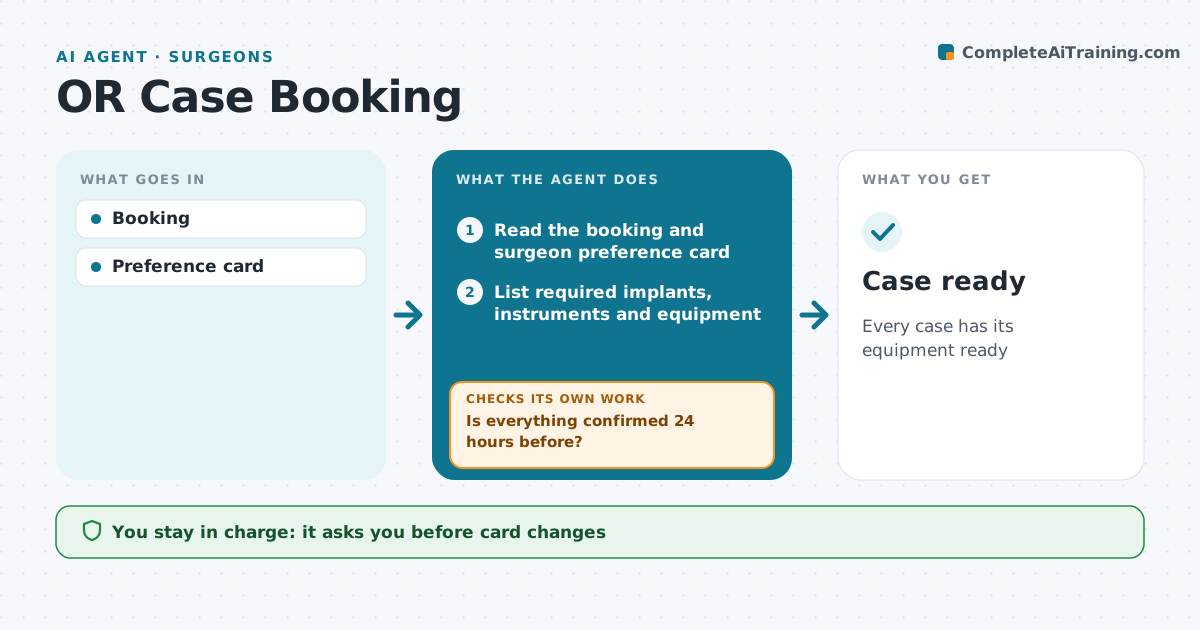
Booked surgical cases need the right implants, instruments, special equipment and sometimes extra staff, and a missing tray can delay or cancel a case. This agent reads each booking and the surgeon's preference card and lists every required item. It checks with supply, sterile processing and vendors that each item is confirmed for the date. It tracks vendor loaner sets so they arrive in time to be processed. It chases gaps, and the day before surgery it checks again. If an item is still not confirmed 24 hours out, it contacts backup vendors or loaner sources and alerts the surgeon with options. Changes to preference cards need the surgeon's approval. Edge case: a card not updated in over a year, or one that conflicts with the booked procedure, is sent to the surgeon to confirm first.
How it works
Follow the arrows from top to bottom. The orange dashed arrow is the loop: when a check fails, the agent goes back and tries again.
Read the steps as a list
- Case booked
- Read the booking and surgeon preference card
- List required implants, instruments and equipment
- Confirm items with supply and vendors
- Is everything confirmed 24 hours before?If not: contact backup vendors or loaner sets and list options. Back to step 4.
- Draft changes to the case plan
- Surgeon confirms changesThe agent waits here for your OK.
- Case ready
How it decides
Required items confirmed by date.
- Loaners 48 hours before
- Preference card current
- Gaps escalate
Make it yours
Every agent is a starting point. You choose these settings for your own situation.
- Lead time
- Vendors
- Card
- Reminder
What keeps you in control
It always asks you first
- Card changes
Hard limits
- No orders without approval
It stops when
- Done: ready
- Stop: case moved
Set it up
We guide you through the set-up, step by step
Members get the full set-up guide for this agent. No technical skills needed: you copy, paste and upload.
- One set of instructions to paste into your AI, with the clicks for ChatGPT, Claude, Microsoft 365 Copilot, Gemini and Grok
- The agent then walks you through connecting your own data, one source at a time
- A downloadable copy with the flow chart, the rules and the full guide