AI agent for penetration testers
Out-of-Scope Asset Alert Agent
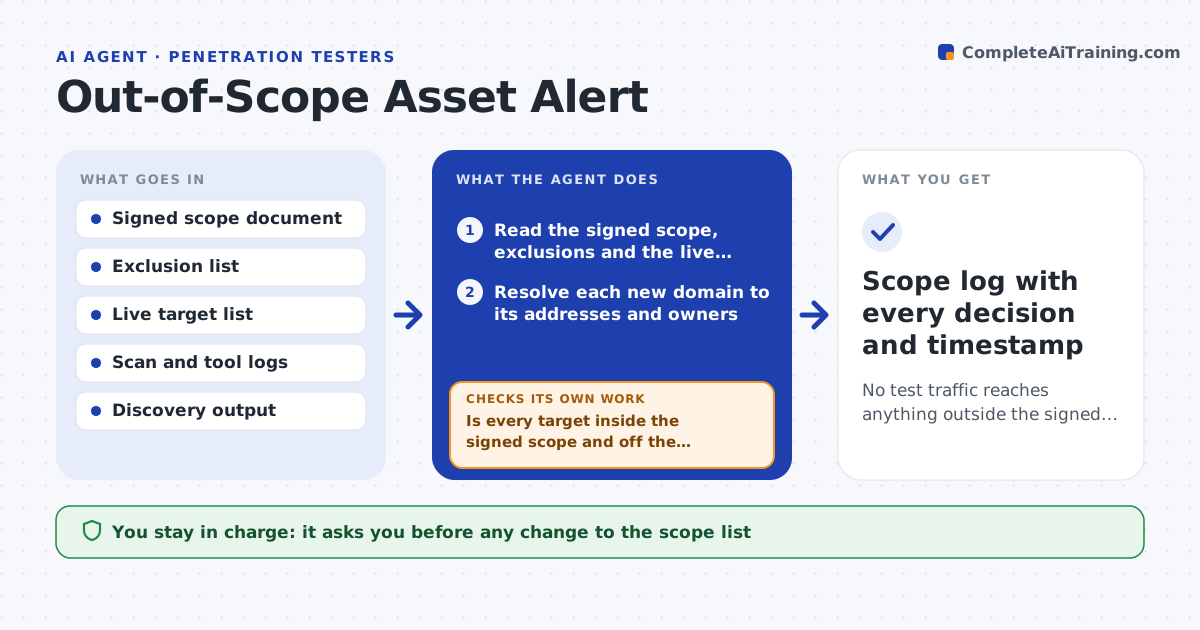
No test traffic reaches anything outside the signed scope, and every doubtful asset has a written decision
What it does
On a live engagement, tools keep finding new hosts, and one wrong scan can hit a system the client never approved. This agent keeps the signed scope document open next to the live target list and the scan logs. Every few minutes it reads new discoveries and new scan targets, resolves domains to addresses, and compares each one with the in-scope ranges and the exclusions list. If something falls outside, it flags it and pauses the queued tasks that touch it. It then checks the scan logs to confirm nothing was sent to that address after the flag. If a packet did go out, it records the time and the tool. It drafts a short scope question to the client and waits. Only the lead can change scope. Edge case: a cloud load balancer moves to a new IP owned by the same provider, so the agent asks for written confirmation rather than assuming it is in scope.
How it works
Follow the arrows from top to bottom. The orange dashed arrow is the loop: when a check fails, the agent goes back and tries again.
Read the steps as a list
- Engagement is active and a scan or discovery produces new targets
- Read the signed scope, exclusions and the live target list
- Resolve each new domain to its addresses and owners
- Is every target inside the signed scope and off the exclusion list?If not: flag the asset, pause queued tasks that touch it and log the time. Back to step 3.
- Search scan logs for traffic sent to the flagged asset after discovery
- Did any test traffic reach the out-of-scope asset?If not: record the tool, time and payload and mark it as an incident for the lead. Back to step 5.
- Draft a scope question to the client with the asset, how it was found and why it is doubtful
- Lead approves any scope change or sends the client noteThe agent waits here for your OK.
- Update the target list and resume only the approved tasks
- Scope log with every decision and timestamp
How it decides
An asset is in scope only if it matches a listed range or domain and is not on the exclusion list. Anything unclear is treated as out of scope until the lead decides.
- Treat a new IP on a listed provider as out of scope until the client confirms in writing
- Pause every queued task for an asset the moment it is flagged
- Never remove an exclusion entry without the lead's approval
- Escalate at once if traffic reached an excluded system
Make it yours
Every agent is a starting point. You choose these settings for your own situation.
- How often it checks (default every 5 minutes)
- Which tools' logs it reads
- Who receives incident alerts
- Whether it pauses tasks automatically (default yes)
What keeps you in control
It always asks you first
- Any change to the scope list
- Sending the scope question to the client
- Resuming paused tasks
Hard limits
- Never expands scope on its own
- Never deletes or edits the signed scope document
It stops when
- Done: all targets match the scope or have a written decision
- Stop: traffic reached an excluded system, lead decides next steps
Set it up
We guide you through the set-up, step by step
Members get the full set-up guide for this agent. No technical skills needed: you copy, paste and upload.
- One set of instructions to paste into your AI, with the clicks for ChatGPT, Claude, Microsoft 365 Copilot, Gemini and Grok
- The agent then walks you through connecting your own data, one source at a time
- A downloadable copy with the flow chart, the rules and the full guide