AI agent for operation managers
Peak Season Labor Plan Agent
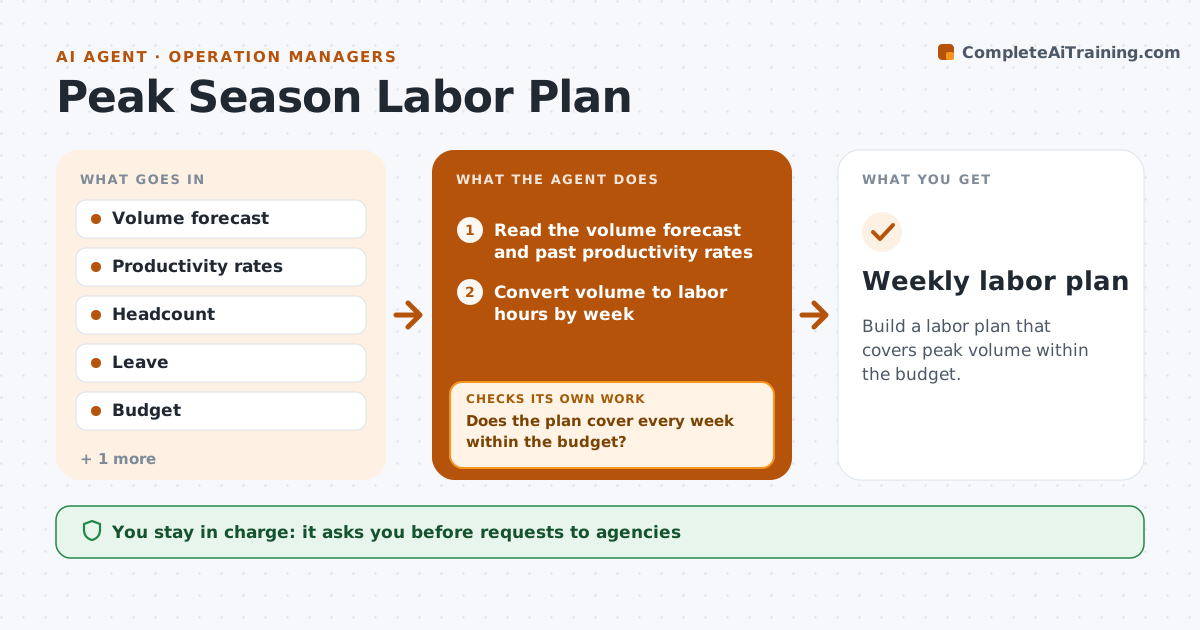
Build a labor plan that covers peak volume within the budget.
What it does
Every peak season, the team guesses at how many temps to hire, then pays overtime when the guess is wrong. This agent takes the volume forecast, converts it to labor hours using past rates, and compares it with current headcount and leave. It proposes a plan with temps, overtime and cross-training, and checks the plan against budget. When the cost goes over the limit, it rebuilds it. The manager approves requests to staffing agencies. Edge case: a week with a promotion spike that has no history gets a higher safety buffer. The agent updates the plan weekly as the forecast changes.
How it works
Follow the arrows from top to bottom. The orange dashed arrow is the loop: when a check fails, the agent goes back and tries again.
Read the steps as a list
- Peak planning starts 8 weeks out
- Read the volume forecast and past productivity rates
- Convert volume to labor hours by week
- Compare with current headcount and leave
- Fill the gap with cross-training, overtime and temps
- Does the plan cover every week within the budget?If not: Rebuild with more temps or less overtime or flag a budget gap. Back to step 5.
- Manager approves agency requestsThe agent waits here for your OK.
- Track hires and the weekly forecast
- Did the forecast or hiring change enough to open a gap?If not: Update the plan and the requests. Back to step 3.
- Weekly labor plan
How it decides
Converts volume to hours, fills the gap in order of cost: cross-training, overtime up to a cap, then temps, and rebuilds if the budget is exceeded.
- Overtime capped at 10% of hours per person
- Temps cost more than overtime above the cap
- Promotion weeks get a 10% buffer
- Plan updated weekly
Make it yours
Every agent is a starting point. You choose these settings for your own situation.
- Overtime cap (default 10%)
- Buffer for promotions (default 10%)
- Budget limit
- Agencies
- Planning start (default 8 weeks)
What keeps you in control
It always asks you first
- Requests to agencies
- Overtime approval
- Any budget change
Hard limits
- Never contact an agency without approval
- Never exceed the overtime cap
It stops when
- Done: peak covered and within budget
- Stop: forecast cancelled
- Stop: budget not approved
Set it up
We guide you through the set-up, step by step
Members get the full set-up guide for this agent. No technical skills needed: you copy, paste and upload.
- One set of instructions to paste into your AI, with the clicks for ChatGPT, Claude, Microsoft 365 Copilot, Gemini and Grok
- The agent then walks you through connecting your own data, one source at a time
- A downloadable copy with the flow chart, the rules and the full guide